Kindle Paperwhite 2024 vs Samsung Galaxy Tab S9: The Ultimate Reading Device Showdown
The digital reading world divides between dedicated e-readers and multipurpose tablets. The Kindle Paperwhite 2024 represents the pinnacle of focused e-reading technology, while the Samsung Galaxy Tab S9 offers premium reading capabilities within a full-featured tablet.
After extensive testing and analyzing 1,800+ reader reviews, we’re answering the fundamental question: should your next reading device be specialized or versatile?
Quick Verdict
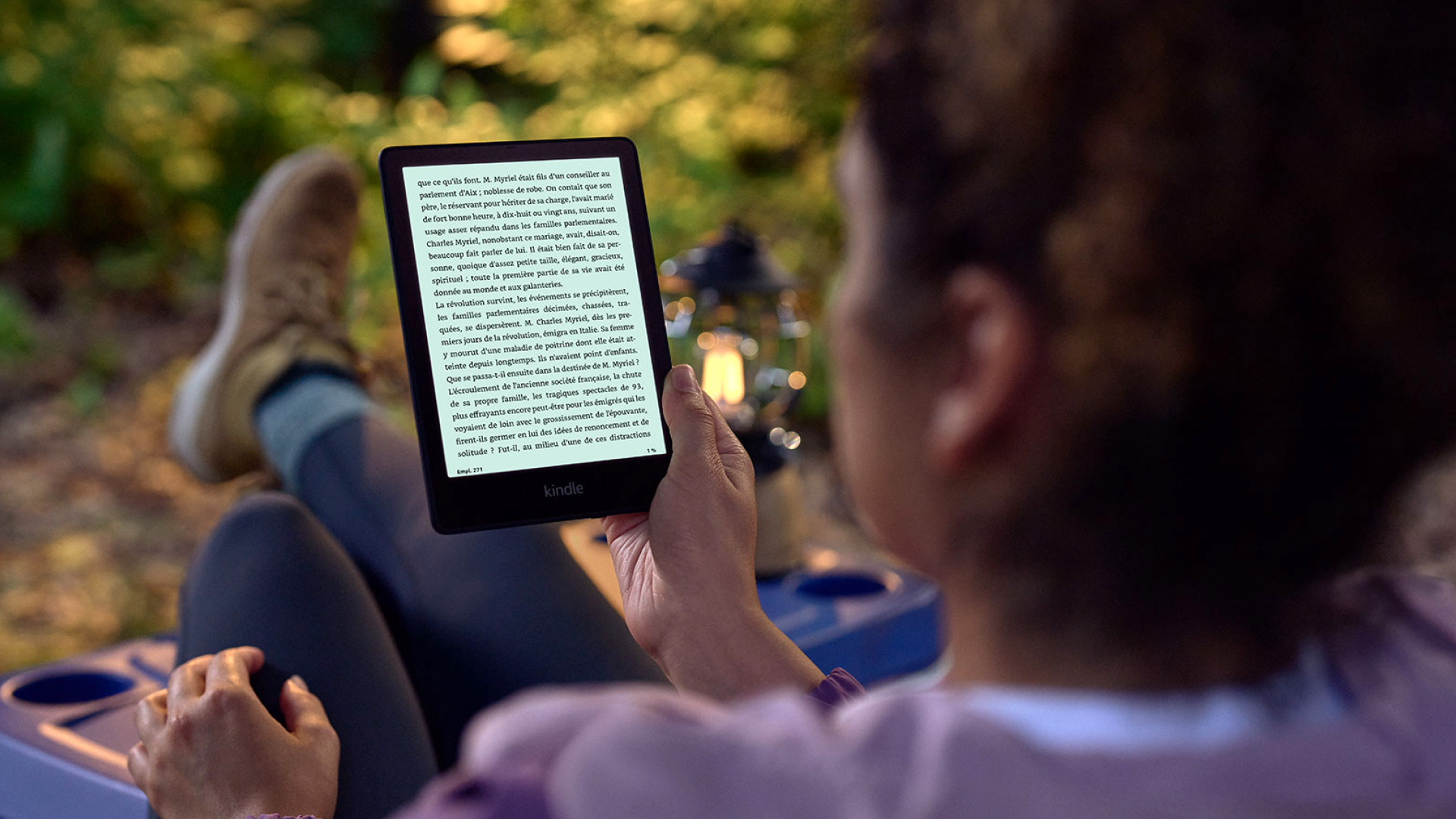
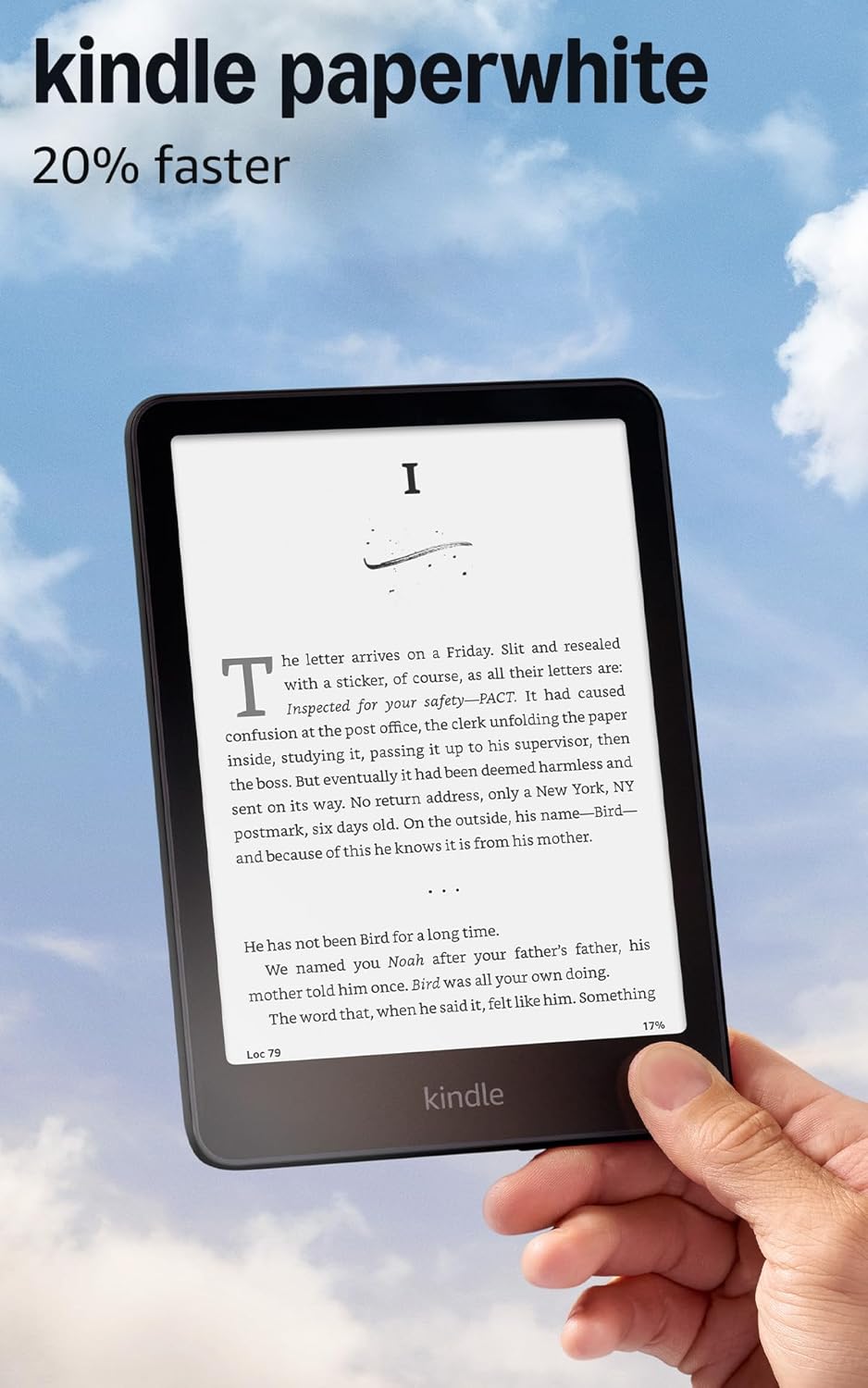
Buy Kindle Paperwhite 2024 if: You’re a serious reader who prioritizes eye comfort, battery life, and distraction-free reading. It’s the perfect device for book lovers.
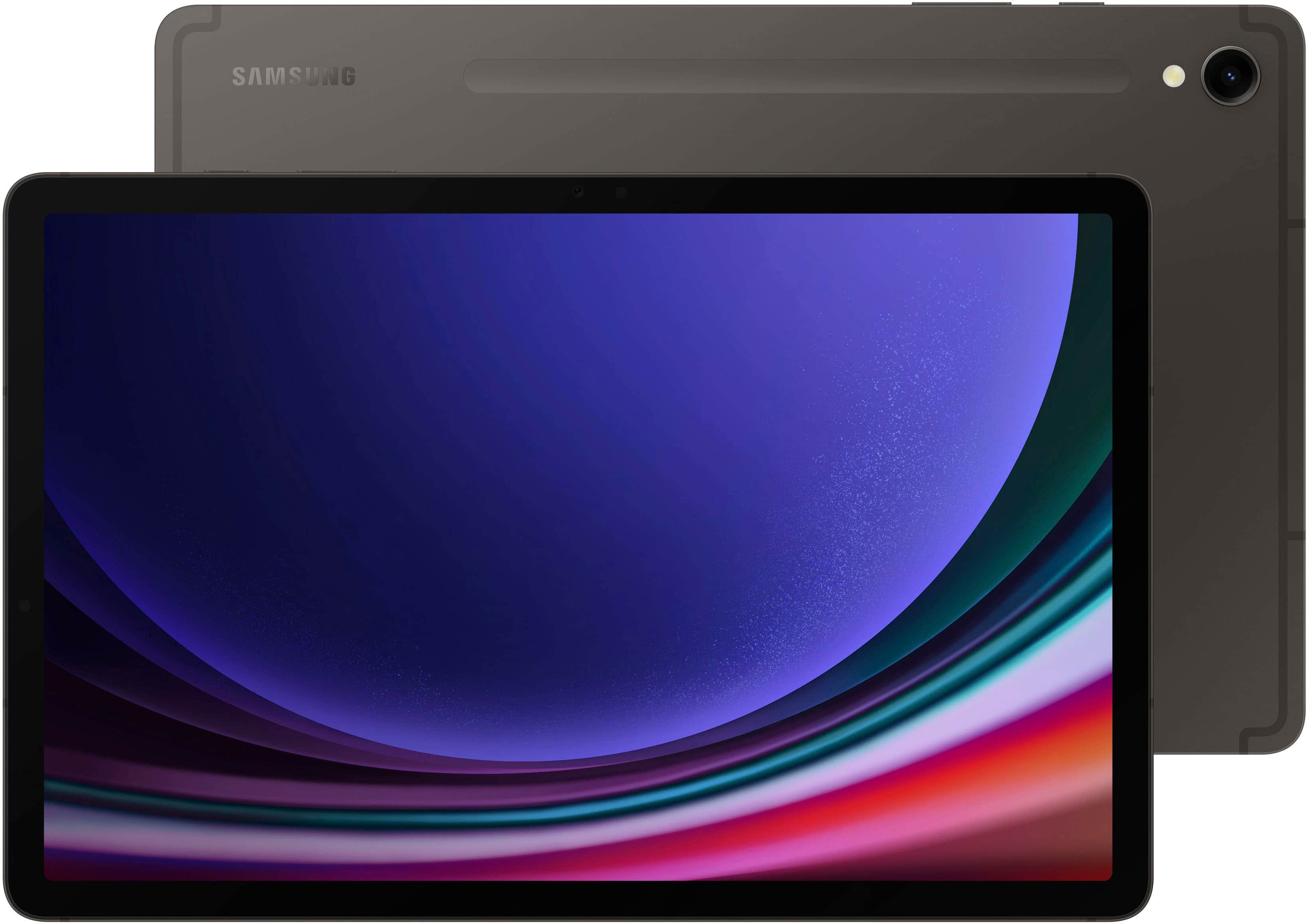
Buy Samsung Galaxy Tab S9 if: You want one device for reading, productivity, and entertainment, don’t mind occasional distractions, and prefer color content and magazines.
Specs Comparison
| Feature | Kindle Paperwhite 2024 | Samsung Galaxy Tab S9 |
|---|---|---|
| Price | $149-189 | $799 |
| Display | 6.8" E Ink Carta 1300 | 11" Dynamic AMOLED 2X |
| Resolution | 300 PPI | 276 PPI |
| Weight | 7.23 oz (205g) | 1.1 lbs (498g) |
| Battery Life | Weeks | 10+ hours |
| Storage | 16GB | 128GB+ |
| Waterproof | IPX8 | No |
| Eye Strain | Minimal | Moderate to high |
| Distractions | None | Many |
Reading Experience: E Ink vs AMOLED
Display Technology for Reading This represents the fundamental difference in reading philosophy between these devices.
Kindle’s E Ink advantages:
- Paper-like appearance with no glare
- No eye strain during long reading sessions
- Excellent readability in direct sunlight
- Text appears crisp and clear at any size
- No blue light emission for better sleep
Galaxy Tab’s AMOLED trade-offs:
- Vibrant colors excellent for magazines and comics
- Crisp text rendering with good clarity
- Backlit screen causes eye fatigue over time
- Difficult to read in bright sunlight
- Blue light emission can affect sleep patterns
Reader surveys consistently show e-readers cause significantly less eye strain during extended reading sessions.
Winner: Kindle Paperwhite 2024 (for pure reading)
Battery Life: No Contest
Power Endurance The battery life difference is dramatic and affects daily usage patterns.
Kindle’s incredible endurance:
- Weeks of reading on a single charge
- Months with light usage patterns
- Never worry about charging during travel
- Reading habits unaffected by battery anxiety
- Rapid charging when needed
Galaxy Tab’s daily charging:
- 6-10 hours of reading depending on brightness
- Requires daily charging with regular use
- Battery management becomes part of reading routine
- Travel requires bringing chargers
- Power-intensive features drain battery faster
Winner: Kindle Paperwhite 2024
Content Ecosystem: Different Strengths
Available Reading Material Both devices access vast content libraries but with different focuses.
Kindle ecosystem advantages:
- Seamless integration with Amazon’s massive book library
- Competitive pricing on ebooks
- Whispersync across all devices
- Kindle Unlimited subscription access
- Better selection of text-based books
Galaxy Tab content flexibility:
- Access to multiple bookstores (Kindle, Google Play, etc.)
- Excellent for magazines, comics, and graphic novels
- PDF and document reading with better formatting
- Web browsers for online articles and research
- More content format flexibility
Winner: Kindle (for books), Galaxy Tab (for varied content)
Portability & Convenience: Kindle’s Focus
Daily Carry Considerations Size and weight significantly impact reading habits and portability.
Kindle’s portability wins:
- Fits easily in purse, jacket pocket, or small bag
- Lightweight for one-handed reading
- Durable design handles daily carrying
- IPX8 waterproofing for poolside/bath reading
- No worry about drops or damage
Galaxy Tab’s size constraints:
- Requires dedicated bag space or large purse
- Two-handed operation for extended reading
- More fragile and expensive to replace
- No waterproofing limits reading locations
- Better for stationary reading scenarios
Winner: Kindle Paperwhite 2024
Reading Features: Specialized vs General
Reading-Specific Functionality Dedicated e-readers offer features optimized specifically for reading.
Kindle’s reading-focused features:
- Adjustable warm light for evening reading
- Page turn buttons for ergonomic navigation
- Distraction-free environment promotes focus
- Reading statistics and progress tracking
- Long-term reading goal management
- Vocabulary builder for language learning
Galaxy Tab’s general features:
- Note-taking and highlighting with S Pen
- Split-screen reading with research capabilities
- Better annotation and markup tools
- More formatting options for documents
- Multitasking during reading (pros and cons)
Winner: Kindle (reading focus), Galaxy Tab (versatility)
Multimedia Reading: Galaxy Tab’s Domain
Enhanced Content Experience Modern reading includes more than just text, and tablets excel with multimedia content.
Galaxy Tab multimedia advantages:
- Excellent for magazines, comics, and graphic novels
- Color illustrations and photography reproduction
- Interactive content and enhanced ebooks
- Audiobook playback with visual elements
- Educational content with videos and animations
Kindle’s text focus:
- Black and white display limits visual content
- Text-based books are the primary strength
- Some graphic novel support but limited
- No video or interactive content capability
- Purely focused on traditional reading
Winner: Samsung Galaxy Tab S9
Distraction Management: Kindle’s Singular Focus
Reading Environment The device environment significantly affects reading concentration and habit formation.
Kindle’s distraction-free experience:
- No notifications, emails, or social media
- Single-purpose device promotes deep reading
- No temptation to switch to entertainment apps
- Better for developing consistent reading habits
- Promotes longer, more focused reading sessions
Galaxy Tab’s distraction challenges:
- Notifications can interrupt reading flow
- Easy access to games, videos, and social media
- Multitasking capabilities can fragment attention
- Requires discipline to maintain reading focus
- Better for readers who enjoy varied content consumption
Winner: Kindle Paperwhite 2024
Value Analysis: Purpose vs Versatility
Cost vs Functionality The price difference reflects different value propositions.
Kindle’s focused value:
- Lower upfront cost ($149-189 vs $799)
- Does one thing exceptionally well
- Longer device lifespan for reading purposes
- Better cost per hour of reading entertainment
- Specialized tool for dedicated readers
Galaxy Tab’s versatility premium:
- Higher cost justified by multiple functions
- Replaces multiple devices (e-reader, tablet, notebook)
- Better for users who need device versatility
- More expensive but more capable overall
- Premium pricing for premium features
Winner: Kindle (reading value), Galaxy Tab (overall versatility)
Eye Health & Sleep Impact
Long-term Reading Health Extended reading sessions reveal important differences in eye comfort and sleep impact.
Kindle’s eye-friendly design:
- E Ink technology causes minimal eye strain
- No blue light emission preserves natural sleep patterns
- Comfortable for multi-hour reading sessions
- Warm light feature for evening reading
- Reduces digital eye fatigue significantly
Galaxy Tab’s screen considerations:
- AMOLED screens can cause eye fatigue over time
- Blue light emission may affect sleep quality
- Brightness adjustments help but don’t eliminate issues
- Better for shorter reading sessions
- May require blue light filters for evening use
Winner: Kindle Paperwhite 2024
The Bottom Line
This comparison reveals two excellent devices optimized for different reading philosophies. The Kindle Paperwhite 2024 excels as a dedicated reading device with unmatched battery life, eye comfort, and focus. The Samsung Galaxy Tab S9 provides superior versatility, multimedia capabilities, and productivity features.
Choose Kindle Paperwhite 2024 if:
- Reading is your primary digital activity
- You want the most comfortable long-term reading experience
- Battery life and portability are priorities
- You prefer distraction-free reading environments
- Eye comfort during extended sessions matters
- You read primarily text-based books
- Value-focused reading is your goal
Choose Samsung Galaxy Tab S9 if:
- You want one device for multiple purposes
- Color content (magazines, comics) is important
- Note-taking and annotation features are priorities
- You enjoy multimedia and interactive content
- Productivity features alongside reading appeal to you
- Premium build quality and materials matter
- You’re willing to pay for versatility
For serious readers who prioritize the reading experience above all else, the Kindle Paperwhite 2024 remains unmatched. For users who want reading capability within a premium, versatile tablet, the Galaxy Tab S9 delivers excellent performance alongside many other features.
Read our detailed individual reviews: Kindle Paperwhite 2024 review and Samsung Galaxy Tab S9 review.
Frequently Asked Questions
Q: Can I read Kindle books on the Galaxy Tab? A: Yes, the Kindle app works excellently on Android tablets, giving you access to your entire Amazon library. However, the reading experience differs due to the AMOLED screen.
Q: Which is better for reading PDFs? A: Galaxy Tab S9 handles PDFs much better with larger screen, zooming capabilities, and annotation features. Kindle can read PDFs but the experience is limited on the smaller screen.
Q: How do they compare for reading in bed? A: Kindle’s warm light and no blue light emission make it better for bedtime reading. The Galaxy Tab’s bright screen can interfere with sleep patterns without proper filters.
Q: Which has better text clarity? A: Both offer excellent text clarity, but Kindle’s 300 PPI E Ink display provides the most paper-like text appearance. Galaxy Tab’s 276 PPI AMOLED is sharp but looks different from printed text.