This post contains affiliate links. We may earn a commission if you purchase through our links, at no extra cost to you.
Working from home went from “pandemic perk” to “the way things are” for a lot of us. And after three years of remote work, I’ve learned something important: your setup matters way more than you think.
Not in a “you need a $3,000 battlestation” way. More in a “your back will hate you if you work from the couch for 6 months” way. We spent my first year of remote work at a kitchen table and ended up at a chiropractor. Don’t be me.
I’ve now set up three home offices — mine, my wife’s, and my brother’s first apartment office. Budgets ranged from $400 to $2,000. Here’s everything I’ve learned about what matters, what doesn’t, and where to spend vs save.
The Desk: Your Foundation
Your desk is the most important purchase. Get this wrong and everything else suffers.
Standing Desks: Worth the Hype
I was skeptical. Then We bought one. Then I realized my back pain disappeared within two weeks of alternating between sitting and standing. Correlation isn’t causation blah blah — I don’t care, my back feels better.
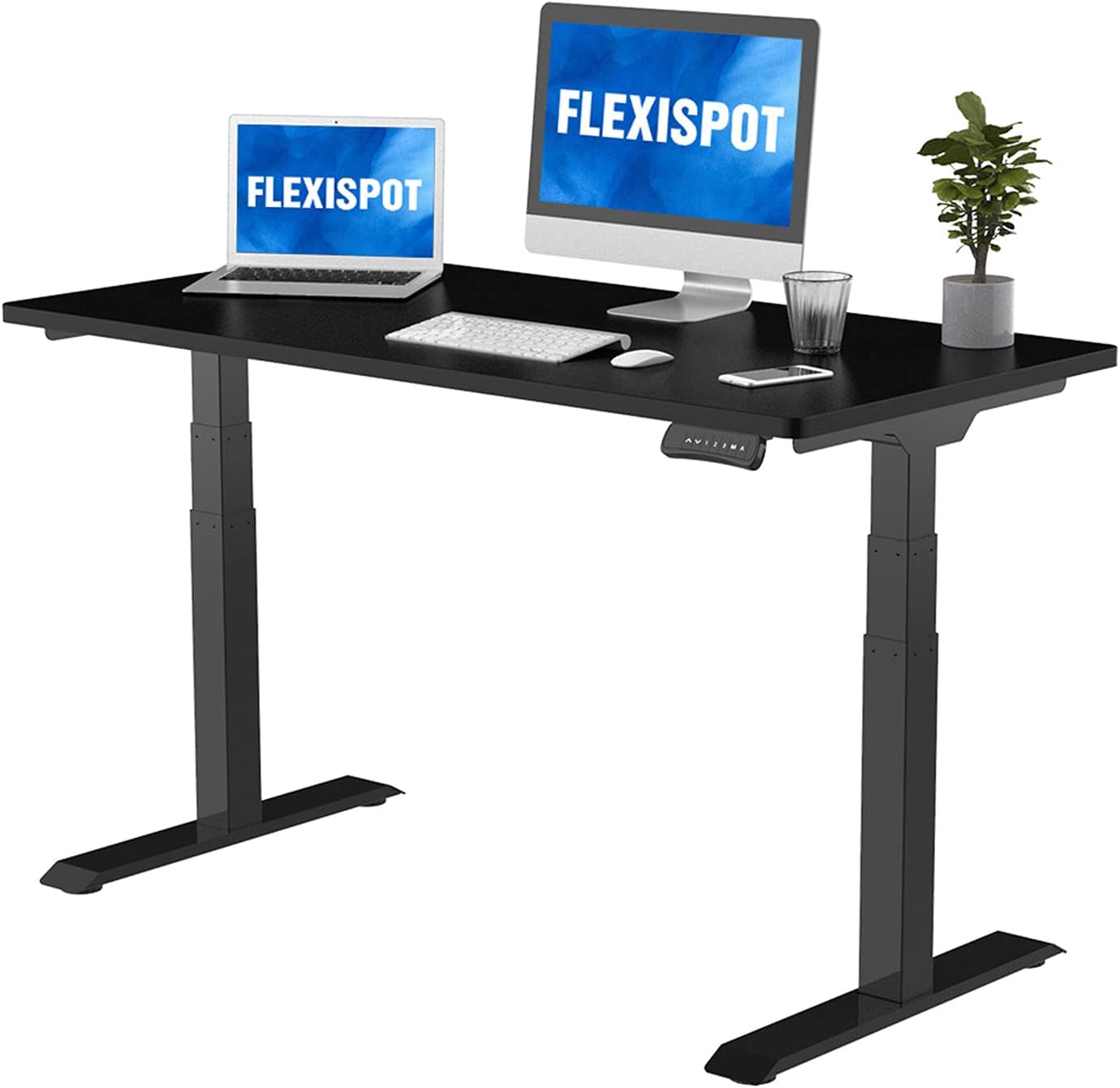
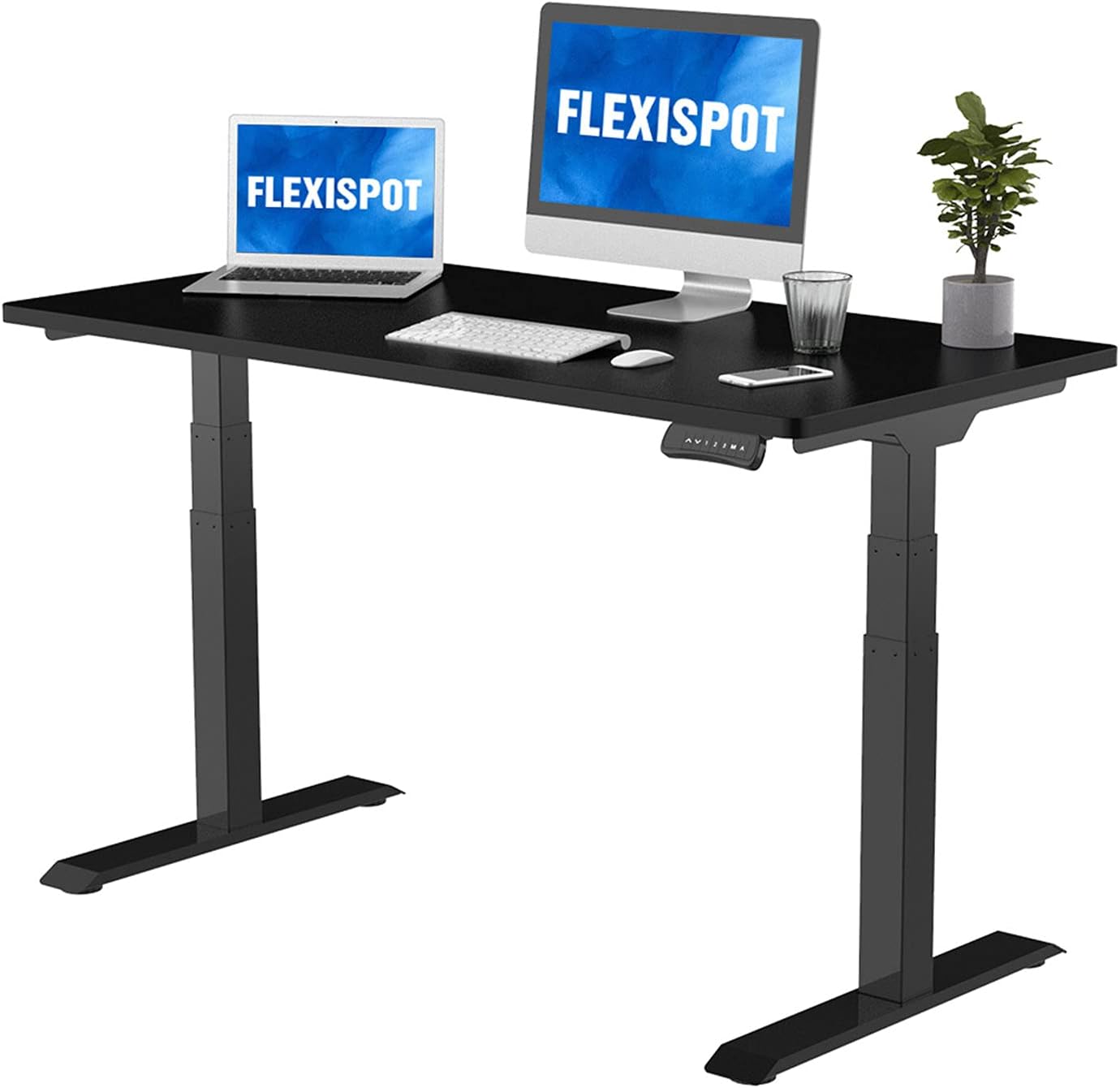
Best Value: FlexiSpot E7 (~$480)
The sweet spot of price, quality, and features. Dual motor, programmable height presets, holds 355 lbs. Our standing desk guide goes deep on why you don’t need to spend $800+ for a great standing desk.
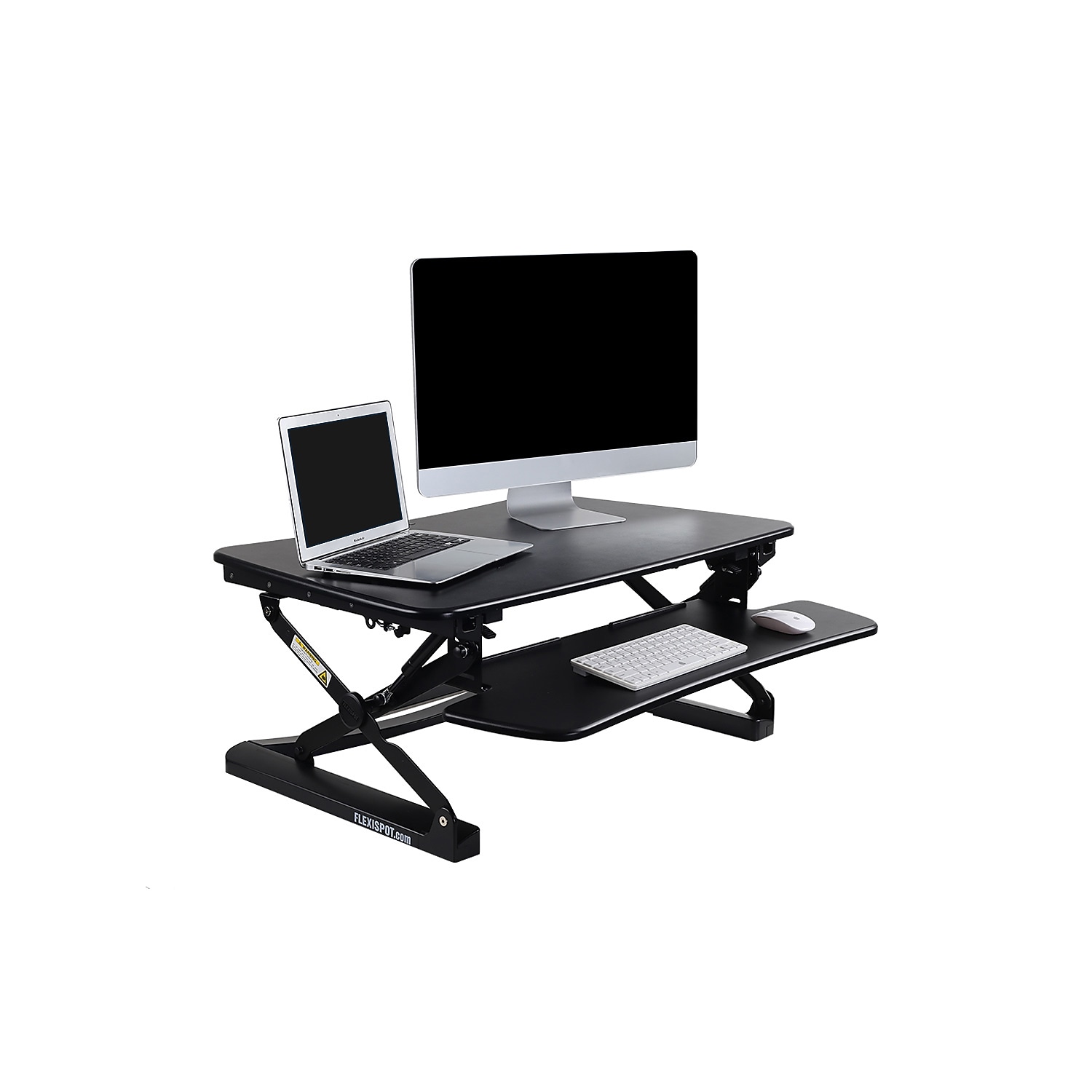
Budget Option: FlexiSpot Standing Desk Converter (~$180)
Don’t want to replace your whole desk? A converter sits on top of your existing desk and lets you go sit-to-stand. Less elegant but way cheaper. Covered it in the FlexiSpot converter review.
The $300 Secret
There’s a category of standing desks around $300 that nobody talks about because they’re not from “name brands.” They use the same motors and frames as the $600 options. I wrote about this phenomenon in our standing desk guide — check the section on what actually differs between price points.
Don’t Buy
Those trendy $100 “desks” from Amazon that are basically folding tables with RGB lighting. They wobble, the surface peels, and you’ll replace it within a year.
The Chair: Where You Actually Spend Your Money
If you sit 8 hours a day, your chair is a medical device. Treat it that way.
The Honest Truth About Office Chairs
The best office chairs (Herman Miller Aeron, Steelcase Leap) cost $1,000+. They’re worth it if you can afford them — the lumbar support, the adjustability, the 12-year warranty. But not everyone can drop a grand on a chair.
The Smart Move: Used Herman Miller
Seriously. Companies go out of business or downsize constantly. Lightly used Aerons show up on Facebook Marketplace and Craigslist for $300-500. Same chair, same warranty (it transfers to new owners), fraction of the price. Check local office furniture liquidators too.
Budget: Spend $250-400
Below $250, chairs generally lack proper lumbar support and adjustable armrests. The $250-400 range from brands like HON, Autonomous, or Sihoo gets you the essential ergonomic features without the premium tax.
The Computer
Laptops
What you need depends entirely on what you do.
Coding/Development: Check our best laptops for coding guide. TL;DR: MacBook Pro M4 for most developers, ThinkPad T14s for Linux users, Dell XPS for Windows fans.
General Office Work: You don’t need much. Any laptop with 16GB RAM and an SSD handles Office, email, Zoom, and Chrome tabs fine. The MacBook Air M3 ($999) is overkill for most office workers and that’s perfectly fine — it’ll last 5+ years without slowing down.
Desktop Alternative: The Mac Mini M4 at $599 is absurd value if you don’t need portability. Pair it with any monitor and you have a desktop that handles everything short of heavy video editing.
Tablets as Second Screens
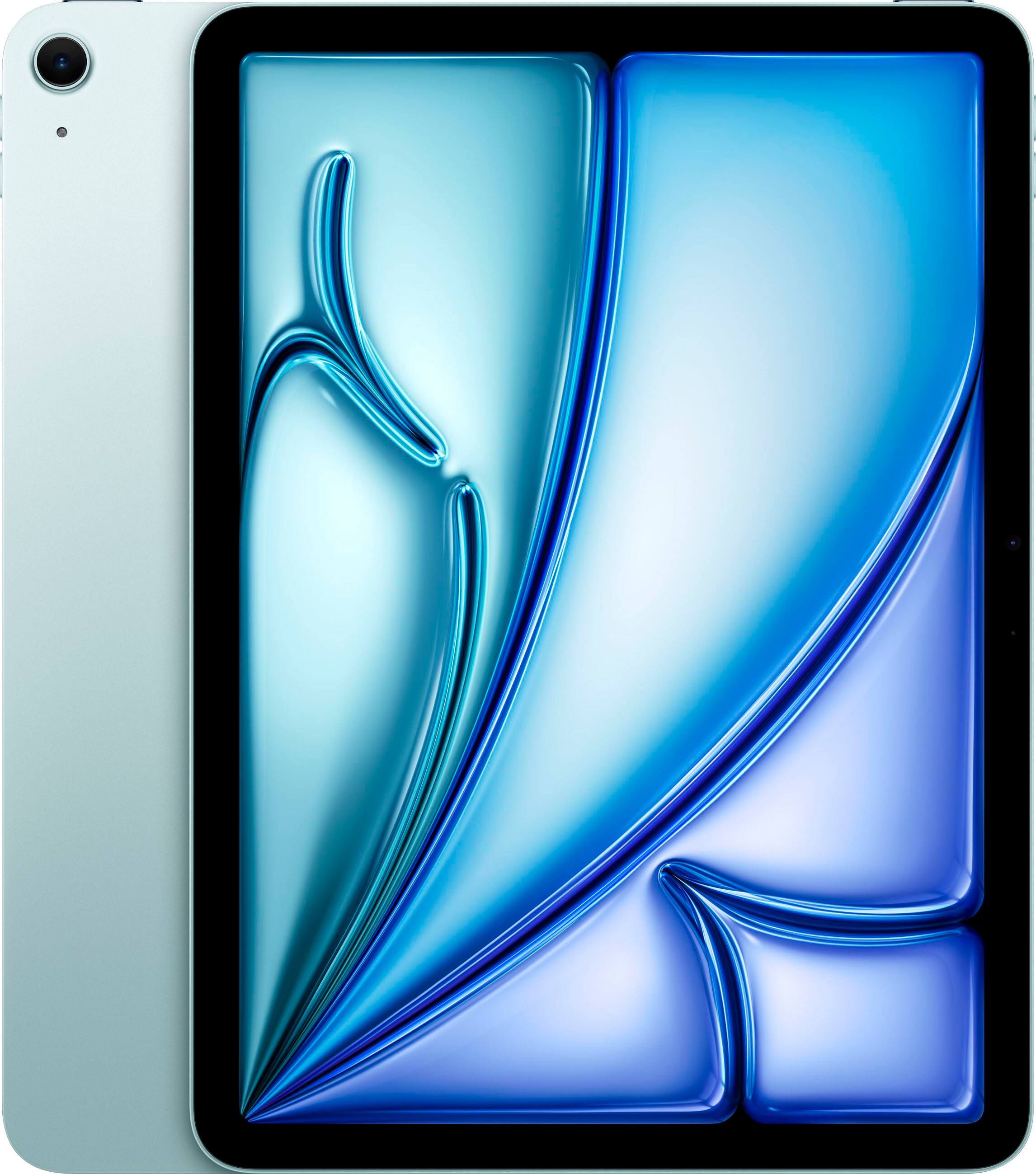
An iPad makes a great secondary display for reference documents, Slack, or video calls. The iPad Air M1 is the sweet spot. College students should check our iPad guide for students — same logic applies to home office use.
The Samsung Galaxy Tab S9 is the Android alternative if you prefer that ecosystem.
Monitors
The Minimum
A 27" 4K monitor. Anything less in 2026 and you’re squinting at text or lacking screen real estate. Good options start around $300 from Dell, LG, or ASUS.
The Sweet Spot
A 34" ultrawide. It replaces dual monitors, eliminates the bezel gap, and gives you enough space for two full-size windows side by side. The Dell S3423DWC and LG 34WN80C are both excellent around $350-450.
Don’t Overspend
Unless you’re doing professional photo/video work, you don’t need an $800+ monitor for office work. Color accuracy beyond sRGB coverage doesn’t matter for spreadsheets and email.
Audio: Microphone & Headphones
Bad audio is the fastest way to look unprofessional on Zoom. Your laptop’s built-in mic sounds like you’re calling from a bathroom. Fix it.
Microphones
Best USB Mic: Blue Yeti (~$100)
The standard for a reason. Multiple pickup patterns, great sound quality, plug-and-play. The Blue Yeti review covers everything you need to know.
Content Creator Level: If you’re doing podcasts, YouTube, or streaming on top of office work, our microphone comparison guide covers the DJI Mic 2, Rode, and Shure options.
Budget: A $30 clip-on lapel mic is better than your laptop’s built-in mic. Seriously. Night and day difference on Zoom.
Headphones
For work-from-home, noise cancelling headphones are essential if you have kids, roommates, pets, or neighbors.
Best Overall: The Sony WH-1000XM5 at ~$298 is the sweet spot of ANC, battery life, and price. Our detailed Sony vs Bose comparison helps if you’re torn.
Earbuds for Calls: The Sony WF-1000XM5 or Bose QC Ultra Earbuds are both excellent for video calls — less conspicuous than over-ears.
Running/Exercise: If you exercise during lunch breaks, check our running earbuds guide for sweat-resistant options.
Budget ANC: The Skullcandy Crusher ANC 2 is surprisingly good for $100-150 less than Sony/Bose.
Lighting
Nobody talks about lighting but it affects your Zoom appearance and your energy levels more than any gadget.
Natural Light First
Position your desk facing a window if possible. Not with the window behind you (backlight on Zoom) but facing or perpendicular to it.
Ring Light / Key Light
For video calls, a simple ring light eliminates shadows and makes you look professional. The Neewer 18" Ring Light is excellent for the price. Content creators should also check our camera guide for full studio setup advice.
Smart Lighting
Philips Hue is worth it for a home office. Set warm light for morning focus, cooler light for afternoon, and dim for late evening. Automation makes this hands-off.
Peripherals & Accessories
Keyboard & Mouse
If you type all day, a good keyboard and mouse are worth $100-200 combined. Mechanical keyboards reduce fatigue and a proper ergonomic mouse prevents RSI. Logitech MX Keys + MX Master 3S is the gold standard combo for office work.
Webcam
Your laptop’s webcam is probably fine for most calls in 2026 — they’ve gotten much better. If you want an upgrade, the Logitech Brio 4K at ~$130 is the standard.
Power
If you travel for work, the Anker 737 power bank replaces carrying multiple chargers. 140W output charges laptops.
Smart Home for the Office
Smart Thermostat
A smart thermostat pays for itself by reducing heating/cooling when you’re not in the office. The Ecobee and Nest both learn your schedule.
Air Quality
If your home office is in a basement or room with poor ventilation, an air purifier helps with focus and allergies. The Levoit Core 300 is excellent for small rooms. Our full air purifier guide covers larger spaces.
Dehumidifier
Basement office? You probably need a dehumidifier. Moisture causes musty smells, mold, and general unpleasantness.
The Fitness & Wellness Corner
Working from home means you don’t walk to meetings, the breakroom, or the parking lot anymore. Your step count will tank.
Fitness Tracker
A Fitbit Charge 6 or Apple Watch nudges you to move. The hourly reminder to stand up is genuinely useful when you’re deep in work.
Massage Gun
If you sit all day, your shoulders and neck will suffer. A massage gun helps. The Theragun Mini fits in a desk drawer and works for quick relief between meetings.
Budget Builds
The $400 Setup
- Used office desk: $50
- Used Herman Miller Aeron: $350 (Facebook Marketplace)
- Existing laptop + monitor
- That’s it. The chair matters most.
The $1,000 Setup
- FlexiSpot standing desk converter: $180
- Quality chair: $350
- 27" 4K monitor: $300
- Blue Yeti mic: $100
- Desk lamp: $30
The $2,000 Setup
- FlexiSpot E7 standing desk: $480
- Herman Miller Aeron (used): $400
- 34" ultrawide monitor: $400
- Sony WH-1000XM5: $298
- Blue Yeti mic: $100
- Neewer Ring Light: $100
- Logitech MX Keys + MX Master 3S: $200
The Rules I Learned the Hard Way
- Spend on the chair. Everything else is negotiable. Your spine is not.
- Separate work from life. If possible, dedicate a room. If not, at least a specific corner. Your brain needs to know when you’re “at work” vs “at home.”
- Cable management matters. Not for aesthetics (okay partly for aesthetics) but because tripping over charging cables during a Zoom call is unprofessional.
- Test before buying. Sit in chairs at Office Depot. Try headphones at Best Buy. Amazon’s return policy is generous but returns are a hassle.
- Buy the chair first. Did I mention the chair?
Final Thoughts
The perfect home office doesn’t exist. But a home office that supports your health, productivity, and sanity? That’s very achievable at almost any budget.
Start with the chair. Add a proper desk. Get decent audio for calls. Everything else is gravy.
And please, for the love of your lumbar spine, stop working from the couch.
Questions about specific products? Check our individual reviews linked throughout this guide, or drop a comment below.