

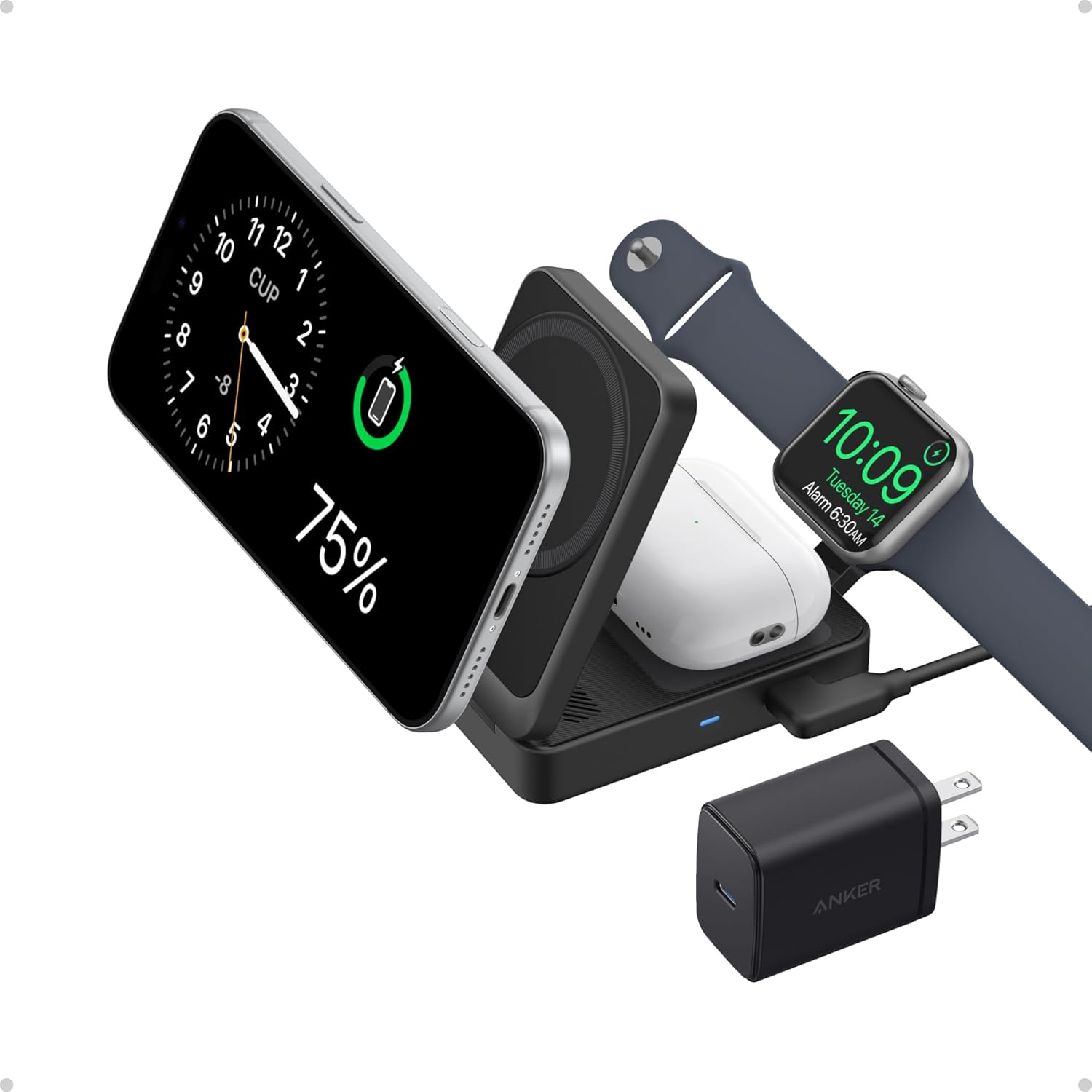
Three weeks ago I had five wireless chargers lined up on my desk, a roll of blue painter’s tape for labeling, and a slightly unhealthy desire to prove something.
What I wanted to prove: that the $14 Anker charger charges my iPhone exactly as fast as the $50 Belkin, and that the primary thing you’re paying for in expensive wireless chargers is branding and aesthetics — not performance.
Mostly I was right. Here’s what I found.
The Test Setup
Five chargers, one iPhone 16, five evenings, same starting battery percentage each time. I started every session at 23% battery and charged for exactly 90 minutes. I noted the ending percentage and how warm the phone got.
The chargers:
- Anker 313 Wireless Pad (~$14) — the budget pick
- Belkin Boost Charge Pro (~$50) — premium brand option
- ESR HaloLock MagSafe (~$28) — mid-range MagSafe stand
- Apple MagSafe Charger (~$39) — the official option
- UGREEN 15W Wireless Pad (~$22) — the “fast” budget option
What the Numbers Actually Showed
After 90 minutes of charging from 23%:
- Anker 313 Pad: reached 76% (+53%)
- Belkin Boost Charge Pro: reached 78% (+55%)
- ESR HaloLock MagSafe: reached 84% (+61%)
- Apple MagSafe Charger: reached 87% (+64%)
- UGREEN 15W Pad: reached 77% (+54%)
The Anker and Belkin are virtually identical. The UGREEN — marketed as 15W — also ended up nearly identical, because iPhones are physically limited to 7.5W on standard Qi regardless of what the charger claims.
The MagSafe chargers (ESR and Apple) pulled ahead — about 10 percentage points in 90 minutes. That’s the 7.5W vs. 15W difference in real numbers.
What This Means For Your Buying Decision
If you don’t care about MagSafe alignment: Buy the Anker 313. It performs identically to chargers costing $30–$50 more. The Belkin branding gets you nothing except a slightly nicer cable.
If you care about magnetic alignment: The ESR HaloLock at $28 gives you MagSafe-speed charging plus the snap-in magnets for $11 less than Apple’s official option. The difference in build quality between ESR and Apple’s official charger is real but minor — the Apple cable is nicer, the puck feels more premium. Whether that’s worth $11 is your call.
If you want my actual pick: I use the Anker 313 on my nightstand because I never touch my phone while it’s charging overnight. I use the ESR HaloLock stand on my desk because I pick it up constantly and the magnetic alignment means I never miss the charging spot.
Two different chargers for two different use cases. That’s the real answer.
The Anker 313: Why It’s the Default Recommendation
The Anker 313 Wireless Charger at $14 delivers 7.5W to iPhones. That’s the maximum speed Apple allows for non-MagSafe wireless charging. The charger comes with a USB-C cable, which almost nothing in this price range does.
It’s a flat pad. You place your phone on it, there’s a soft LED indicator, and it charges. There’s no confusion, no setup, no app, no nothing.
The case compatibility is good — it works through cases up to about 4mm thick, which covers most silicone and plastic cases. Very thick wallet cases may have issues.
One note: Anker also makes a wireless stand version for about $16 more. If you’re on your phone at your desk while charging, the stand is genuinely more convenient because you can glance at your phone without picking it up.
When MagSafe Actually Matters
Here’s when MagSafe is worth paying for and when it isn’t.
MagSafe is worth it:
- You’re using a MagSafe-compatible case (the magnet alignment is satisfying and reliable)
- You charge on a stand while using your phone at a desk
- You pick your phone up and put it down repeatedly during charging sessions
MagSafe is not worth it:
- Phone goes on nightstand when you sleep, stays there until morning
- You just want overnight top-up charging
- You’re using a non-MagSafe case
I know “it depends” is an unsatisfying answer. But wireless chargers are one of the few tech purchases where I can actually tell you what specific scenario justifies the premium.
The ESR HaloLock: Best Mid-Range Pick
If you decide MagSafe makes sense for you, the ESR HaloLock MagSafe Stand at $28 is the smart buy over Apple’s official charger.
It charges at the same 15W MagSafe speed. The stand angle is adjustable. The magnets are strong — same N52 magnets Apple uses, according to ESR’s spec sheet. The cable is USB-C to USB-C instead of USB-C to Lightning, which is better for most modern setups.
The one place it falls short: the build quality is slightly below Apple’s. The materials feel a bit more plasticky. This matters zero for function and slightly for aesthetics.
The Apple MagSafe Charger: Honest Assessment
The official Apple MagSafe Charger at $39 is the best wireless charger for iPhones — but only by a small margin over the ESR at $28.
What you get for the extra $11: better cable quality, premium puck finish, Apple’s warranty, and the psychological comfort of knowing you’re using an official Apple accessory.
What you don’t get: faster charging (identical at 15W), better alignment (the ESR magnets are equally strong), or meaningfully better compatibility.
If you want the best and don’t mind paying for it, Apple. If you want 95% of the experience for 30% less, ESR.
Comparison Table
| Charger | Price | Type | Speed | MagSafe | Best For |
|---|---|---|---|---|---|
| Anker 313 Pad | ~$14 | Flat pad | 7.5W | No | Overnight charging, tight budget |
| UGREEN 15W Pad | ~$22 | Flat pad | 7.5W* | No | Skip — same speed, costs more |
| ESR HaloLock | ~$28 | Stand | 15W | Yes | Best value MagSafe |
| Belkin Boost Charge Pro | ~$50 | Pad | 7.5W | No | Overpaying for brand name |
| Apple MagSafe | ~$39 | Puck | 15W | Yes | Best-in-class, small premium over ESR |
*iPhones are limited to 7.5W on standard Qi regardless of charger wattage rating
The short version: Anker for a pad, ESR for a MagSafe stand. That’s $28 plus $14, both doing their jobs perfectly.