I owe my coworker Sarah an apology. For almost two years she sat through weekly standups staring at my grainy, weirdly dark laptop camera feed and never said a word. Then one day in November she goes “hey, have you ever thought about getting an external webcam? The lighting on your end is kinda…” and trailed off.
She was being nice. I looked terrible on camera.
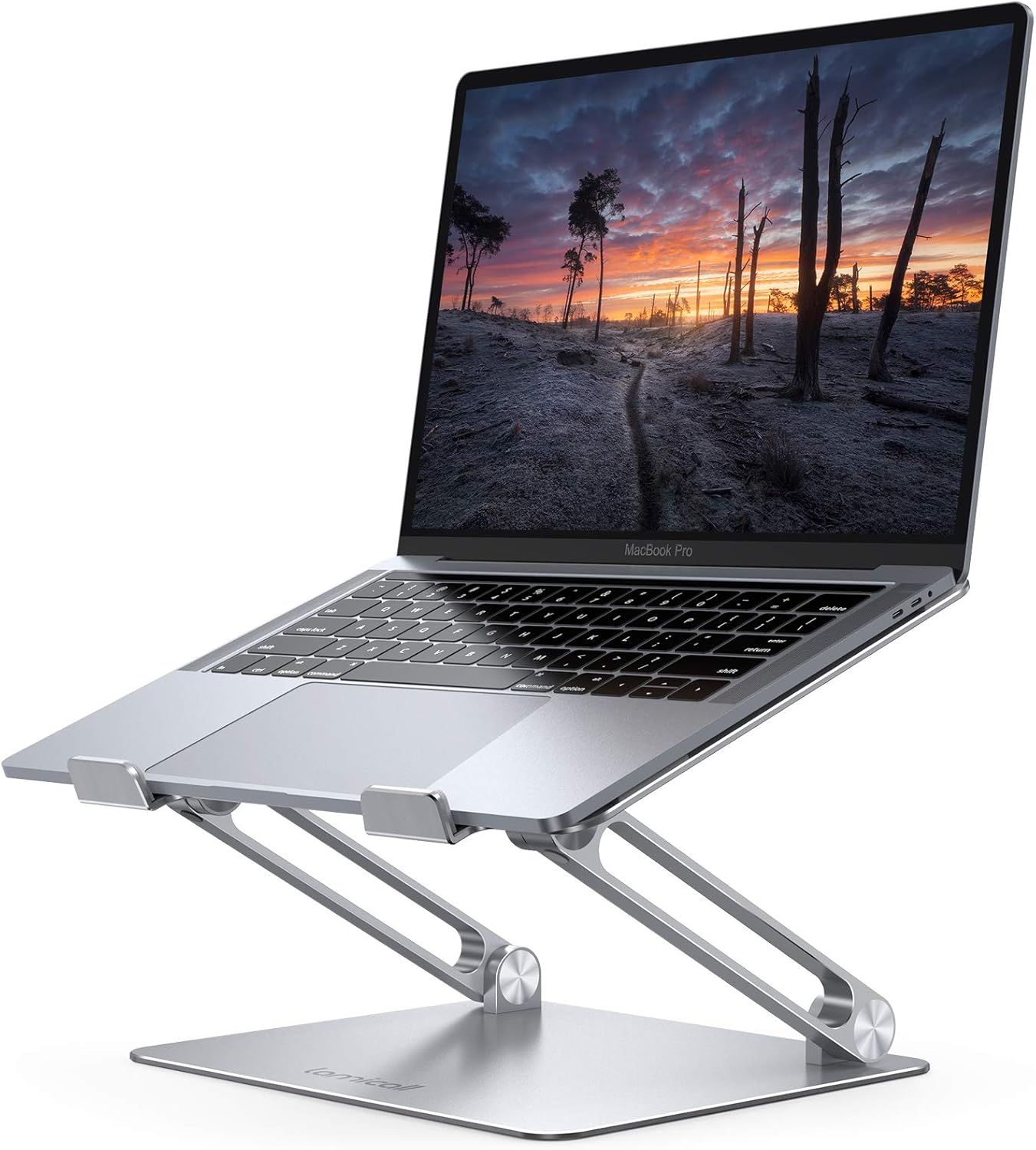
I knew this, honestly. Every time I’d catch my own video feed during a Zoom call I’d think “that’s rough” and then immediately forget about it. My MacBook Pro’s built-in camera shoots 1080p technically, but between the tiny sensor and my home office lighting — which is basically one overhead light and whatever’s coming through the window — I looked like I was broadcasting from a dimly lit cave. Skin tones were yellow. Everything was noisy and soft.
So I finally did something about it. Bought five webcams over the course of about six weeks, tested each one for at least a full work week of real calls. Not a lab test, not side-by-side screenshots in perfect lighting. Actual Monday-through-Friday usage with my mediocre office lighting.
Here’s what We found.
Which webcam should you actually buy?
If you just want the answer: Get the Logitech Brio 500. It’s around $100, the auto light correction is genuinely impressive, and it works perfectly with Zoom, Teams, and Google Meet without installing any extra software. Done.
But if you want the full story — including why I almost returned it for something half the price — keep reading.
“Do I really need an external webcam in 2026?”
Probably, yeah. I resisted this for a long time. Modern laptops have “good” cameras now, right? Apple made a big deal about the 1080p upgrade. And technically the specs look fine on paper.
But specs don’t tell you about sensor size. Your laptop’s webcam sensor is tiny. Like, comically small. The physics of it means less light hits the sensor, which means more noise, which means worse image quality — especially in anything less than perfect lighting. And unless your home office has studio lighting (mine definately does not), you’re working in less than perfect lighting.
I watched this great breakdown by a YouTuber named EposVox where he compared laptop cameras to even budget external webcams and the difference was night and day. Not subtle. Night and day. The external webcam with a bigger sensor just captures way more light and detail even at the same resolution.
The five webcams We tested
I’ll go through each one with what I liked and didn’t like after a full week of daily use.
1. Logitech C922 Pro — The “safe” pick ($80)
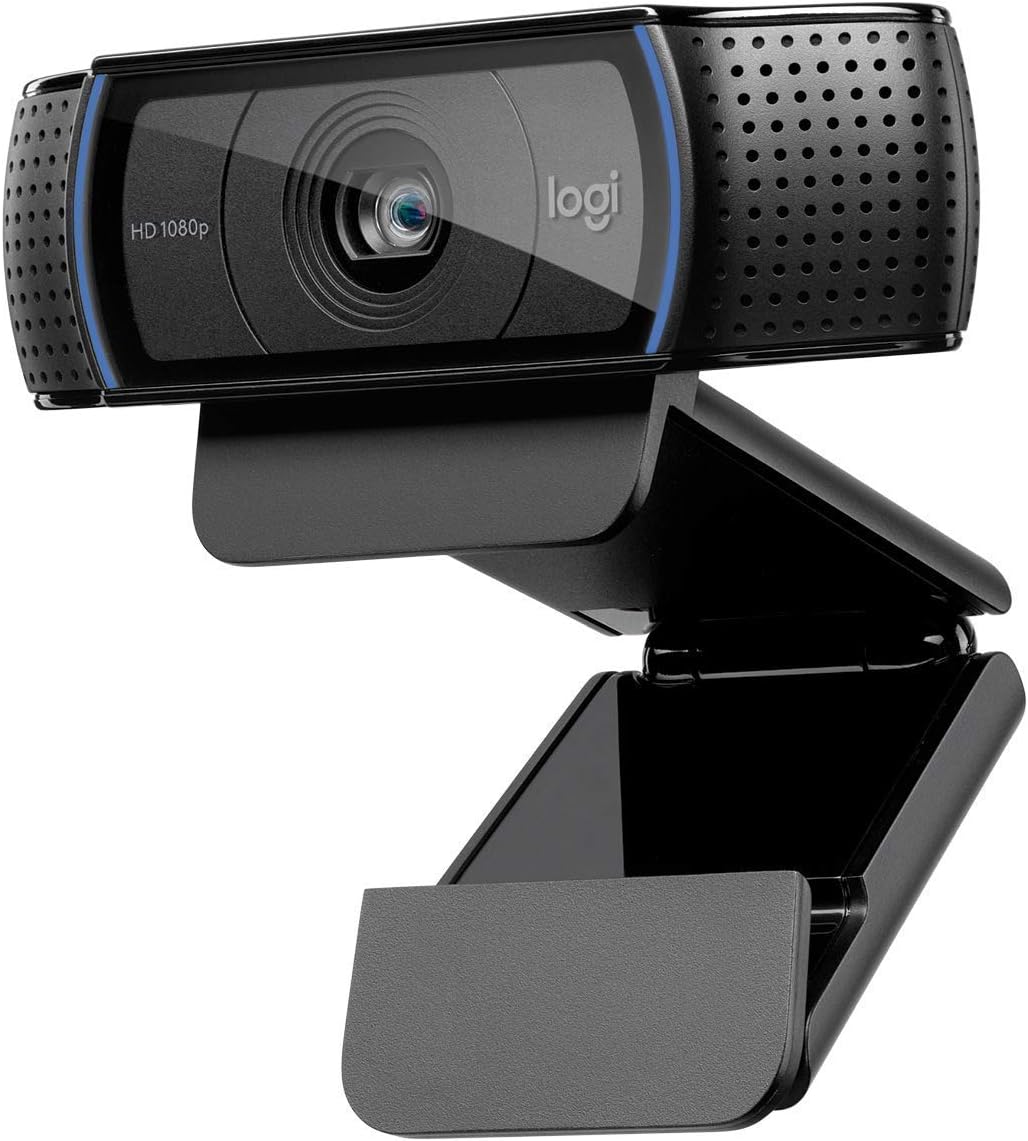
I started here because the C922 shows up on literally every recommendation list and has been around forever. My buddy Dave at work uses one and his video always looks decent.
The C922 is fine. Solidly fine. 1080p at 30fps, decent autofocus, built-in stereo mics that are acceptable for calls if you don’t have a headset. It clipped onto my monitor easily — the mount is sturdy and hasn’t slipped once.
Image quality was noticeably better than my MacBook camera. Colors were more accurate and there was less grain in my usual lighting. But — and this is where I started to wonder — it still looked kinda flat? The dynamic range isn’t great. My face was either properly exposed or the window behind me was, never both.
The software (Logi Tune) is fine but I basically set it once and forgot it. Auto white balance works well enough.
Verdict: If you’re on a strict budget and just need something better than your laptop, the C922 will do the job. But having used better cameras now, I wouldn’t go back to it.
2. Logitech Brio 500 — The one I kept ($100)
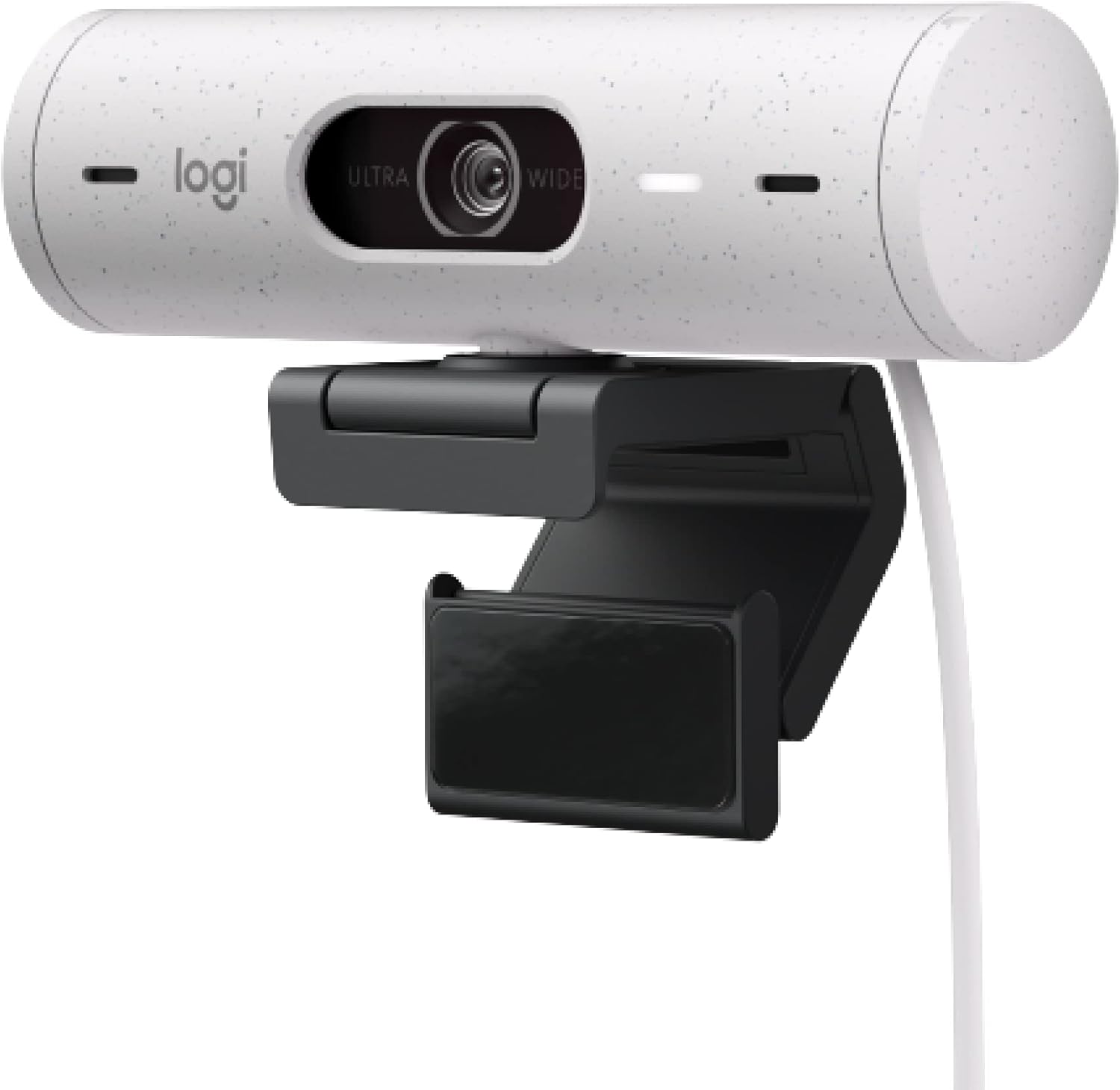
Ok so this is where things got interesting. The Brio 500 is only about $20 more than the C922 and the jump in quality is… honestly kind of embarassing for the C922.
The big thing is Logitech’s “RightLight 4” auto light correction. I’m not usually one for marketing buzzwords but this actually works. My office has a window to my left and an overhead light thats slightly behind me — worst case scenario for webcams. The C922 couldn’t handle it. The Brio 500 just… figured it out. My face was properly exposed AND the window wasn’t blown out. First time I saw myself on a Zoom call with this thing I went “oh, so THIS is what everyone else looks like.”
Other stuff We noticed during the week:
- The field of view has a “Show Mode” that points down at your desk. We used this exactly once to show a coworker a sketch I drew. Kinda gimmicky but nice to have
- USB-C connection. Finally. No more dongle
- Built-in privacy cover you can slide over the lens. Small thing but We use it every day
- The mount has a magnetic attachment which sounds fancy but just means it sits on your monitor really securely
The built-in mics are dual noise-canceling and honestly sound way better than the C922’s mics. Not headset quality but totally usable for calls if you forgot your AirPods.
One complaint: the Logi Tune software occasionally takes a few seconds to “find” the camera when I first open it. Minor but annoying when I’m trying to adjust settings before a call.
Verdict: This is the one. For most people working from home, the Brio 500 hits the sweet spot of image quality, ease of use, and price. Check current price on Amazon
3. Insta360 Link 2C — The budget surprise ($120)
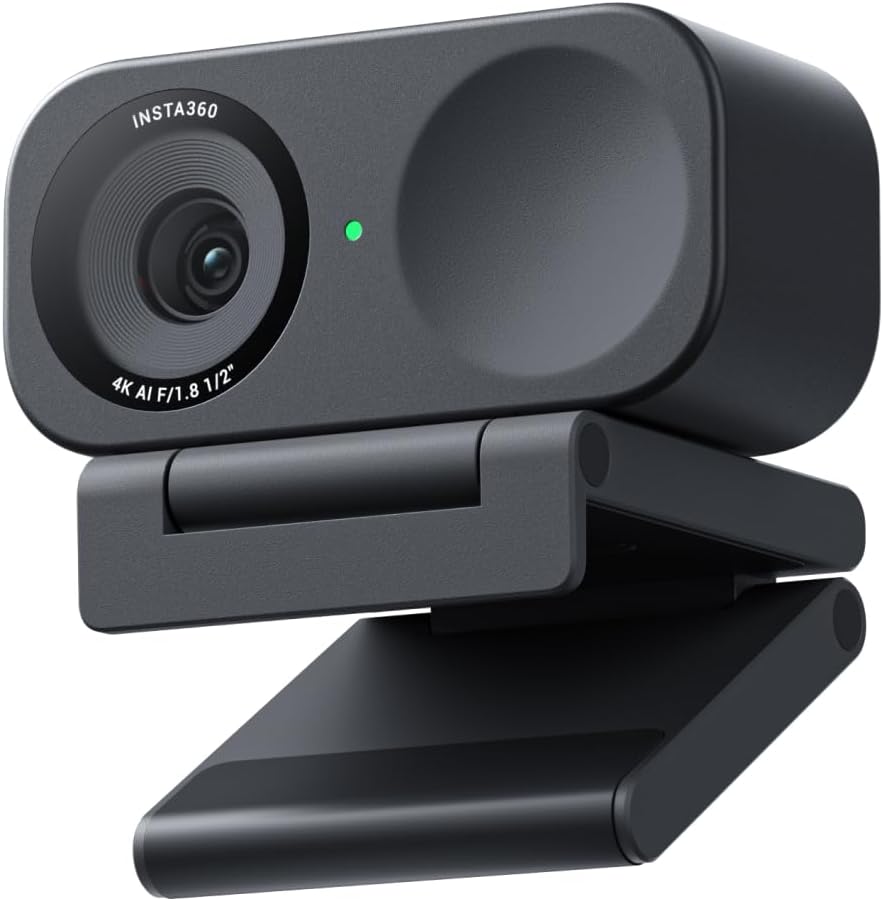
I almost didn’t try this one. Insta360 is known for 360-degree action cameras and I wasn’t sure they could make a normal webcam. A coworker recommended it after seeing some YouTube reviews from Optimum Tech and I figured why not.
Glad I did because wow. This little thing shoots 4K. The 1/2 inch sensor is significantly larger than what you find in most webcams at this price. And the HDR processing is aggressive in a good way — it makes everything look punchy and well-lit even in my crappy office lighting.
The AI auto-framing is spooky good. I lean back in my chair, it zooms out slightly. I lean forward, it adjusts. My wife walked behind me during a call and it didn’t freak out and try to frame both of us like some webcams do.
The app (Insta360 Link Controller) has way more manual controls than Logi Tune. You can adjust exposure, white balance, saturation, sharpness, noise reduction — all of it. We spent like 30 minutes tweaking settings and got a look I really like.
Downsides? The mount feels cheaper than Logitech’s. It works fine but it’s plasticky. And the gesture controls — you can do hand gestures to zoom in and out — are cool in demos but I turned them off after accidentally zooming in during a client call by waving. Not great.
Verdict: If you want the best image quality under $130, the Insta360 Link 2C is genuinely impressive. The 4K sensor makes a real difference even when outputting 1080p on Zoom.
4. Insta360 Link 2 — The fancy one ($250)
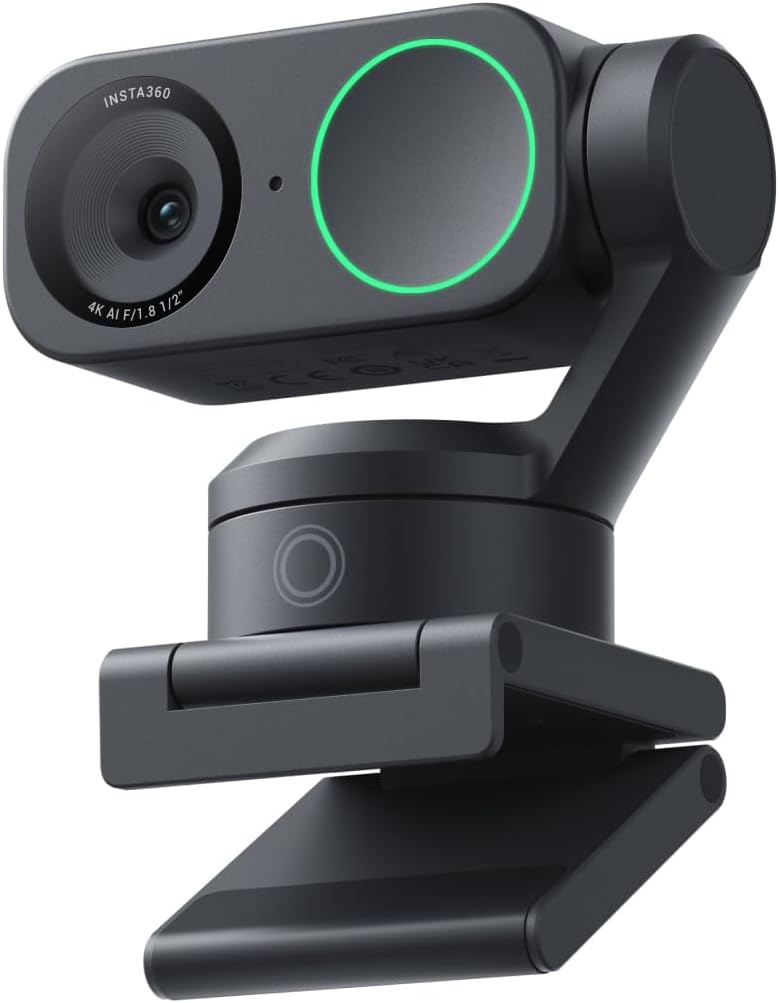
Same camera sensor as the Link 2C but with a motorized gimbal. The gimbal physically moves the camera to track you as you move around. It’s the same concept as the original Insta360 Link that a bunch of YouTubers went nuts over.
I’ll be honest — this is cool as hell but I cannot justify it for remote work. I sit in a chair. At a desk. I don’t move around. The gimbal just sat there doing nothing 95% of the time.
If you do whiteboard presentations, teach classes, or create content where you’re moving around a room — yeah, this is amazing. The tracking is smooth and fast and accurate. But for normal Zoom calls? The Link 2C gives you the same image quality for half the price.
The gimbal does make a quiet motor noise when it moves. Not something you’d hear on a call but in a quiet room you notice it.
Verdict: Incredible tech that most remote workers don’t need. Save your money and get the Link 2C instead unless you have a specific use case for the tracking. See the Link 2 on Amazon
5. Elgato Facecam MK.2 — The streamer special ($130)
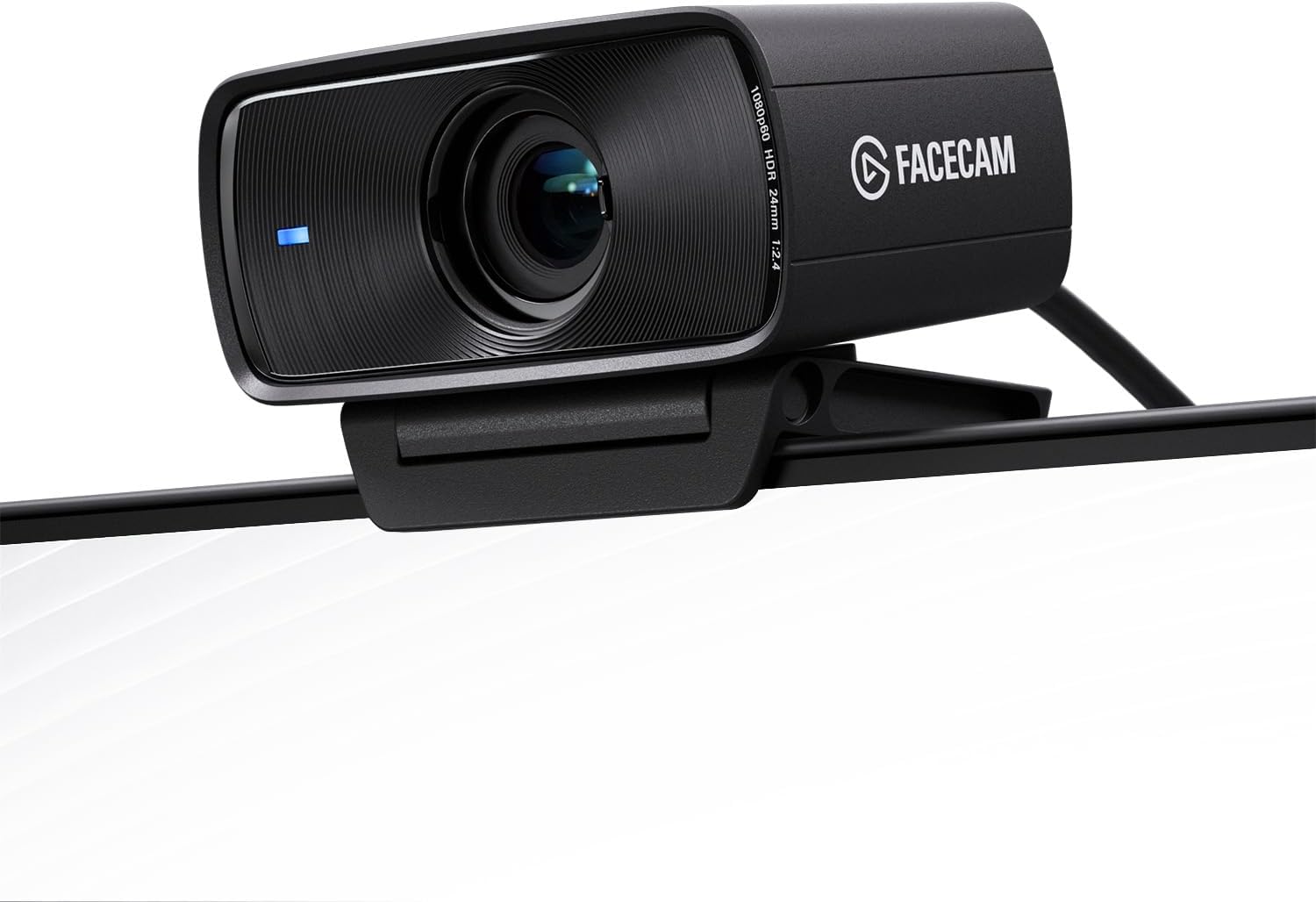
The Elgato Facecam MK.2 is built for streamers and content creators. Sony sensor, 1080p60, HDR, incredible software control through Elgato’s Camera Hub app. The image quality is gorgeous — sharp, natural colors, beautiful depth of field for a webcam.
But here’s the thing that bugged me. No autofocus. Elgato’s philosophy is that a fixed focus set to the right distance gives you a sharper, more consistent image than autofocus hunting back and forth. And they’re right — when it’s dialed in, it looks amazing.
The problem is I sometimes lean back, or I’ll pull my chair closer to grab something, and suddenly I’m soft. On a stream where you’re sitting in one spot, fixed focus is fine. On work calls where you’re grabbing your coffee, checking your phone, leaning in to read something — We want autofocus.
The 60fps is also kinda wasted on Zoom since most video call apps cap at 30fps anyway. Smooth as butter on OBS though.
The software is the best of any webcam We tested. Camera Hub lets you control everything — exposure, ISO, white balance, saturation, contrast, sharpness, zoom, pan. You can save profiles. It’s genuinely pro-level control in a webcam.
Verdict: If you stream on Twitch or make YouTube videos, the Facecam MK.2 is excellent. For remote work? The lack of autofocus is a dealbreaker for us.
What about lighting?
Here’s something I learned the hard way. Even the best webcam will look mediocre with bad lighting. And “bad lighting” includes most home office setups.
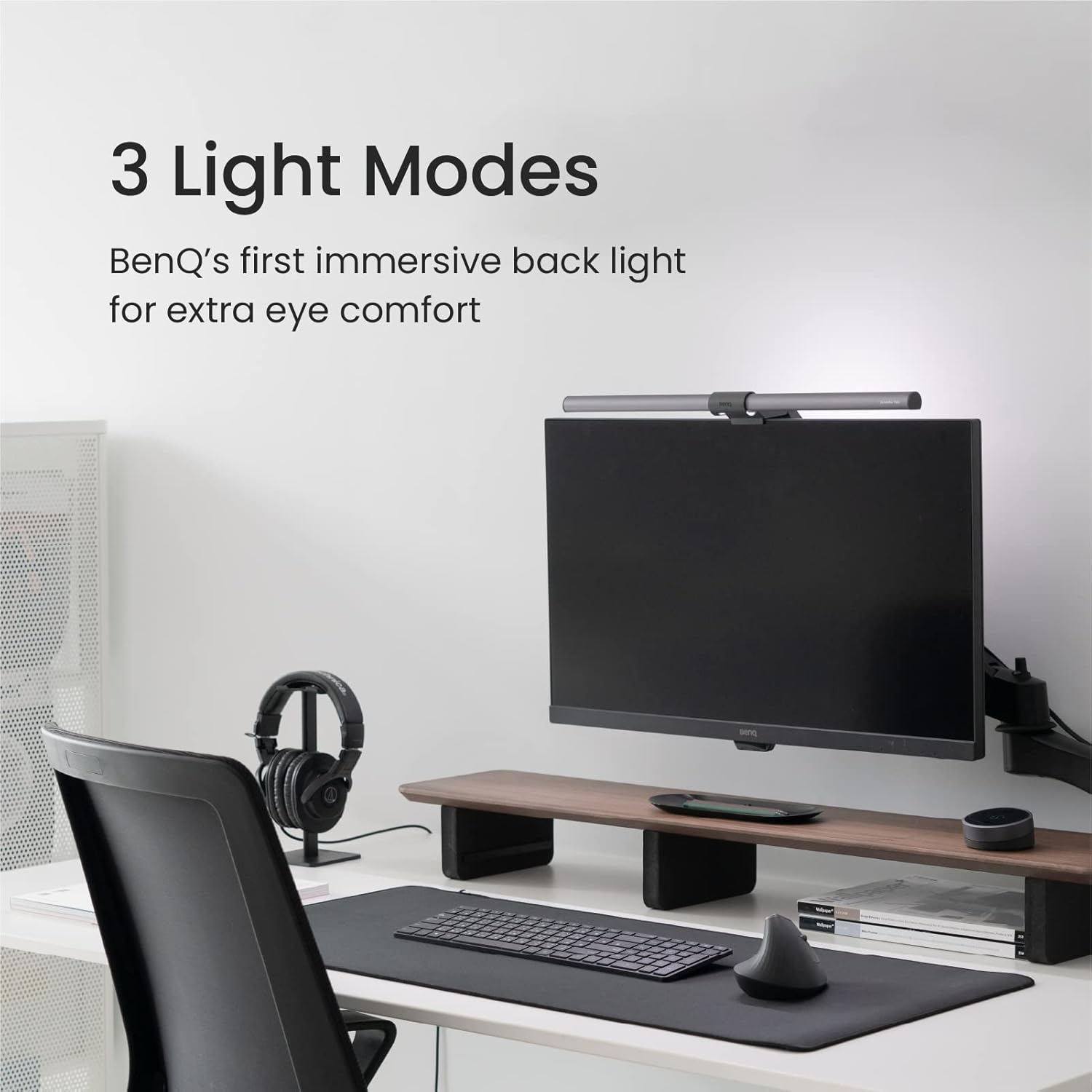
After I settled on the Brio 500, I grabbed a cheap $25 desk lamp from IKEA and pointed it at the wall behind my monitor. Bounce light. That one change made almost as much difference as switching from my laptop camera to the Brio 500. I looked like I was in a professional studio.
So before you spend $250 on a fancy webcam, try improving your lighting first. A $30 webcam with good lighting will look better than a $200 webcam in a dark room. Every. Single. Time.
We know that’s not exciting advice. But it’s true.
Do webcam microphones actually work?
Depends on what you mean by “work.” All five webcams We tested had built-in mics. None of them sounded as good as even a $30 headset. But the Brio 500 and Link 2C were both totally useable for calls — clear enough that nobody on the other end complained.
If you’re on calls all day, get a headset or a dedicated mic. If you take maybe 2-3 calls a week, the built-in mic on a good webcam is fine.
What I’d buy if I lost everything tomorrow
One webcam for remote work: Logitech Brio 500. $100. Done.
If I wanted the best image and didn’t mind a slightly worse mount: Insta360 Link 2C. $120. That 4K sensor is no joke.
If money was super tight: Logitech C922. Still miles better than any laptop camera.
And honestly? Whatever you pick, point a lamp at your wall. You’ll thank me.