The ViewSonic TD1656-2K and the ASUS ZenScreen MB16ACV are sitting on my desk right now, side by side, and the difference is honestly kind of embarassing for one of them.
We bought three portable monitors over the past couple months because I got tired of squinting at my 14-inch laptop screen at coffee shops. Started with the budget InnoView ($90 on Amazon during a sale), then grabbed the ASUS ZenScreen because Wirecutter recommended it, and finally caved on the ViewSonic TD1656-2K after Tom’s Hardware called it their top pick.
Here’s the quick answer before I get into it: the ViewSonic TD1656-2K is the best portable monitor you can buy right now if you care about screen quality. But it’s also $299, and most people don’t actually need to spend that much. Keep reading.
The Numbers Side by Side
| Feature | ViewSonic TD1656-2K | ASUS ZenScreen MB16ACV | InnoView 15.6" |
|---|---|---|---|
| Screen Size | 16" | 15.6" | 15.6" |
| Resolution | 2560 x 1600 | 1920 x 1080 | 1920 x 1080 |
| Panel | IPS | IPS | IPS |
| Touch | Yes + Stylus | No | No |
| Weight | 1.8 lbs | 1.7 lbs | 1.6 lbs |
| Ports | 2x USB-C | USB-C | USB-C + mini HDMI |
| Price | ~$299 | ~$230 | ~$90-110 |
| My Rating | 4.5/5 | 3.5/5 | 3/5 |
Now let us actually explain why those numbers matter — and where they don’t tell the whole story.
ViewSonic TD1656-2K — The One I Kept On My Desk
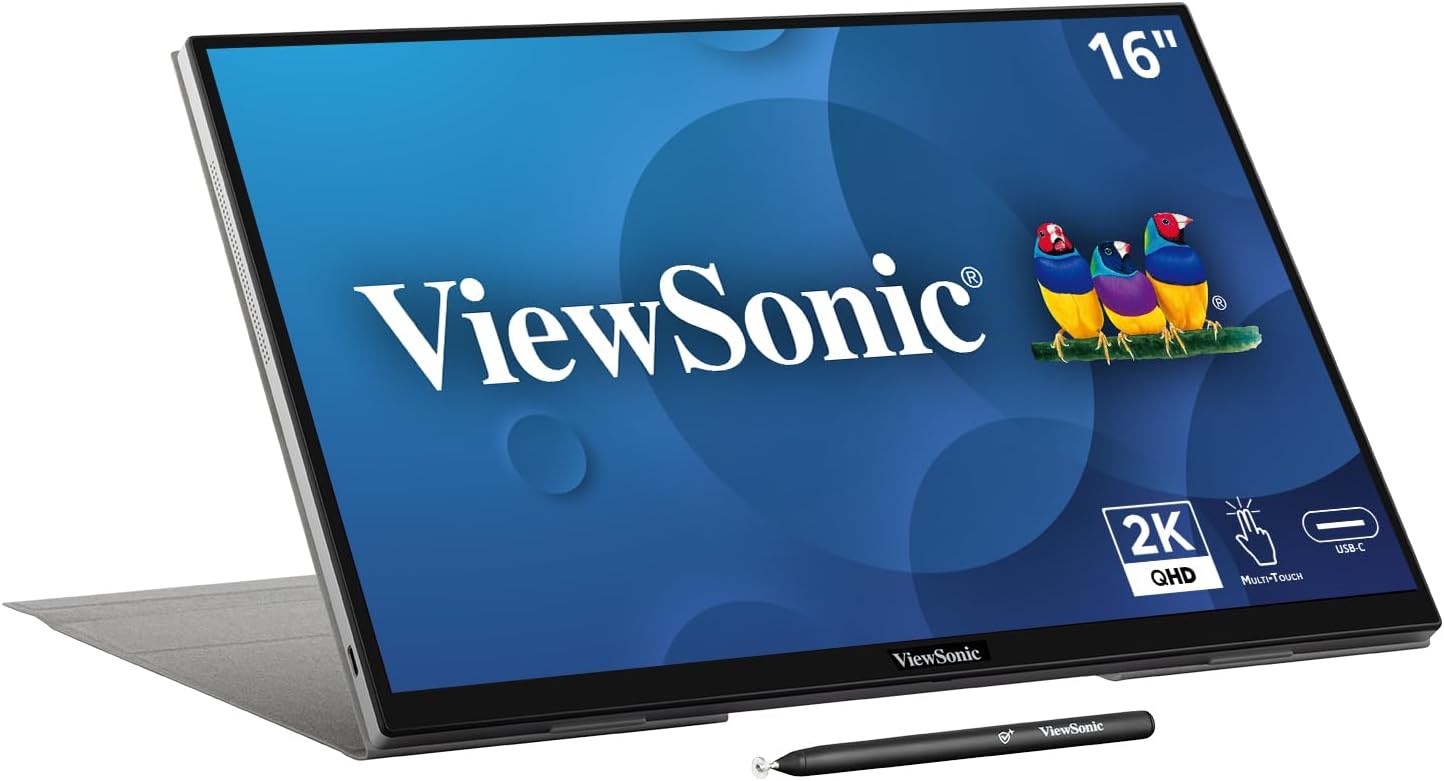
I’m going to be upfront: $299 for a portable monitor felt insane to us when I clicked buy. My entire laptop was $800. Spending over a third of that on a secondary screen seemed like the kind of thing tech reviewers recommend because they get stuff for free.
But then I plugged it in.
The 2K resolution on a 16-inch screen is a completely different experience than 1080p on 15.6 inches. We know that sounds obvious but you don’t really get it until you have them both in front of you. Text is sharper. The extra vertical space from the 16:10 aspect ratio means I can actually see a full email without scrolling. My VS Code window shows like 15 more lines of code.
The touch screen is something I didn’t think I’d use — and honestly for the first week I didn’t. Then I started using it for scrolling through docs during Zoom calls when my cursor was on the main screen, and now I catch myself trying to touch my regular monitor like an idiot.
The smart cover is genuinely clever. It folds into a stand at multiple angles. No flimsy kickstand that collapses if you breathe on it. Tom’s Hardware measured 363 nits of brightness which tracks with our experience — We used it at a Starbucks near the window and could still see everything fine.
What I don’t love: only USB-C. No HDMI. If your laptop is from like 2018 or earlier you might not have a USB-C port that supports video, and then this monitor is basically a paperweight. Also the on-screen menu is pretty basic. You get brightness and color temp and thats about it.
ASUS ZenScreen MB16ACV — The Safe Pick That Disappointed Me
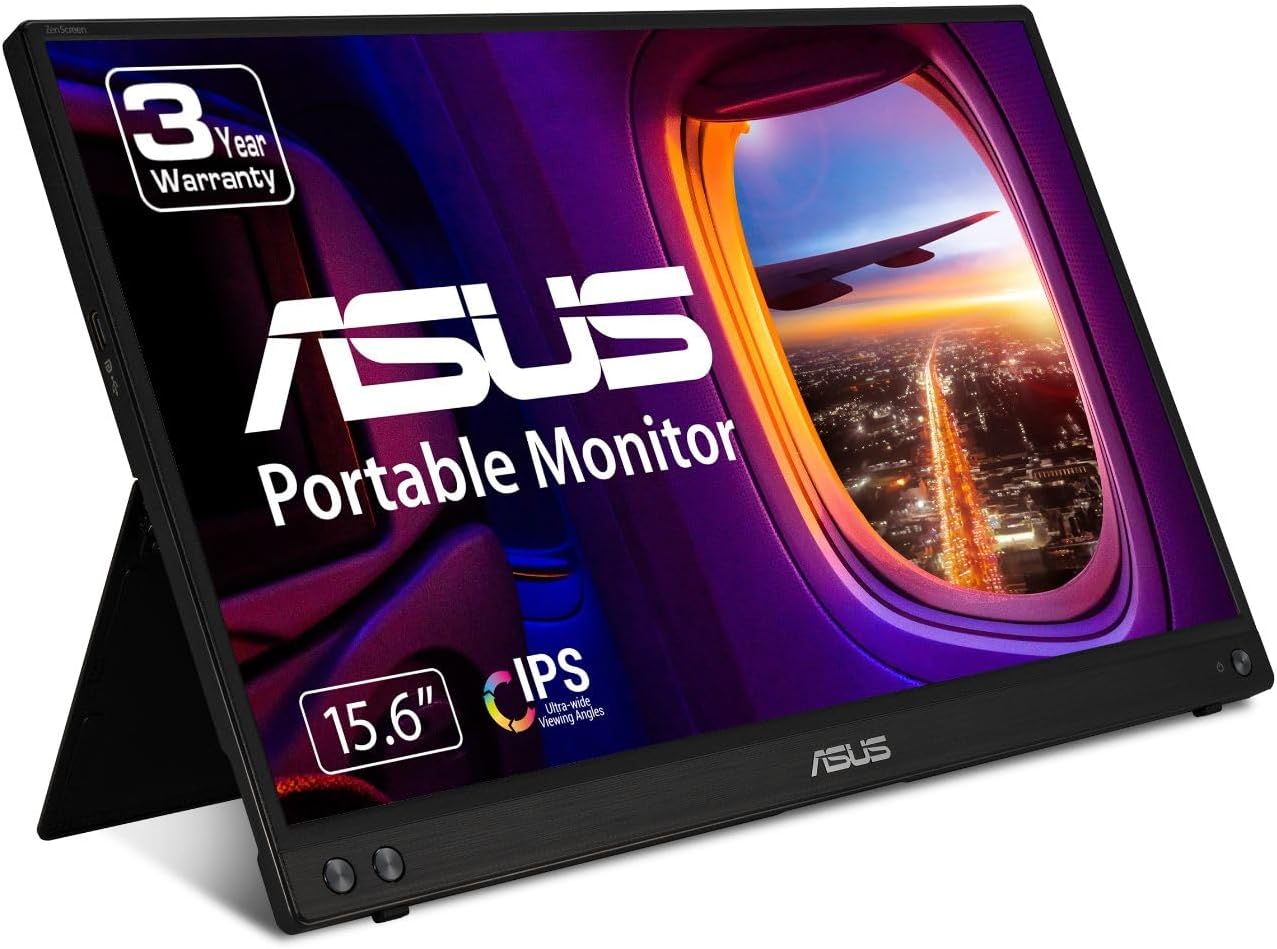
This is the one every “best portable monitor” list recommends. Wirecutter likes it. PCMag gave it an editors choice at some point. Amazon reviews are solid — 4.4 stars with like 8,000+ ratings.
And it’s… fine. It’s fine.
I don’t know how else to describe it. The screen is good enough. The build quality is nice — it’s thin, light, the kickstand actually works. It connected to my laptop instantly over USB-C and just showed up as a second display. No drivers, no fussing around.
But sitting next to the ViewSonic, the 1080p resolution looks noticeably softer. Not bad, just… you can tell. Especially with text. And I realized the main reason review sites recommend it is because it’s reliable, not because it’s great. There’s a difference. The ZenScreen is the Honda Civic of portable monitors. It does its job. Nobody’s excited about it.
The thing that actually annoyed me was the price. At $220-240 you’re in this awkward middle ground — too expensive to be a budget pick, but too limited to compete with the ViewSonic. For $60-70 more you get 2K resolution, touch, and a stylus. For $130 less you get the InnoView which does 90% of the same thing.
I checked Amazon reviews more carefully after buying and noticed a pattern in the 3-star reviews. A lot of people say stuff like “it works but I expected more for the price” and “picture quality is okay not great.” That matched our experience exactly. The 5-star reviews are mostly from people who’ve never used another portable monitor so they have nothing to compare it to.
InnoView 15.6" — The Budget Surprise
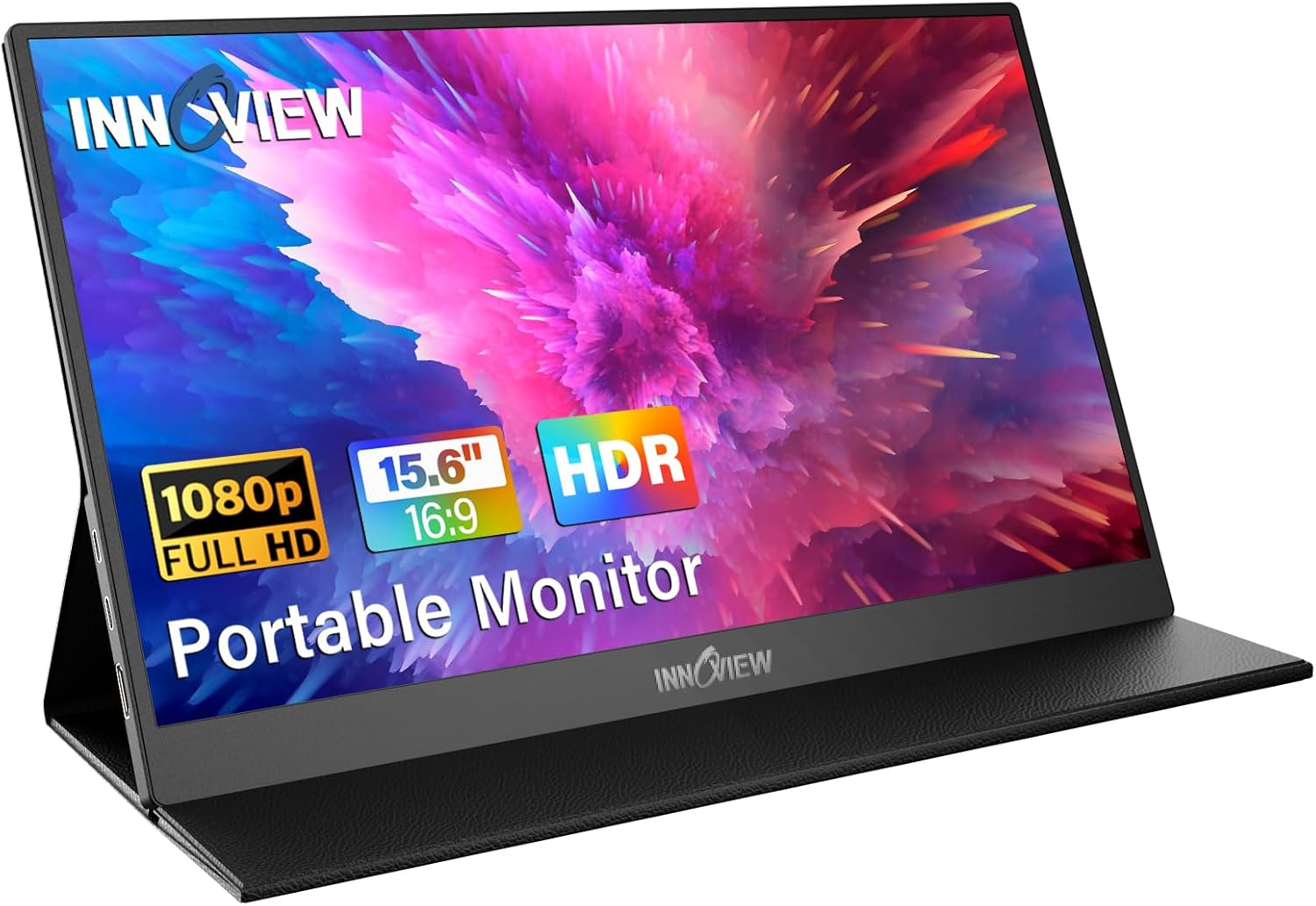
Okay so this one actually surprised me. We bought it expecting garbage — a $90 monitor from a brand I’d literally never heard of. My expectations were on the floor.
It’s not garbage. It’s actually pretty decent?
The screen is 1080p IPS, same as the ASUS. Side by side the color accuracy is slightly worse — blues look a tiny bit purple if you’re really looking for it — but honestly in normal use I couldn’t tell the difference unless they were right next to each other. Viewing angles are acceptable. Brightness is lower than both the ViewSonic and ASUS but fine for indoor use.
The big win is the mini HDMI port. This thing works with basically everything. My old ThinkPad that doesn’t do USB-C video? Works. My Nintendo Switch? Works. My buddy plugged his Steam Deck into it at my place and it looked great. That versatility at this price is hard to argue with.
Build quality is where you feel the price difference. The case/stand combo is a faux leather folding thing that works but feels cheap. The bezels are thicker. There’s a faint backlight bleed in the bottom-left corner on mine — not visible during normal use but I can see it on dark screens. The built-in speakers are genuinely terrible, like tinny phone-speaker level.
But for ninety bucks? Come on. I’ve seen people spend more on a phone case.
The Amazon reviews tell an interesting story here. Over 15,000 ratings and sitting at 4.3 stars. The 1-star reviews are almost all DOA units or connection issues — not quality complaints. The people whose units worked seem pretty happy. That suggests decent quality control with the occasional lemon, which is normal for budget electronics.
What The Professional Reviews Get Wrong
Here’s where I disagree with most review sites. They test these monitors in isolation — one at a time, in a controlled environment, measuring color gamut and response times with calibration tools. And that data is useful. But it misses the actual use case.
Nobody buys a portable monitor to use in a light-controlled room with a colorimeter. You buy one to have a second screen at a coffee shop, on an airplane, or in a hotel room. And in those environments, the things that matter are:
- Can I read text clearly? (Resolution matters more than color accuracy)
- Is the stand stable on a wobbly cafe table? (ViewSonic wins by a mile)
- Does it drain my laptop battery too fast? (They all draw 5-8W, about the same)
- Can I set it up in under 30 seconds? (All three are plug-and-play, honestly)
RTINGS loves the espresso Display 15 Touch, which costs over $400. I’m sure it’s great. But recommending a $400+ portable monitor to someone who probably has a $600-1000 laptop feels kinda tone-deaf.
So Which One Should You Actually Buy?
Get the ViewSonic TD1656-2K if: You use a portable monitor daily, care about text sharpness, or want touch. The 2K resolution and smart cover make it the best all-around pick and We think the $299 is justified if you’re a daily user.
Get the InnoView if: You need a second screen occasionally, want HDMI compatibility, or just can’t justify spending $200+ on a monitor you’ll use twice a week. Seriously, for $90 this thing punches way above its weight.
Skip the ASUS ZenScreen MB16ACV. We know that’s a hot take since literally every website recommends it. But the pricing makes no sense in 2026. It costs $230 for 1080p with no touch, no HDMI, and no standout features. Either spend more for the ViewSonic or save money with the InnoView. The middle ground here just isn’t worth it.
That’s my take after actually buying all three with my own money. Not sponsored, not free review units, just a dude who wanted a second screen and went too deep.
Last updated February 2026. Prices fluctuate — links above go to Amazon where you can check current pricing.