We may earn a commission from purchases made through links in this article, at no extra cost to you.
You’re a developer staring at laptop specs, paralyzed by choice. Every YouTube reviewer has a different “best” pick. Reddit threads devolve into macOS vs Linux holy wars. Meanwhile, you just need a machine that compiles fast, doesn’t thermal throttle during Docker builds, and has a keyboard you can type on for 8 hours without pain.
We researched hundreds of developer reviews, forum discussions, and real-world complaints to find the three laptops that actually matter for programmers in 2026. Here’s the honest breakdown—including the problems nobody talks about in sponsored reviews.
Quick Verdict: Which Laptop Should You Buy?
| Use Case | Our Pick | Why |
|---|---|---|
| iOS/macOS Development | MacBook Pro 14 M4 | Required for Xcode, best battery life |
| Linux/Backend Development | ThinkPad X1 Carbon Gen 12 | Best keyboard, excellent Linux support |
| Windows/.NET Development | Dell XPS 15 | Beautiful display, ships with Ubuntu option |
| Budget-Conscious | ThinkPad X1 Carbon | Best value per dollar for enterprise-grade hardware |
| Raw Performance | MacBook Pro M4 Pro | Unmatched single-thread and multi-thread speeds |
#1: Apple MacBook Pro 14" M4 — Best Overall for Most Developers
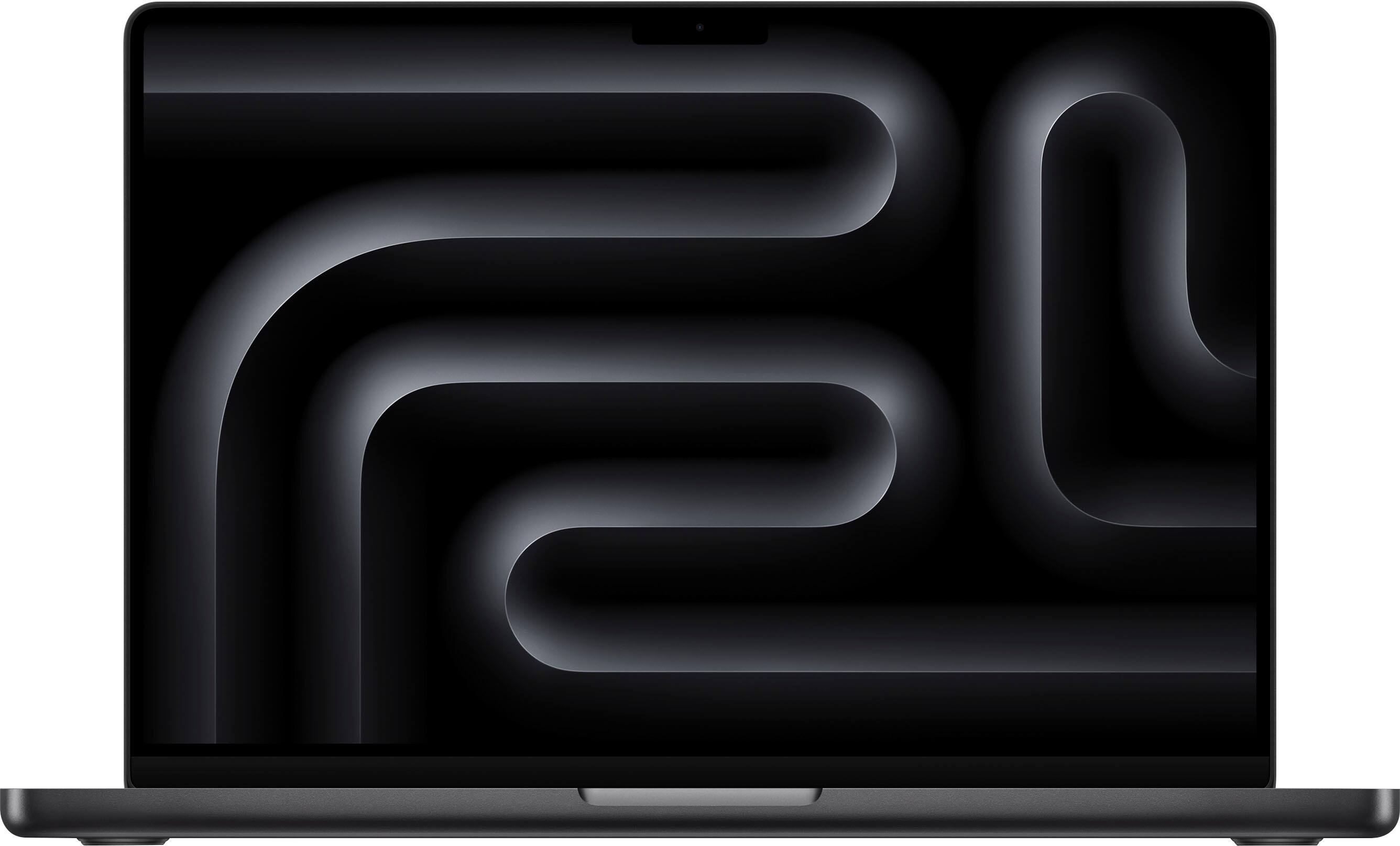
Starting at $1,599 | Check Price on Amazon
The MacBook Pro 14 with M4 chip isn’t just the best Mac for coding—it’s arguably the best laptop for most developers, period. The M4 delivers ridiculous performance while sipping battery, and the Liquid Retina XDR display makes staring at code for 10 hours surprisingly comfortable.
Why Developers Love It
Silent performance: The M4 runs cool enough that the fans rarely spin up during normal development work. Compile a React Native app? Silent. Run Docker containers? Silent. Your coworkers will thank you.
All-day battery: Apple claims 22 hours, and real-world developer usage gets 12-14 hours easily. That’s a full workday plus a coffee shop session without hunting for outlets.
Unified memory advantage: The 16GB base model handles most development better than 16GB on Intel/AMD machines because the memory is shared with the GPU. For serious work, the 24GB M4 configuration is the sweet spot.
Best-in-class display: 3024 x 1964 resolution at 254 PPI with ProMotion (120Hz). Reading code is genuinely easier on this screen than competitors.
The Honest Downsides
Multiple MacRumors forum users report WiFi connectivity issues with the M4, with connections dropping or achieving slower speeds than other devices on the same network. Some users found poorly shielded HDMI cables and Thunderbolt hubs cause interference.
Ultrawide monitor compatibility is broken for 5K2K (5120 x 2160) displays. You can use third-party tools like BetterDisplay, but the refresh rate drops from 75Hz to 60Hz.
The 14-inch M4 Max has thermal throttling issues—visual effects artists report simulations taking longer on M4 Max than M4 Pro due to throttling. If you need Max performance, get the 16-inch model.
External SSD disconnection is another reported issue, with drives freezing in Finder followed by “Disk Not Ejected Properly” errors.
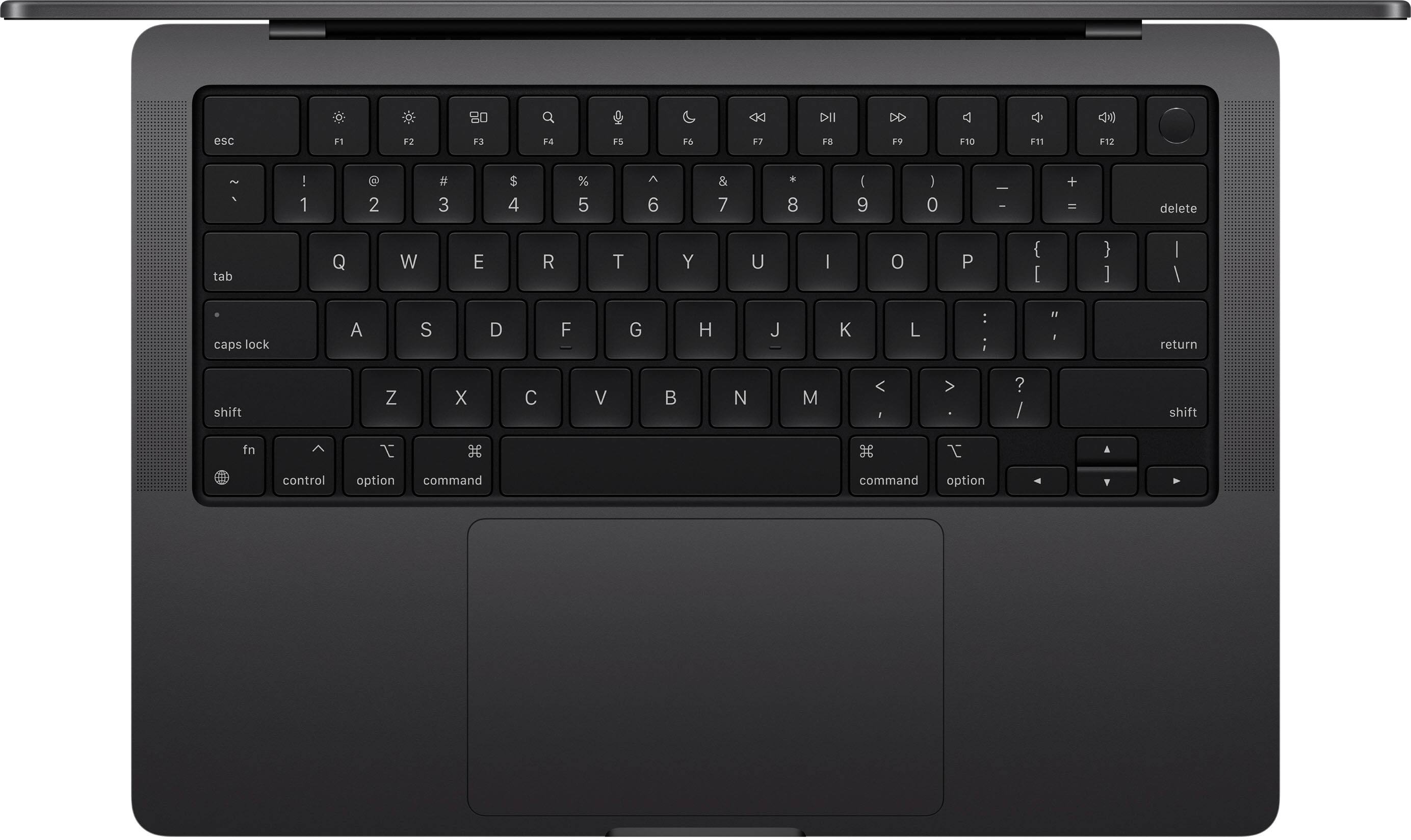
Specs at a Glance
| Spec | Details |
|---|---|
| CPU | Apple M4 (10-core) |
| RAM | 16GB unified memory (24GB upgrade available) |
| Storage | 512GB SSD (up to 2TB) |
| Display | 14.2" Liquid Retina XDR, 3024x1964, 120Hz |
| Battery | Up to 22 hours |
| Weight | 3.4 lbs (1.55 kg) |
| Ports | 3x Thunderbolt 4, HDMI, SD card, MagSafe, headphone jack |
Best For:
- ✓ iOS and macOS app developers (Xcode requires macOS)
- ✓ Full-stack developers who value battery life
- ✓ Anyone who wants the “it just works” experience
- ✓ Developers who present at conferences or work in quiet environments
Skip If:
- ✗ You need native Windows or Linux (Boot Camp is gone)
- ✗ You rely on ultrawide monitors at 75Hz
- ✗ Budget is under $1,500
- ✗ You need maximum upgradeability
#2: Lenovo ThinkPad X1 Carbon Gen 12 — Best for Linux and Keyboard Enthusiasts
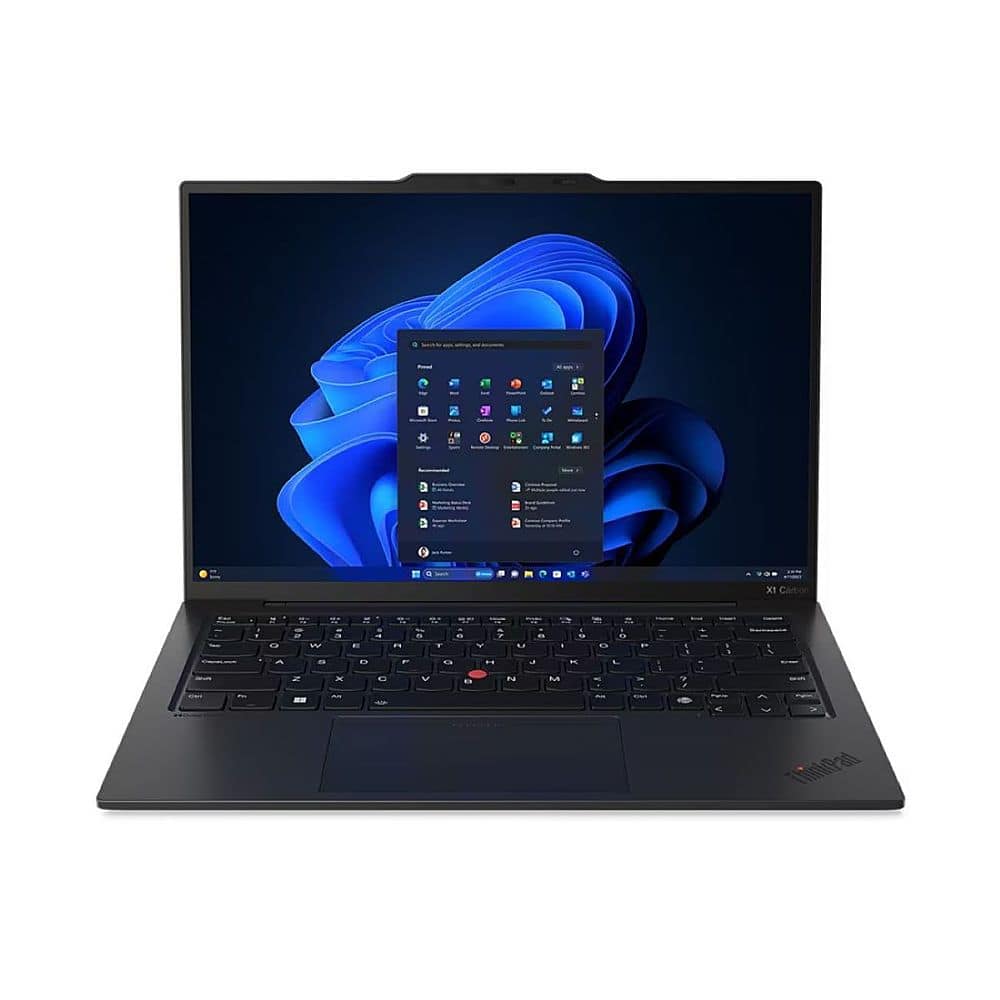
Starting at $1,649 | Check Price on Amazon
The ThinkPad X1 Carbon has been the developer’s workhorse for over a decade, and Gen 12 continues the tradition. If you’ve ever used a ThinkPad keyboard, you know why developers are obsessed. If you haven’t—prepare to be ruined for every other laptop keyboard.
Why Developers Love It
The keyboard is legendary. 1.5mm key travel (more than MacBook or Dell), satisfying tactile feedback, and the iconic red TrackPoint for precise cursor control without leaving the home row. Multiple r/thinkpad users call it “the best typing experience on any laptop.”
Linux support is exceptional. Unlike competitors that require driver hunting, most ThinkPads work with Linux out of the box. Ubuntu, Fedora, Arch—they all play nicely with X1 Carbon hardware.
Enterprise-grade durability. MIL-STD-810H tested for drops, vibration, and extreme temperatures. The carbon fiber chassis feels bulletproof compared to aluminum competitors.
Business features matter: IR camera for Windows Hello, fingerprint reader, optional 4G/5G WWAN, and excellent security with TPM 2.0 and Lenovo’s ThinkShield suite.
The Honest Downsides
The Gen 12 touchpad has issues. Multiple ThinkPad forum users report false clicks when fingers are on the trackpad—it triggers by itself when moving the cursor. If this bothers you, opt for the classic touchpad-with-buttons version instead of the haptic “Clunkpad.”
Fingerprint sensor location changed again. It’s now on a keyboard key instead of the power button, which means replacing the keyboard also requires replacing the fingerprint sensor.
Linux camera problems plague certain configurations. The Intel MIPI camera sensor (OVTI08F4) lacks proper Linux support despite Lenovo advertising “Linux certified.” This only applies to specific SKUs—research your exact configuration before buying.
Repairability has declined. Fixing the computer now requires gutting the entire machine. Gone are the days when you could easily swap RAM or storage through a bottom panel.
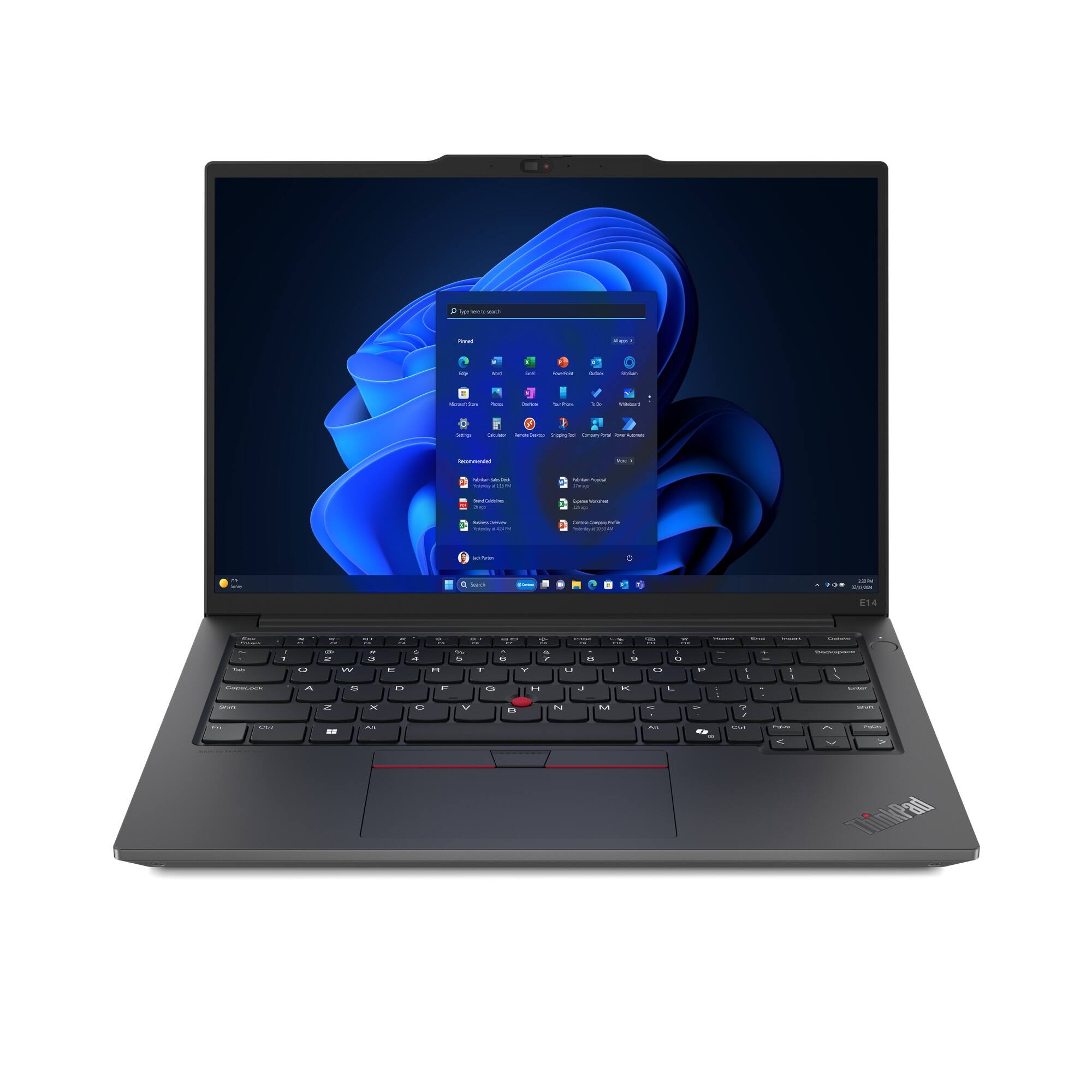
Specs at a Glance
| Spec | Details |
|---|---|
| CPU | Intel Core Ultra 7 155U |
| RAM | 32GB LPDDR5x-6400 |
| Storage | 512GB PCIe Gen4 SSD |
| Display | 14" WUXGA (1920x1200) IPS, 400 nits |
| Battery | Up to 15 hours |
| Weight | 2.48 lbs (1.12 kg) |
| Ports | 2x Thunderbolt 4, 2x USB-A, HDMI 2.1, headphone jack |
Best For:
- ✓ Linux developers and sysadmins
- ✓ Backend developers who live in the terminal
- ✓ Anyone who types 8+ hours daily
- ✓ Remote workers who need enterprise security features
Skip If:
- ✗ You need macOS for iOS development
- ✗ You want the best display (OLED costs extra)
- ✗ You need heavy GPU compute
- ✗ You hate the TrackPoint (some people do)
#3: Dell XPS 15 9530 — Best Display for Windows Development
Starting at $1,299 | Check Price on Amazon
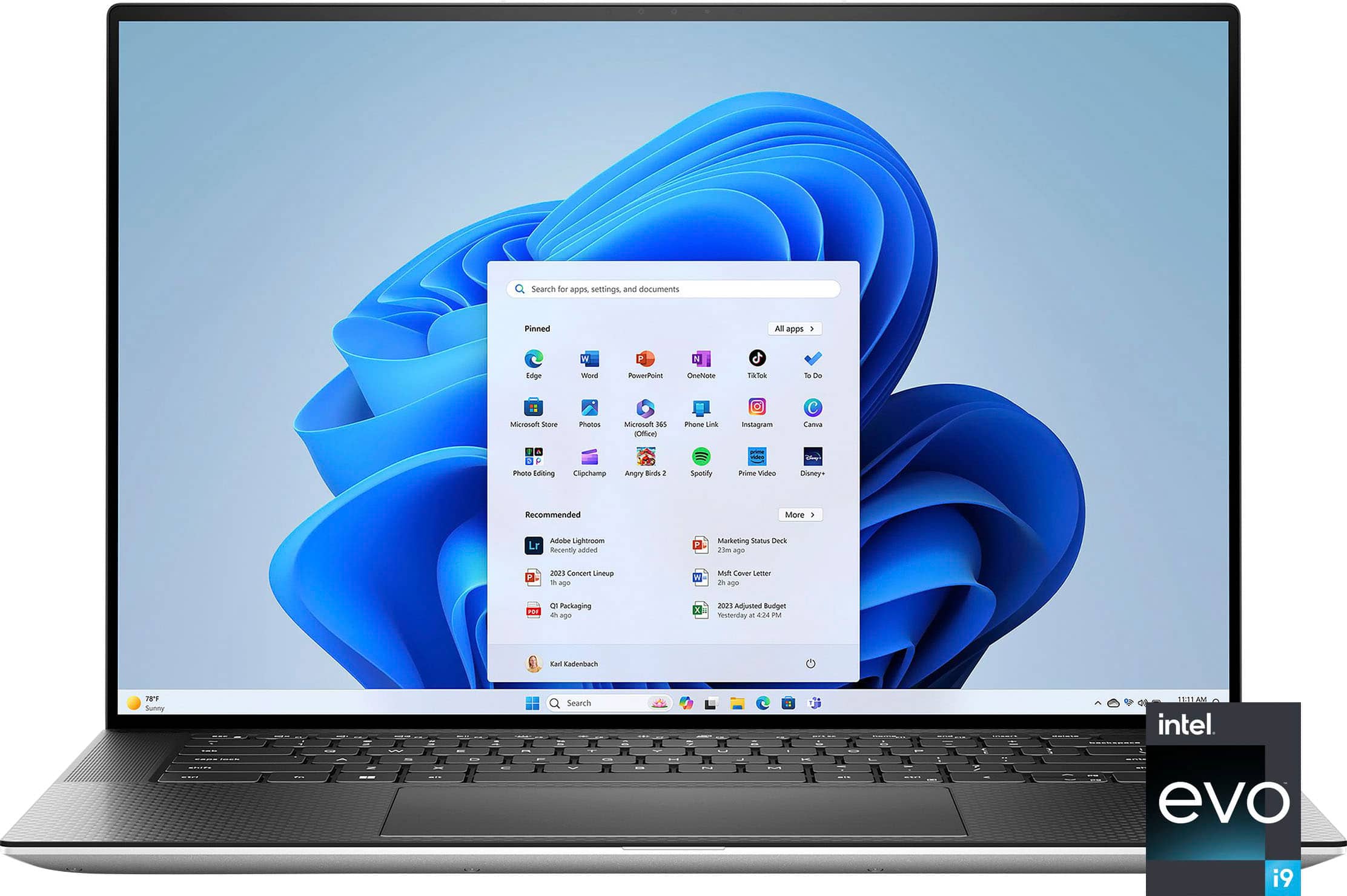
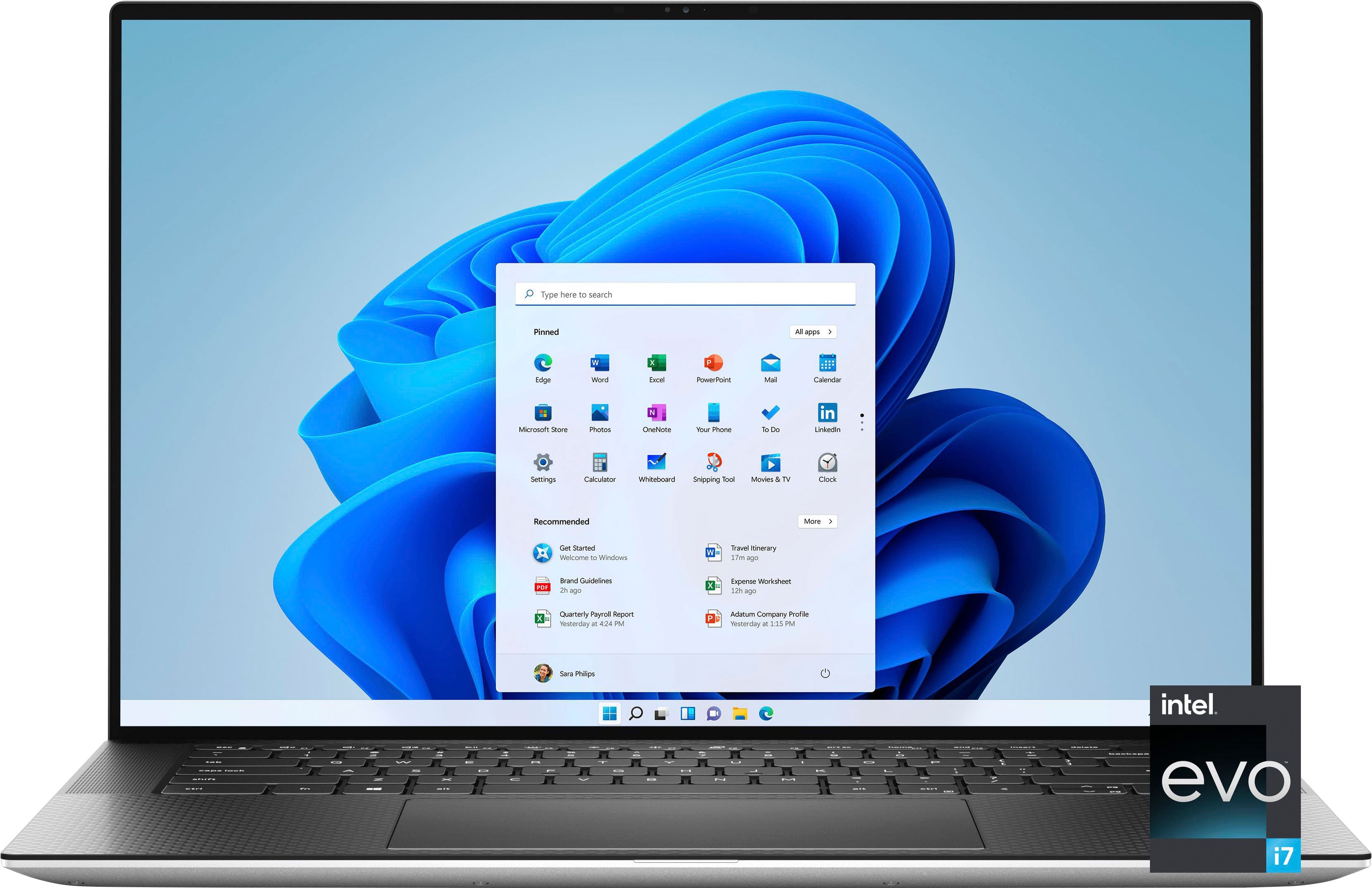
The Dell XPS 15 is the Windows laptop that makes Mac users jealous of the display. The optional 3.5K OLED panel is stunning for UI work, and Dell’s “Developer Edition” ships with Ubuntu pre-installed—no driver hassles, no Windows license you don’t want.
Why Developers Love It
The display is breathtaking. The 3.5K OLED option offers infinite contrast and colors that pop. For frontend developers and designers who care about accurate color representation, this matters.
Ships with Ubuntu. Dell designed the XPS specifically for programmers. The Developer Edition eliminates driver hunting—everything works on day one.
InfinityEdge bezels maximize screen space in a compact chassis. The 15.6" display fits in a footprint closer to traditional 14" laptops.
Solid build quality. CNC-machined aluminum, carbon fiber palm rest, and a premium feel that rivals MacBook construction.
The Honest Downsides
Overheating is a documented problem. The XPS 15 lacks sufficient heatpipes and cooling fins, causing thermal throttling during sustained workloads. Dell forum users report the keyboard getting “uncomfortably warm” after about a week of ownership—even with just Office applications running.
One former Dell Technical Support representative described it as “a design flaw” and “a very common issue.”
Modern Standby drains battery. Multiple owners complain about finding their laptops burning hot inside laptop bags because “Modern Standby” doesn’t actually let the laptop sleep properly. Battery drains at 1.5-2% per hour while supposedly sleeping.
The webcam is mediocre. Despite the premium price, the 720p webcam is noticeably worse than competitors. If you do video calls, plan on an external webcam.
Thermal paste application is inconsistent. Users report that repasting with quality thermal compound significantly improves temperatures—suggesting factory QC issues.
Specs at a Glance
| Spec | Details |
|---|---|
| CPU | Intel Core i7-13620H (10-core) |
| RAM | 32GB DDR5 |
| Storage | 1TB PCIe SSD |
| Display | 15.6" FHD+ (1920x1200) or 3.5K OLED |
| GPU | Intel Arc A370M |
| Battery | Up to 13 hours |
| Weight | 4.23 lbs (1.92 kg) |
| Ports | 2x Thunderbolt 4, USB-C 3.2, SD card, headphone jack |
Best For:
- ✓ Frontend developers who care about display quality
- ✓ Linux developers who want hassle-free hardware
- ✓ .NET and Windows-native developers
- ✓ Anyone who values aesthetics alongside function
Skip If:
- ✗ You do sustained CPU-intensive work (thermal throttling)
- ✗ You work with the laptop on your lap frequently
- ✗ You need excellent video call quality
- ✗ You travel constantly (battery drain issues)
See Them in Action
Head-to-Head Comparison
| Feature | MacBook Pro 14 M4 | ThinkPad X1 Carbon | Dell XPS 15 |
|---|---|---|---|
| Price | $1,599+ | $1,649+ | $1,299+ |
| CPU | Apple M4 | Intel Core Ultra 7 | Intel Core i7-13620H |
| RAM | 16GB (24GB opt) | 32GB | 32GB |
| Display | 14.2" Liquid Retina XDR | 14" WUXGA IPS | 15.6" FHD+ or OLED |
| Battery | 22 hours | 15 hours | 13 hours |
| Weight | 3.4 lbs | 2.48 lbs | 4.23 lbs |
| Keyboard | Good | Excellent | Good |
| Linux Support | Limited | Excellent | Excellent |
| macOS Dev | ✓ Yes | ✗ No | ✗ No |
| Thermal Performance | Excellent | Good | Poor |
| Repairability | Poor | Moderate | Moderate |
What Specs Actually Matter for Coding?
RAM: 16GB Minimum, 32GB Ideal
Modern development is memory-hungry. Chrome DevTools alone can eat 4GB. Add Docker, your IDE, a local database, and Slack—16GB starts feeling tight. 32GB is the sweet spot for serious development work involving containers, VMs, or multiple projects.
Storage: SSD Only, 512GB Minimum
Mechanical hard drives are dead for development. SSDs dramatically improve compile times, IDE responsiveness, and overall snappiness. 512GB works for most developers; 1TB is better if you work with large datasets, VMs, or multiple development environments.
CPU: Single-Thread Performance > Core Count
Most coding tasks are single-threaded. A fast dual-core beats a slow octa-core for everyday development. The M4 chips excel here—Apple’s single-thread performance is class-leading.
For compilation-heavy workflows (large C++ projects, Android builds), multi-core performance matters more. The M4 Pro or Intel i9 shine in these scenarios.
Display: Don’t Underestimate This
You’ll stare at code 8-10 hours daily. A quality display reduces eye strain and increases productivity. Look for:
- Resolution: 1920x1200 minimum, higher is better
- Panel type: IPS or OLED for accurate colors
- Brightness: 400+ nits for outdoor/bright office use
- Aspect ratio: 16:10 or 3:2 beats 16:9 for code
Our Recommendation
For most developers: The MacBook Pro 14 M4 offers the best combination of performance, battery life, and display quality. Unless you specifically need Windows or Linux, it’s hard to beat.
For Linux devotees: The ThinkPad X1 Carbon Gen 12 delivers the best keyboard in the business and rock-solid Linux compatibility. The premium over budget laptops pays for itself in typing comfort and reliability.
For Windows developers on a budget: The Dell XPS 15 offers premium features at a lower price point, but go in with eyes open about the thermal issues. It’s a better choice for web development than CPU-intensive workloads.
The Bottom Line
There’s no single “best” laptop for coding—only the best laptop for your coding. A mobile iOS developer has different needs than a backend Python engineer running Kubernetes clusters.
But if we had to pick one laptop to recommend to most developers in 2026, it’s the MacBook Pro 14 M4. The combination of performance, battery life, display quality, and silent operation makes it a productivity machine that gets out of your way and lets you focus on writing code.
For those who prefer Windows or Linux, the ThinkPad X1 Carbon remains the gold standard for keyboard quality and Linux compatibility. The Dell XPS 15 is a solid choice for those who prioritize display quality over thermal performance.
Whatever you choose, remember: the best laptop is the one you’ll actually enjoy using for 8+ hours a day. Specs matter, but so does the typing experience, the display quality, and whether the machine runs hot on your lap during late-night debugging sessions.
Last updated: February 2026. Prices and availability subject to change.