The Tapo C120 is the best indoor security camera you can buy right now. $35. No subscription needed. 2K video. Done.
If you want the longer version — why I returned the Ring, why the eufy almost won, and why the Blink Mini 2 is fine but kinda meh — keep reading. But if you’re in a rush, just grab the Tapo and move on with your life.
How I Ended Up With 4 Cameras On My Kitchen Counter
My neighbor got broken into in November. Nothing dramatic — someone walked in through an unlocked side door while they were at work and grabbed a laptop and some jewelry. But it freaked me out enough to finally do something about home security beyond “hoping for the best.”
I didn’t want a full security system. I just wanted a camera or two inside the house so I could check on things when I’m at work. Maybe catch my dog doing whatever he does all day (spoiler: he sleeps on the couch he’s not allowed on).
So I bought four cameras over the course of December and January. Tested each one for at least two weeks as my main living room camera. Here’s what I learned.
The Tapo C120 — My Pick and It’s Not Even Close
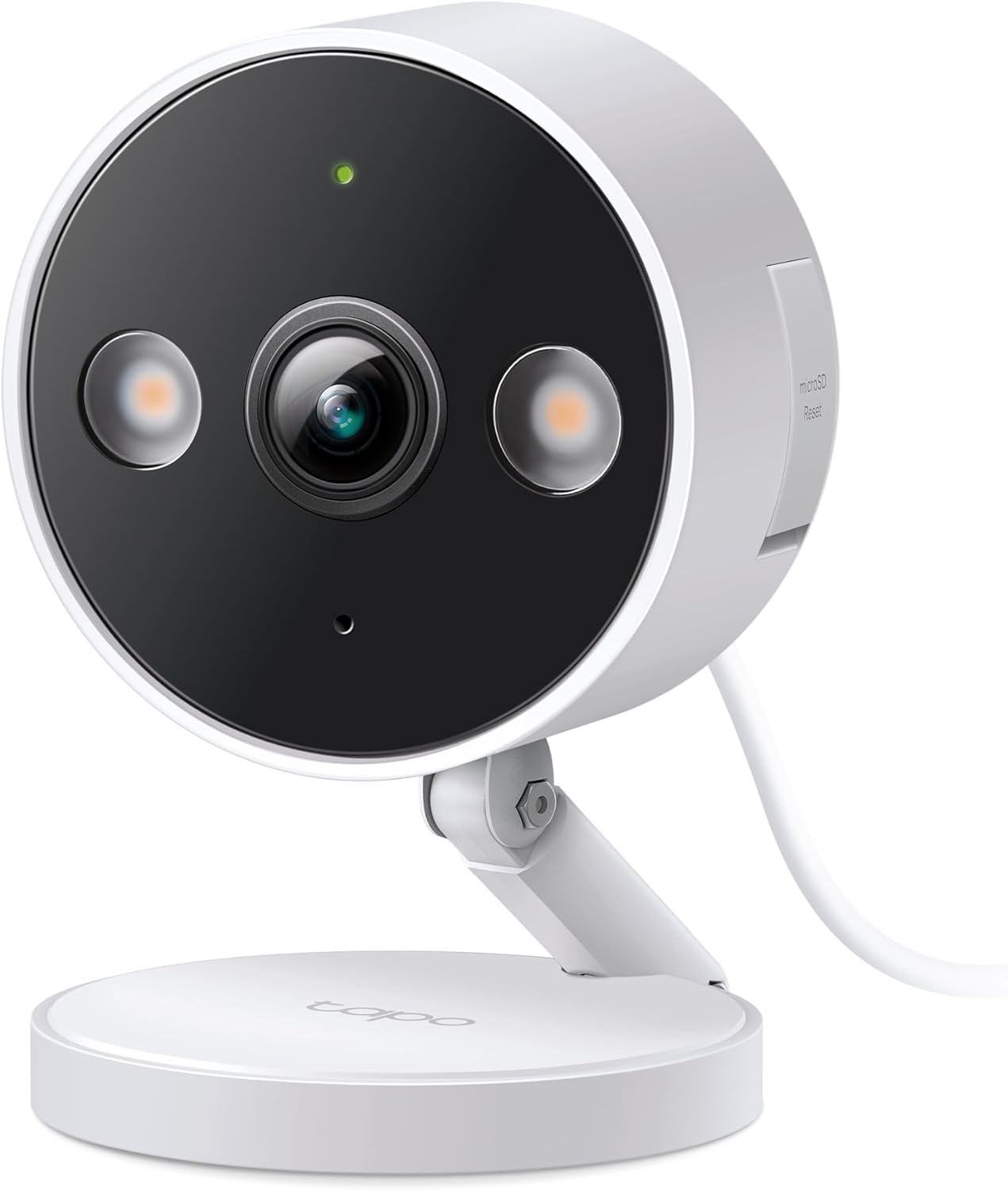
Look, I’m as surprised as anyone that a $35 camera from a company most people associate with routers turned out to be this good. But here we are.
The Tapo C120 shoots in 2K. Not 1080p like most cameras at this price — actual 2K. The difference is noticable when you’re trying to zoom in on something. With 1080p cameras I could see “someone was at the door.” With the Tapo I could see it was the FedEx guy and he looked annoyed.
The person/pet/vehicle detection works without a subscription. This is huge. Ring charges you $4/month just for basic motion alerts that aren’t useless. The Tapo does it for free. It can tell the difference between my dog walking through the living room and an actual person, and it doesn’t spam my phone every time a shadow moves across the wall.
Storage is where this thing really pulls ahead. You can stick a microSD card in it — I used a 128GB Samsung card I had laying around — and it records locally. No cloud. No monthly fee. No worrying about some company storing footage of you walking around in your underwear at 2am.

The night vision is actually color thanks to a built-in spotlight. First night I set it up I pulled up the live feed at like 11pm expecting that green-tinted infrared look. Nope. Full color. I could see my dog’s brown fur, the blue couch cushions, everything. The spotlight is bright enough to illuminate maybe a 15-foot area but not so bright that it lights up the whole room like a floodlight.
The stuff that bugs me: The app is… fine. It’s not bad but it’s not Ring-level polished either. Sometimes notifications come in 3-4 seconds late which probably doesn’t matter but it annoys me. And the two-way audio has a slight delay — maybe half a second — which makes conversations awkward. I mostly use it to yell at my dog to get off the couch, so the delay doesn’t really matter for that.
Also the mounting bracket feels cheap. Like genuinely cheap plastic. The camera itself is solid but the bracket that attaches it to the wall is the kind of thing that might snap if you’re not careful. I ended up just sitting mine on a shelf.
What I paid: $33.99 on Amazon, early December. It’s been between $30-40 since then.
eufy Indoor Cam C120 — The Runner-Up That Almost Won
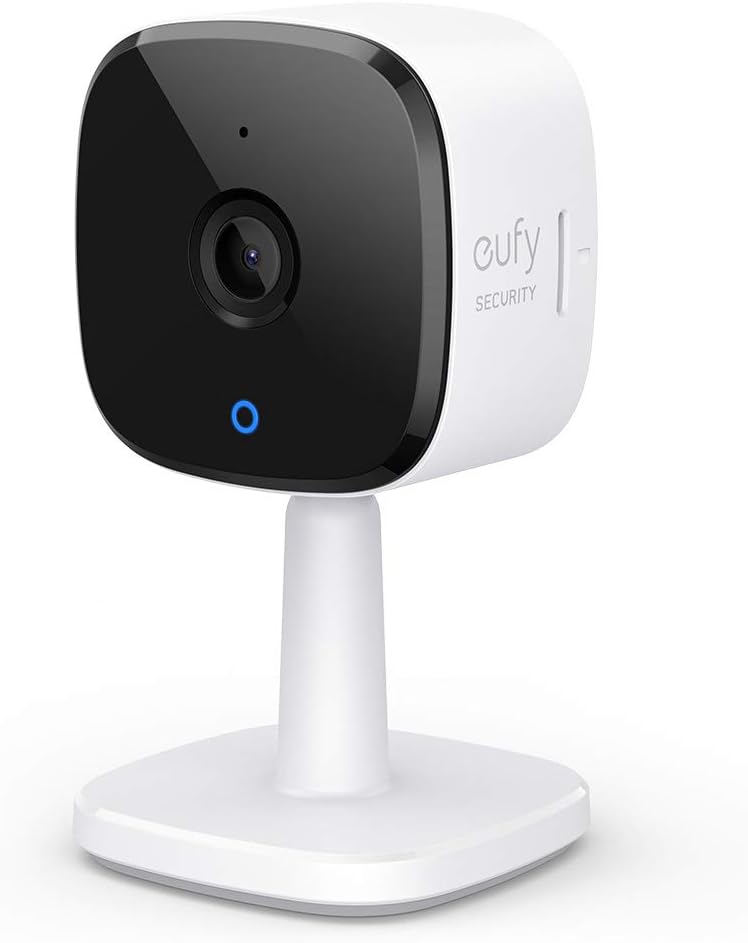
The eufy Indoor Cam C120 was genuinely neck-and-neck with the Tapo for about a week. The video quality is excellent — also 2K — and the human/pet detection is slightly more accurate in my testing. It correctly identified my dog as a pet 100% of the time. The Tapo occasionally tagged him as “motion” instead of “pet” which, fair, he’s pretty large.
The eufy has local storage too. No subscription required for the core features. And it works with Apple HomeKit which is a big deal if you’re in the Apple ecosystem. The Tapo doesn’t do HomeKit.

So why didn’t it win? Two reasons.
First, the 2K recording only works when you’re saving motion-triggered clips to a microSD card. If you want continuous recording, or if you use cloud storage, it drops down to 1080p. That’s annoying. The Tapo gives you 2K regardless of how you store it.
Second, the field of view is 125 degrees versus the Tapo’s 127 degrees. Not a huge difference on paper but I could see it in practice — the Tapo captured slightly more of my living room corners.
Price: Around $35-40 depending on the day. I grabbed mine for $37.
Blink Mini 2 — Fine for the Price, Nothing Special
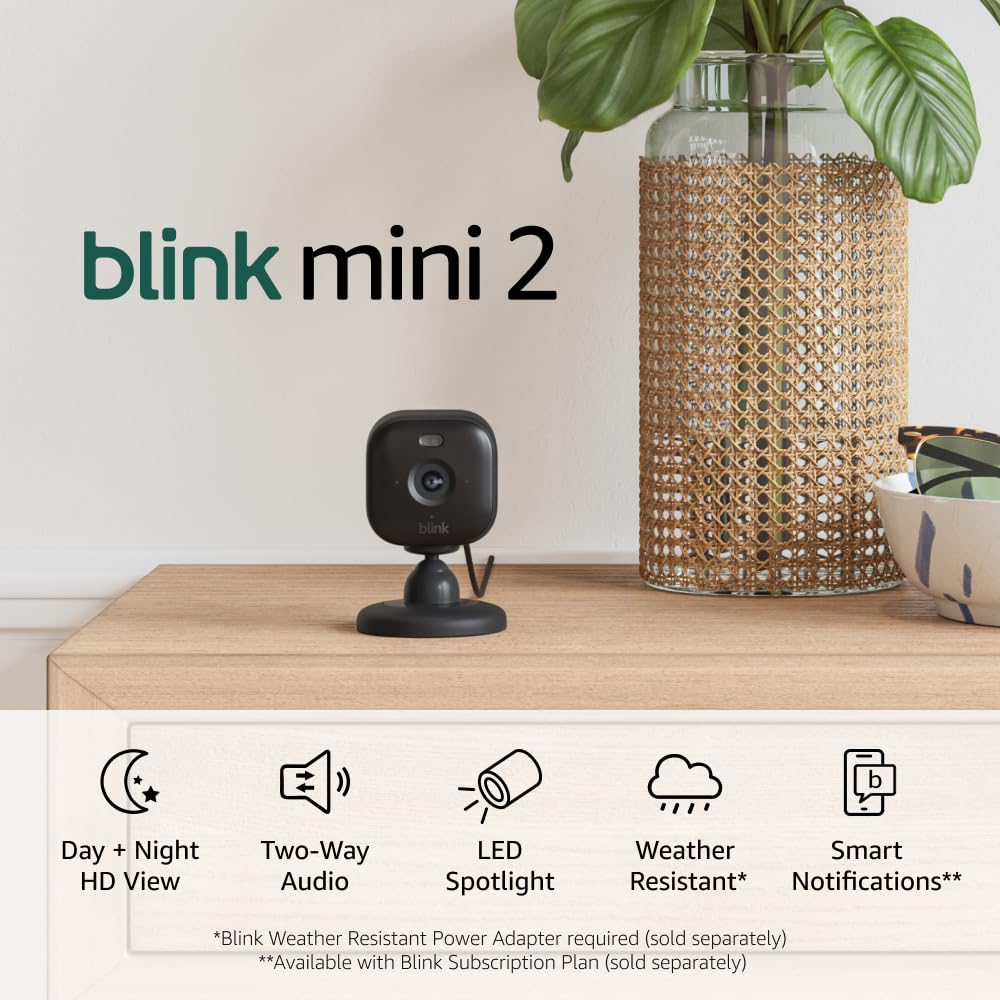
The Blink Mini 2 is what most people buy because it’s an Amazon brand and it shows up in every “customers also bought” section. And honestly? It’s fine. Not great, not terrible. Just fine.
1080p video (not 2K), built-in spotlight for color night vision, works with Alexa. If you’re already deep in the Amazon ecosystem it integrates nicely. Setup took maybe 3 minutes.
But — and this is the thing that really got me — you basically need a Blink subscription ($3/month per camera or $10/month for unlimited) to get useful features. Without it you get live view and motion alerts but no cloud recording. You can use a Blink Sync Module 2 with a USB drive for local storage but that’s another $35 purchase. So your “$30 camera” suddenly costs $65+ before you’ve saved a single clip.
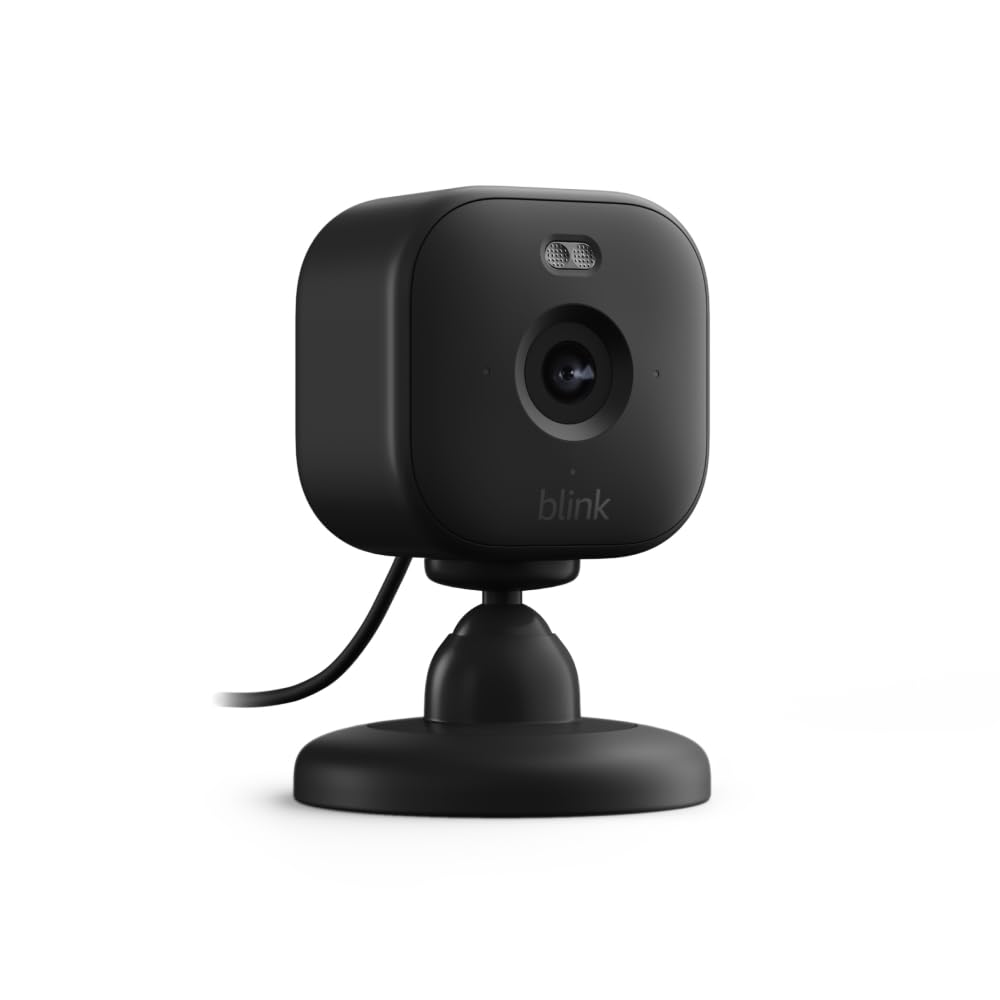
The motion detection without a subscription is also pretty basic. No person vs pet detection on the free tier. Every time my dog walked past the camera I got a notification. Every. Single. Time. I turned off notifications after day two which kinda defeats the purpose.
What was good: The form factor is tiny. Like surprisingly small. It basically disappears on a shelf. And the Alexa integration is the best of any camera I tested — you can pull up a live feed on an Echo Show just by asking. That’s genuinely useful.
Price: $29.99 but honestly you should budget $40-65 depending on what accessories you need.
Why I Returned the Ring Indoor Cam
I’m not going to do a full section on the Ring Indoor Cam ($59.99) because I returned it after 8 days. But here’s the short version.
The video quality is fine — 1080p, nothing special. The app is probably the best-designed of any camera brand. Setup is dead simple. But Ring’s entire business model is built around their subscription. Without Ring Protect ($4/month), you don’t get video recording at all. You get live view and that’s it. No playback. No saved clips. Nothing.
For $60 + $4/month, you’re paying more than double what the Tapo costs with zero ongoing fees. And the Tapo has better video quality. I felt genuinely ripped off after doing the math.
Someone on the homeowners section of a security forum I lurk on put it perfectly: “Ring sells you a camera and then charges you to actually use it.” Hard to argue with that.
Quick Comparison
Here’s what matters at a glance:
- Tapo C120 (~$35) → 2K, free local storage, free smart detection, color night vision. Best overall.
- eufy C120 (~$37) → 2K (with limitations), free local storage, HomeKit support. Best for Apple users.
- Blink Mini 2 (~$30) → 1080p, needs subscription for most features. Best for Alexa households that don’t mind paying.
- Ring Indoor Cam (~$60) → 1080p, requires subscription for recording. Best app, worst value.
What About Wyze?
I didn’t test the Wyze Cam v4 this round but I’ve used older Wyze cameras and they’re solid for $35. The v4 has gotten good reviews from PCMag and Tom’s Guide. Only reason I skipped it is Wyze had that security breach back in 2023 where they accidentally let some users see other people’s camera feeds. They’ve fixed it and it hasn’t happened since but it left a bad taste. If that doesnt bother you, it’s worth considering as a Tapo alternative.
The Subscription Trap Nobody Warns You About
Here’s my biggest takeaway from testing four cameras. The camera industry has gone full subscription model and its really frustrating.
Ring, Blink, Google Nest — they all make cameras that are basically expensive paperweights without a monthly subscription. They advertise the camera price but the real cost is the $3-10/month you’ll pay forever.
The Tapo and eufy are the two major exceptions right now. Both give you functional smart detection and local storage for free. No cloud subscription required. You can add cloud storage if you want but you don’t need it for the camera to actually be useful.
Over 3 years, a Ring Indoor Cam + subscription costs about $204. The Tapo costs $35 + a $15 microSD card = $50 total. That’s not a small difference.
Bottom Line
Get the Tapo C120. Throw a microSD card in it. Forget about it. It does everything the expensive cameras do — person detection, color night vision, two-way audio — without nickel-and-diming you every month.
If you’re an Apple HomeKit user, the eufy C120 is your move.
If you’re already paying for Blink or Ring subscriptions for other cameras, adding a Blink Mini 2 to your existing plan makes sense. But starting fresh? There’s no reason to pay monthly for something the Tapo does for free.