

I’ll be honest — I thought OLED gaming monitors were one of those things tech YouTubers hype up because they get free review units. Like yeah, the blacks are darker. Cool. Is that worth $800+?
Turns out I was being an idiot.
I’d been gaming on an ASUS VN279QL for three years. 1080p, 60Hz, the thing was fine. Did the job. But my buddy Josh got the AOC Q27G4ZD last November and told us I had to come see it. His exact words were “dude just come look at this, I cant explain it.” So I drove over after work on a Wednesday expecting to be mildly impressed.
I ordered one that night from Amazon. $469. Didn’t even think about it.
But look — not everyone needs to spend $470 on a monitor. So I also spent time with two cheaper options that are genuinly great if your budget is tighter. Here’s the breakdown.
The AOC Q27G4ZD — The One That Ruined Every Other Monitor For Me
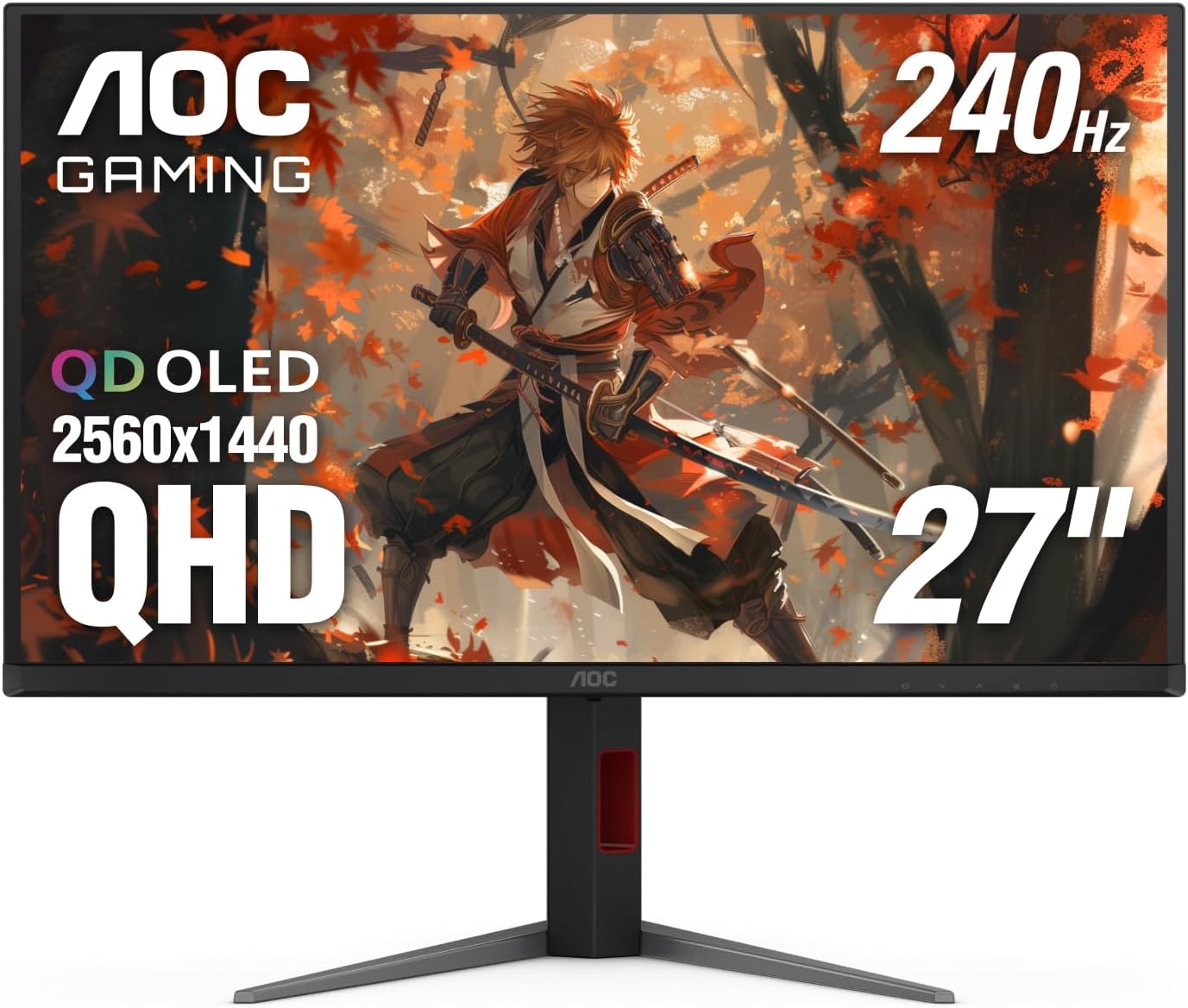
$469 | 27" | 1440p | 240Hz | QD-OLED | 0.03ms
Here’s what nobody prepares you for with OLED — it’s not just the blacks. It’s that every other color gets more vivid because there’s actual contrast behind it. Playing Cyberpunk 2077 at night in-game went from “I can see stuff” to “holy crap that neon sign is literally glowing on my desk.”
The 240Hz is overkill for most people, I’ll admit that. I don’t have a GPU that pushes 1440p at 240fps in anything heavy. But even at 120-144fps the response time is absurd. Coming from a 60Hz panel, it felt like someone took the blur filter off my entire life.
What I don’t love: the stand is kinda wobbly. Not terrible, but for $470 I expected better. We bought a $35 monitor arm from Amazon the same week and its been fine since. Also the out-of-box color calibration is… okay. Not great. We spent 20 minutes in the OSD tweaking things and then just downloaded a calibration profile from RTINGS. Night and day difference.
Tom’s Hardware gave this thing really strong marks and WIRED basically said the same thing I’m saying — once you see OLED, going back sucks. PCMag rated it 4.5 out of 5. I’d agree with that.
Who should buy this: Anyone who plays single-player games, watches movies at their desk, or just wants the best picture quality under $500. Period.
Skip if: You only play competitive shooters and want 360Hz+ or you need a work monitor too (OLED burn-in risk with static elements).
Gigabyte M27Q X — Best Value If You Want Speed
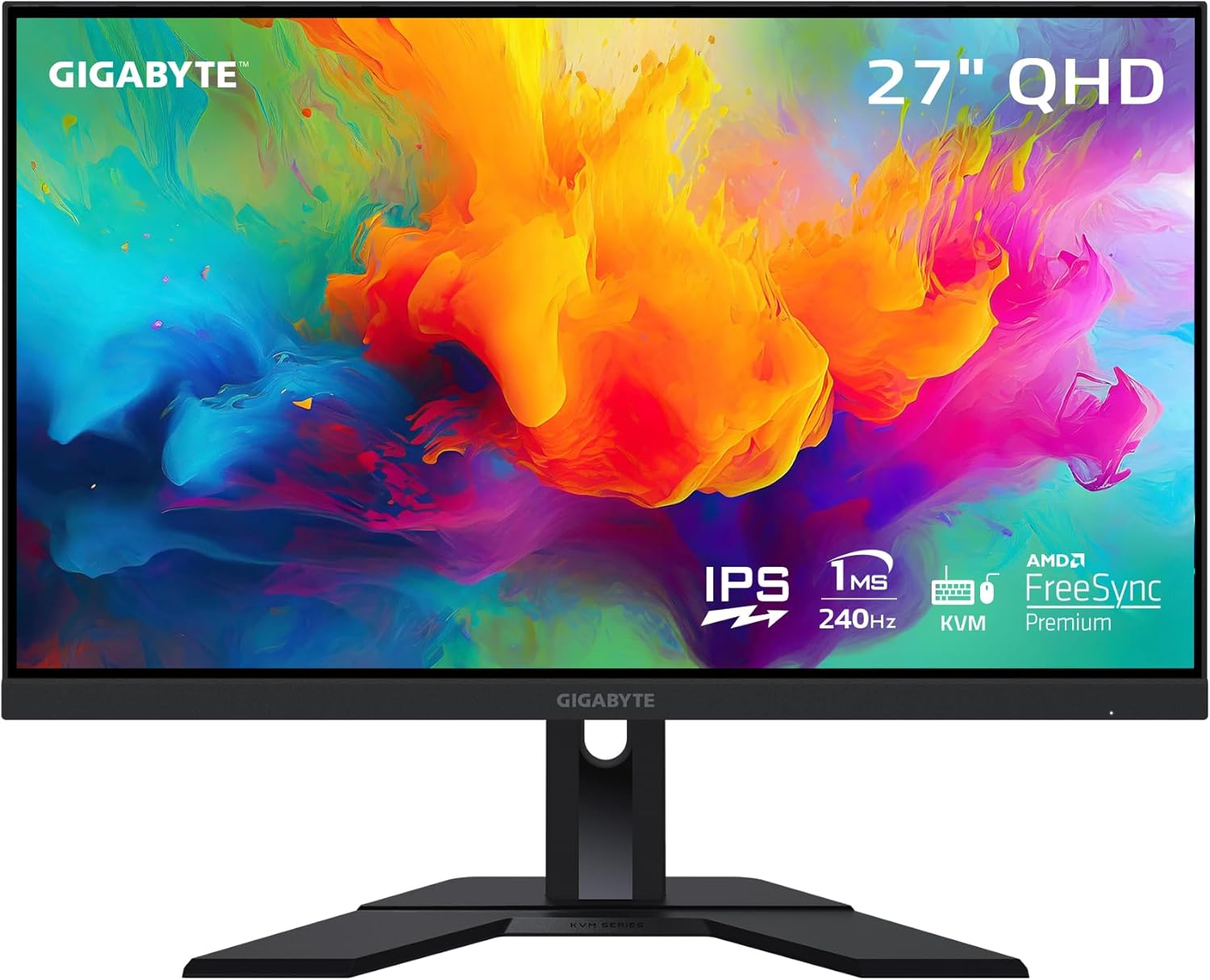
~$300 | 27" | 1440p | 240Hz | SS IPS | 1ms
This was actually the monitor I almost bought before Josh ruined everything. And honestly? If I hadn’t seen the OLED first, I’d be perfectly happy with this thing.
The M27Q X does 1440p at 240Hz for around three hundred bucks. That’s insane value. A year ago this spec range was $450+. The IPS panel is sharp, colors are solid (92% DCI-P3 which is actually really good for the price), and the built-in KVM switch is genuinly useful if you switch between a work laptop and gaming PC. We use it, didn’t expect to, but its convenient.
One thing that bugs me — Gigabyte uses an SS IPS panel (Super Speed IPS) and while the response times are good, there’s definitely more smearing in dark scenes compared to the AOC OLED. You notice it in horror games or anything with dark environments. During the day or in bright games? Basically invisible.
A guy on r/Monitors did a pretty thorough comparison between this and the older M27Q rev 1.0 and said the X version is noticeably better in motion clarity. DisplayNinja also called it one of the cheapest 1440p/240Hz monitors you can get, and they’re right.
Who should buy this: Competitive gamers who want high refresh without going broke. Also great if you use your monitor for work too — no burn-in risk, good color accuracy, KVM switch.
Skip if: You game mostly in dark rooms playing atmospheric games. The OLED contrast difference is real.
ASUS TUF VG27AQ1A — The Budget King That Won’t Embarrass You
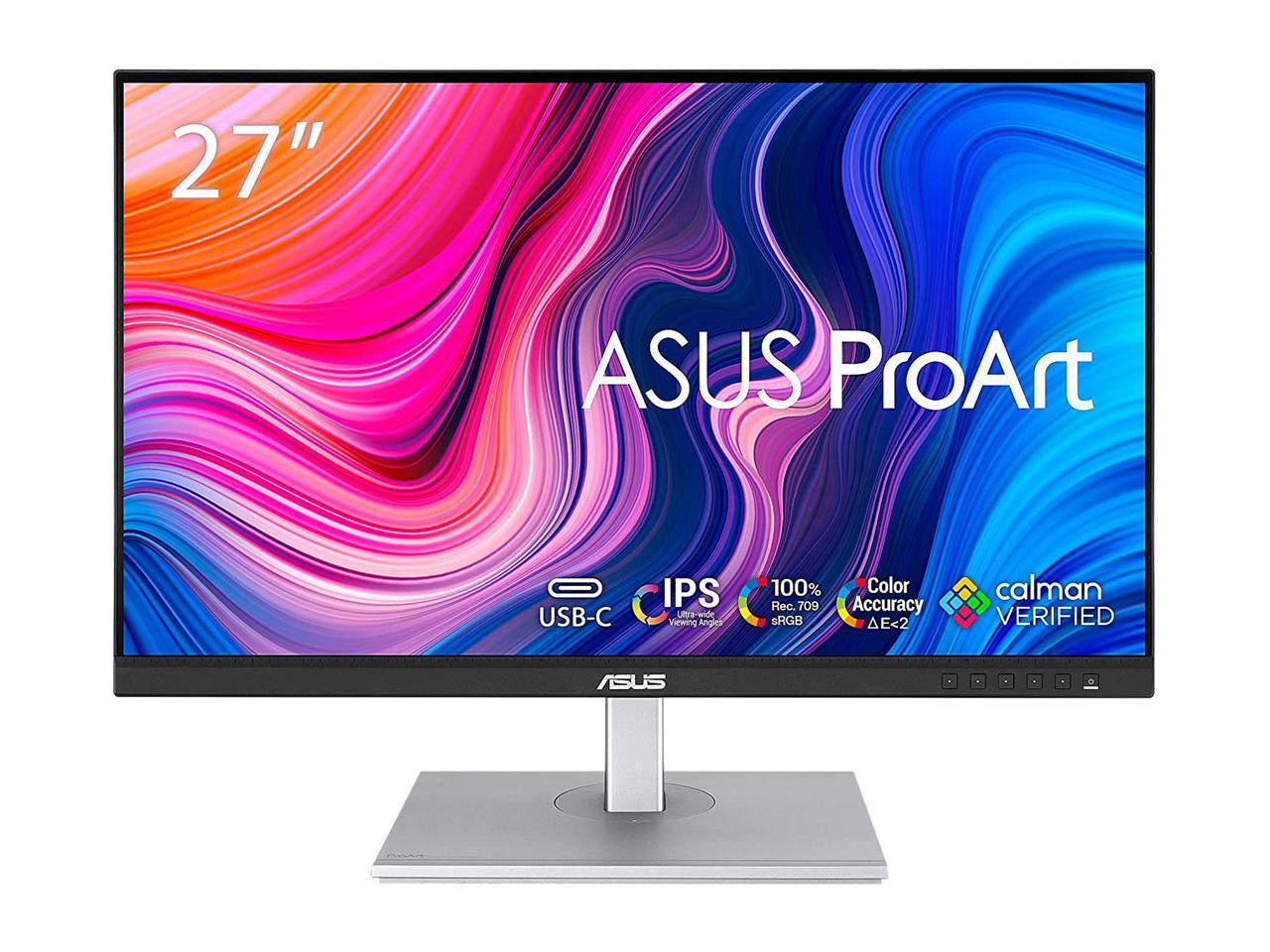
~$220 | 27" | 1440p | 170Hz | IPS | 1ms
Okay so this is the monitor I’d recommend to literally anyone who says “We want a good gaming monitor but I don’t want to spend a lot.” It’s the boring, reliable answer and I mean that as a compliment.
1440p at 170Hz (overclocked from 144Hz) for around $220. G-SYNC compatible so it works with both Nvidia and AMD. The IPS panel is fine — not exceptional, not bad. Colors are accurate enough that photo editing is doable if you’re not a professional. HDR is… there. Don’t buy it for HDR, that’s mostly marketing at this price point.
I actually used this as my daily monitor for about two weeks while deciding between the AOC and Gigabyte. What surprised me was how little I missed when just browsing the web or doing work. Gaming is where you notice the difference — the 170Hz feels smooth but 240Hz is smoother, and the contrast ratio compared to OLED isn’t even close.
But $220 vs $470? Thats a big gap. If you’re coming from a 1080p 60Hz setup like I was, this will blow your mind regardless.
RTINGS had it as a solid mid-range pick and I’ve seen it pop up on multiple “best budget 1440p” lists. The build quality is typical ASUS TUF — plasticky but functional. The stand has decent adjustability though which is better than what AOC gives you at twice the price. Ironic.
Who should buy this: First-time 1440p upgraders, budget-conscious gamers, anyone who wants “good enough” without overthinking it.
Skip if: You’ve already experienced 240Hz or OLED. You’ll be disappointed going backward.
Quick Comparison
| AOC Q27G4ZD | Gigabyte M27Q X | ASUS TUF VG27AQ1A | |
|---|---|---|---|
| Price | ~$469 | ~$300 | ~$220 |
| Panel | QD-OLED | SS IPS | IPS |
| Resolution | 1440p | 1440p | 1440p |
| Refresh | 240Hz | 240Hz | 170Hz |
| Response | 0.03ms | 1ms | 1ms |
| HDR | Yes (real) | HDR400 (meh) | HDR10 (marketing) |
| Best for | Picture quality | Speed + value | Budget |
So What Should You Actually Buy?
If you can stretch to $470 — get the AOC. We know thats easy to say but the OLED difference is not subtle. Every review site agrees on this one, and I’m telling you from personal experience that it changes how you feel about gaming. Sounds dramatic. It is a little dramatic. But its true.
If $300 is your ceiling, the Gigabyte M27Q X is the move. You’re getting 240Hz at 1440p which was premium territory not that long ago. The KVM switch and USB-C are nice bonuses that most monitors at this price dont offer.
And if you just need something solid under $250, the ASUS VG27AQ1A is boring in the best way. It does everything well, nothing exceptionally, and you’ll never feel like you wasted money on it. Thats worth something.
Whatever you do, dont buy a 1080p monitor in 2026. Even the cheapest 1440p options are so close in price now that theres no reason to settle. Your eyes will thank you.