I thought e-readers were kind of pointless.
Physical books are better for the soul, right? The smell, the weight, the satisfaction of seeing your progress. And my phone has a Kindle app, so why spend $160 on a single-purpose device?
Then I moved apartments. And I realized I owned 47 books I’d never read, plus another 30-something I’d read once and would never touch again. They took up an entire wall. When I did the math on what I’d spent vs what I could have spent on ebooks, I felt genuinely ill.
So We bought a Kindle Paperwhite. Then I returned it. Then We bought a Kobo. Then We bought a different Kindle. Then I almost — almost — dropped $400 on a Boox tablet before coming to my senses.
Six months and way too much money later, I finally understand what actually matters when choosing an e-reader. And it comes down to one question that no review seems to ask.
The Question Nobody Asks
Here it is: Where do you get your books?
Not “how many books do you read” or “do you want a color screen” or any of that. Just — where do your ebooks come from?
If you buy from Amazon, get a Kindle. Full stop. The ecosystem is locked down, yes, but the experience is unmatched. Whispersync between your phone and device. One-click purchases. Reading progress that follows you everywhere.
If you borrow from libraries via Libby, get a Kobo. Libby works on Kindle too, but it’s clunky — you have to “send to Kindle” which requires multiple steps and sometimes fails silently. On Kobo, Libby integration is built-in. You sign into your library and borrow directly on the device. Its genuinely seamless in a way Kindle isn’t.
If you pirate ebooks or buy from multiple stores (Kobo, Google Play, direct from publishers), get a Kobo or a Boox. Kindle makes sideloading files annoying on purpose. Kobo accepts epubs natively. Boox runs Android so you can install whatever.
That’s it. That’s the actual decision tree. Everything else is secondary.
The Four E-Readers I Tested
Let me walk you through what I actually bought and returned over the past 6 months.
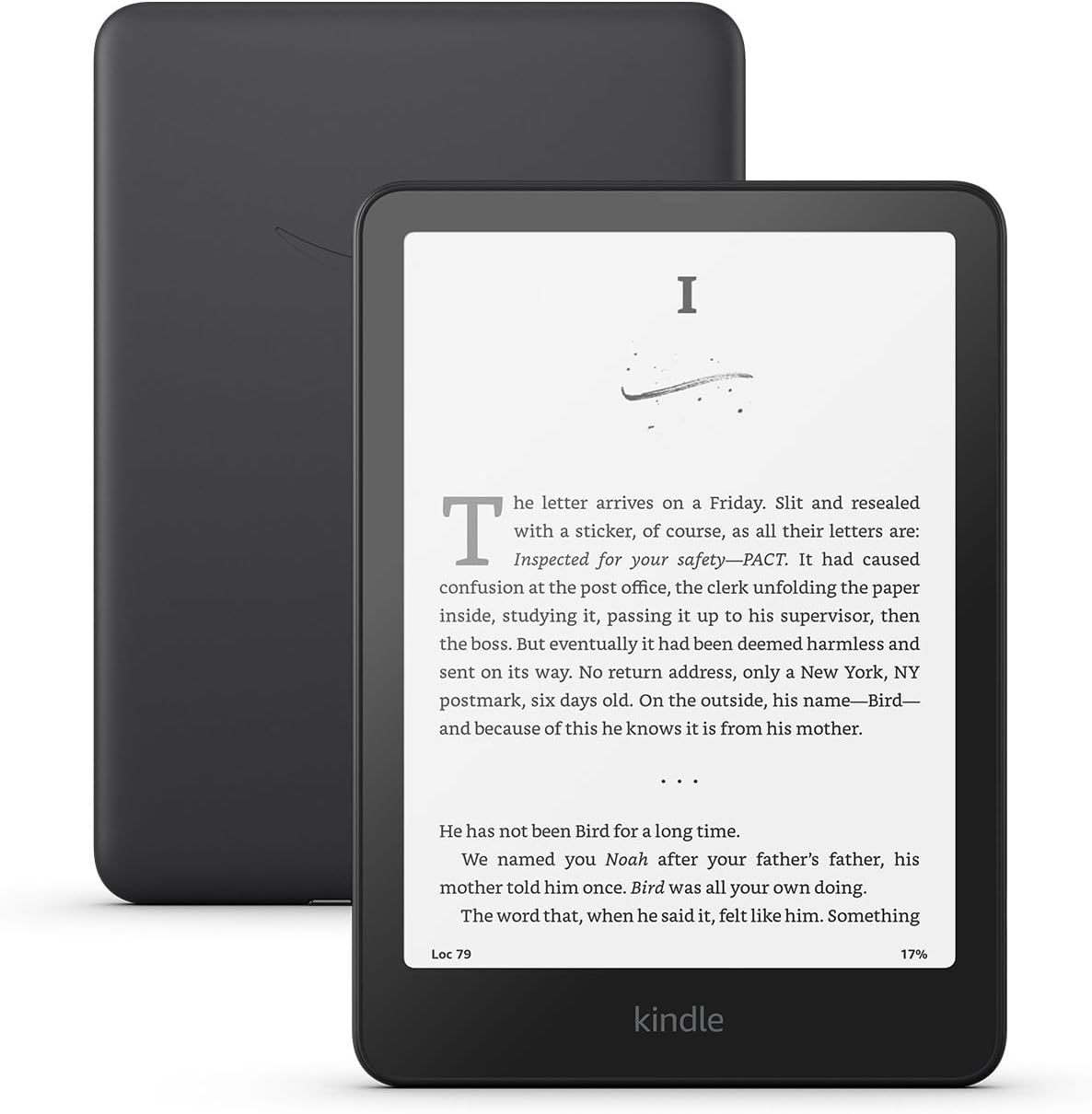
Kindle Paperwhite 2024 — The One I Kept
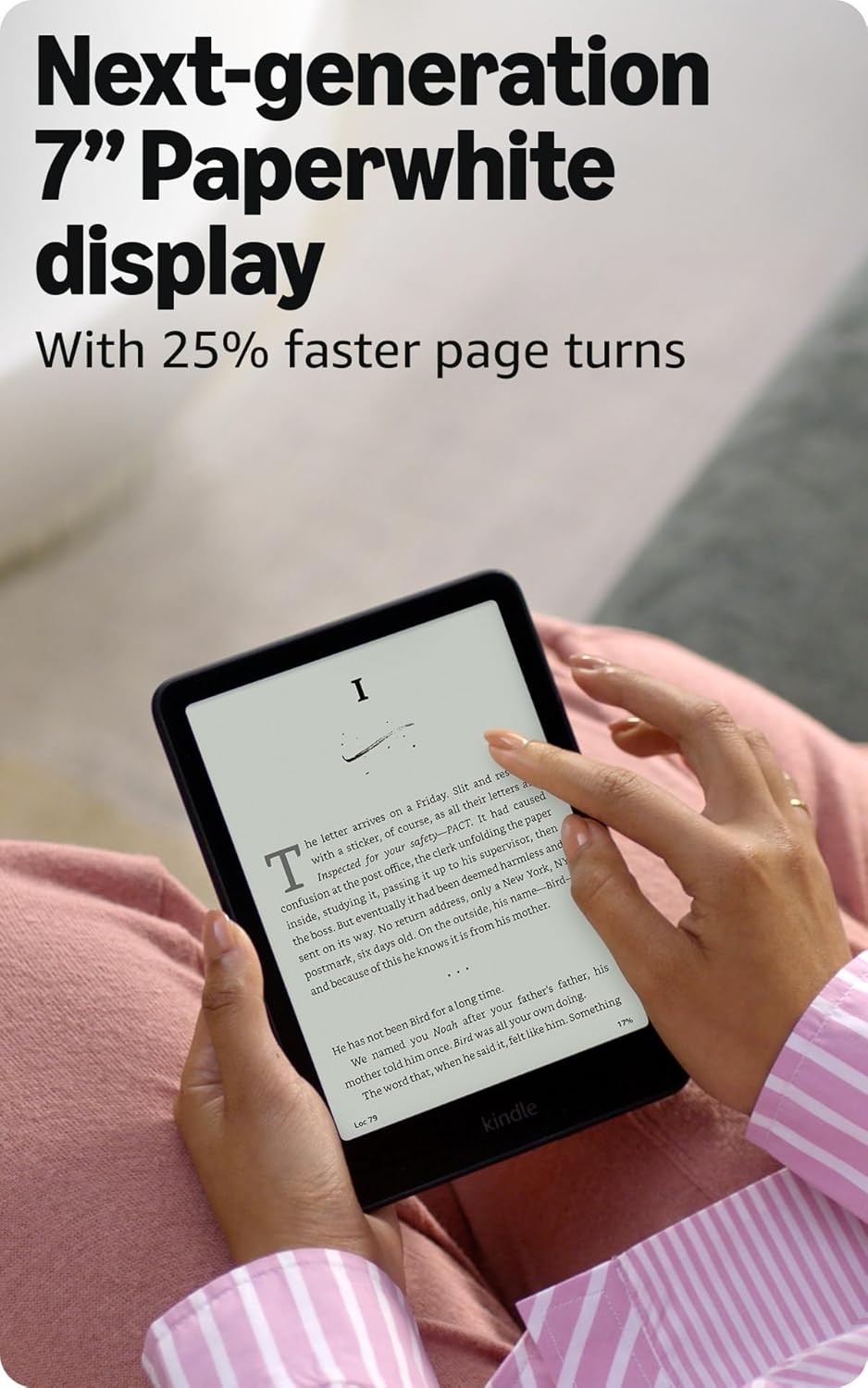
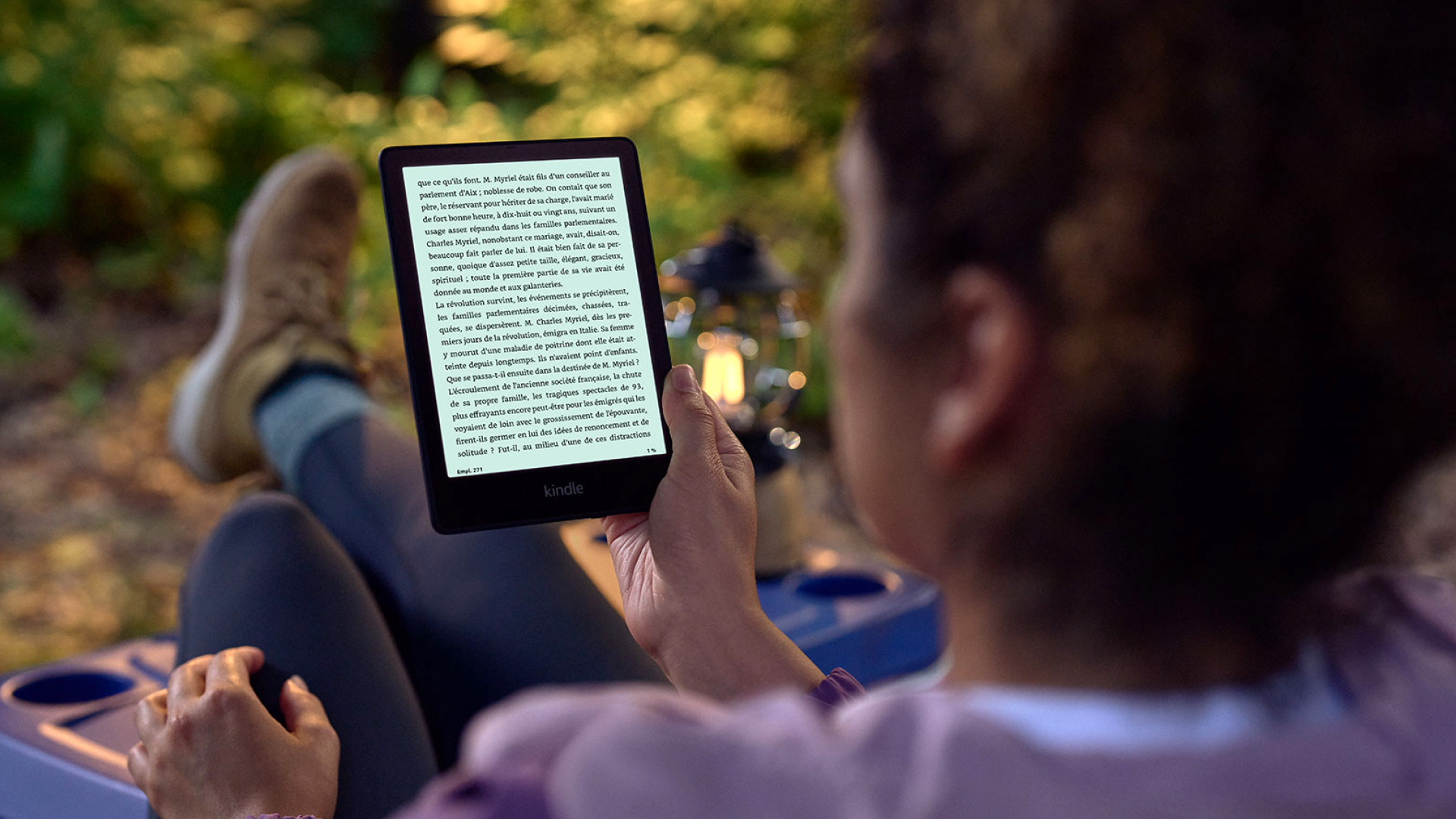
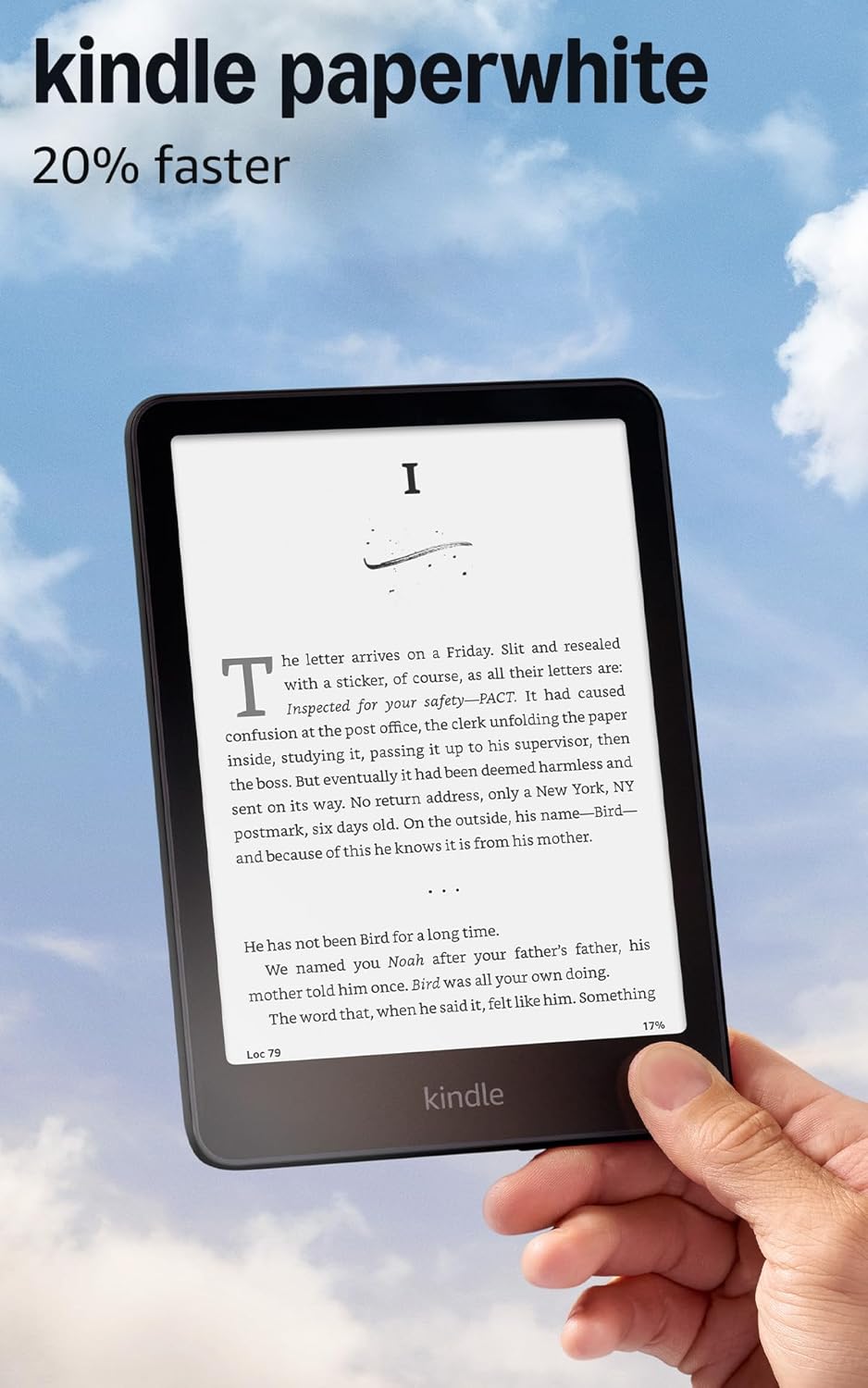
I’ll cut to the chase: this is the one We use every day now. The 2024 Paperwhite hit a sweet spot that the previous generation missed.
The screen is 7 inches now (up from 6.8), which doesn’t sound like much but makes a real difference. Page turns are noticeably faster — Amazon claims 20% faster, and We believe it. The display has this… crispness? Darker blacks, better contrast. Hard to quantify but obvious when you see it.
What surprised me was the battery. I charged it once when I got it in early October. Didn’t need to charge again until late November. And I was reading at least 30-45 minutes every night.
The annoying bits: lockscreen ads are dumb (pay $20 to remove them, I didn’t). The font customization is weirdly limited compared to Kobo. And Amazon removed the “Download and Transfer” feature for ebooks, which pissed off a lot of people who sideload content.
Price: $159.99 (or $199 for the Signature Edition with more storage and wireless charging)
Kobo Libra Colour — Best for Library Borrowers
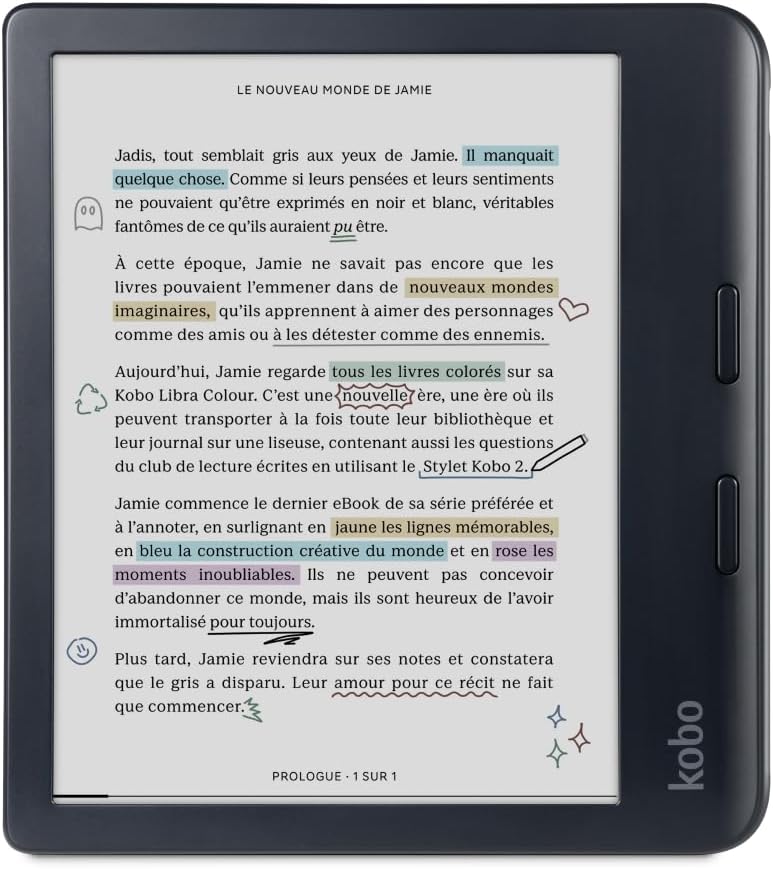
This was my second purchase, after returning my first Kindle because I wanted library integration that didn’t suck.
The Kobo Libra Colour is really good at what it does. The color E-Ink display is neat — book covers look correct, graphic novels are readable, and you can highlight in different colors. The physical page-turn buttons are chef’s kiss. Way better than tapping a screen when you’re holding the device one-handed.
And yeah, the library integration. We have two library cards (one local, one from a big city library I pay an out-of-state fee for). Both work flawlessly through OverDrive/Libby on the Kobo. Borrow a book, it just… appears on my device. No emailing, no USB cables, no nonsense.
The downsides: the color screen looks grainy in black and white compared to my Paperwhite. Like, noticeably so. We found myself squinting more. Also, the device is chunky — that asymmetric design with the buttons makes it awkward in a bag or pocket. And the software, while more flexible than Kindle, feels slower and less polished.
I ultimately returned it because 90% of my reading is Amazon purchases, not library borrows. But if I primarily used libraries, this would be my daily driver without question.
Price: $229.99 (or around $200 on sale)
Kobo Clara BW — The Budget Pick That Surprised Me
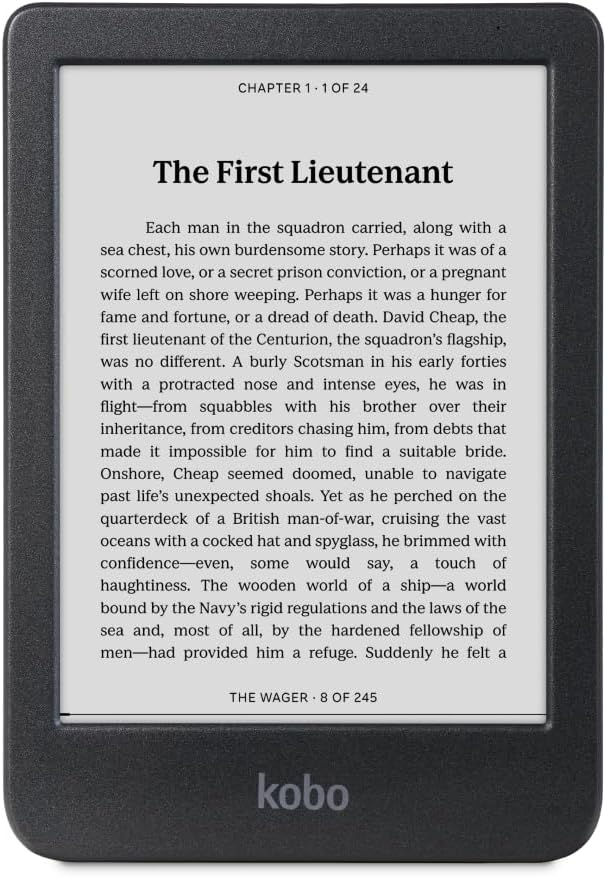
After returning the Libra Colour, I grabbed the Clara BW on impulse. It was $140, waterproof, and had the latest E-Ink screen without the color (which I’d decided I didn’t need).
This little thing impressed me. The E-Ink Carta 1300 display — same tech as the Kindle Paperwhite 2024 — is genuinely excellent. Sharp text, good contrast, minimal ghosting. It’s smaller at 6 inches, which some people prefer for portability.
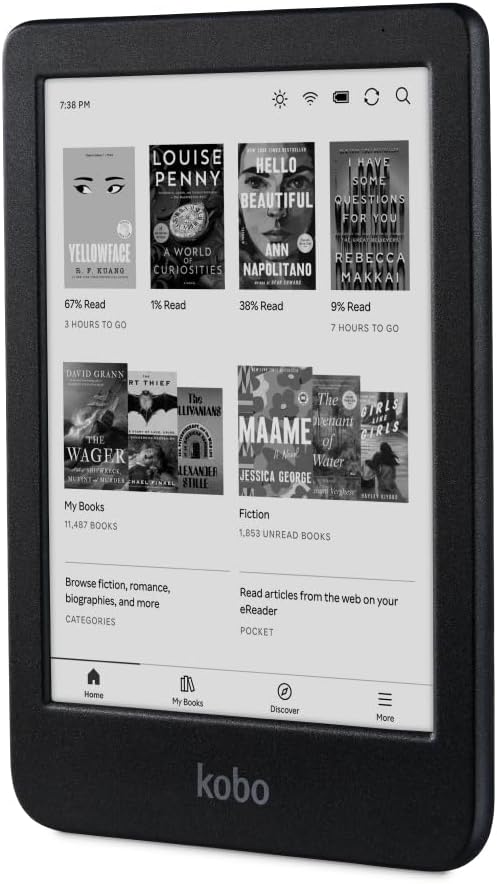
The big selling point is repairability. Kobo partnered with iFixit so you can actually buy replacement batteries and screens. In a world of disposable electronics, that matters to us.
But I returned this one too. Why? I missed the bigger screen. And honestly, Amazon’s ecosystem is just more convenient when you’re already in it. Kobo’s store is fine but the selection is smaller, prices are slightly higher, and the reading experience (syncing, recommendations, organization) isn’t as polished.
Price: $139.99
Amazon Kindle Basic (2024) — Skip This One
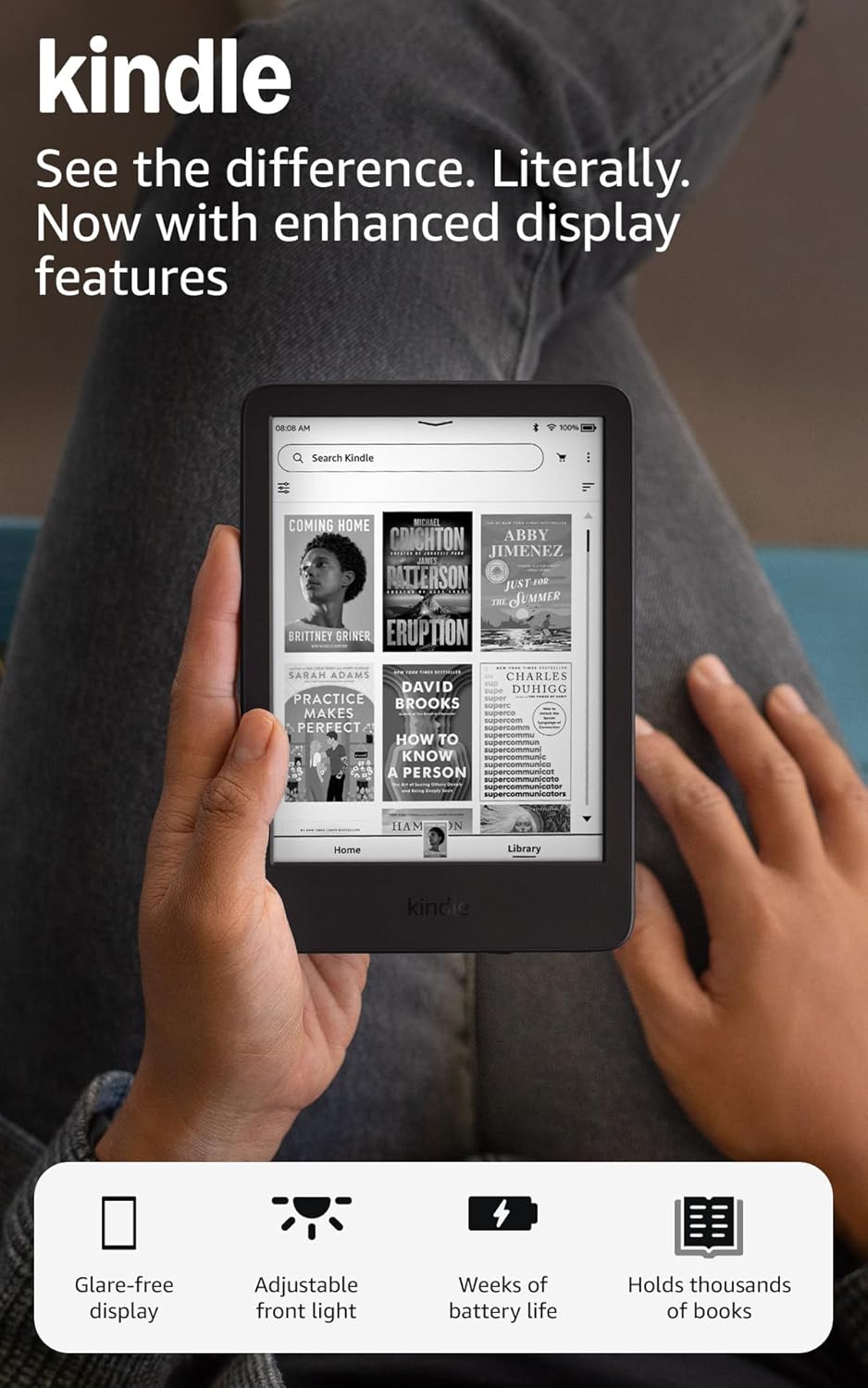
I also briefly tried the basic Kindle. At $109, it’s the cheapest option from Amazon.
It’s… fine? The screen is 6 inches, same 300 ppi resolution as the Paperwhite, and it’s noticeably brighter than the previous generation. But there’s no warm light adjustment, no waterproofing, and the build feels cheaper.
The $50 difference between this and the Paperwhite is 100% worth it. The bigger screen, warm light, and waterproofing are features you’ll actually use. Don’t cheap out here.
Price: $109.99
What I Learned (That Reviews Don’t Tell You)
After all this testing, here are the things We wish someone had told us upfront:
E-Ink is a different experience from reading on a phone. I was skeptical about this — screens are screens, right? But there’s something about E-Ink that makes long reading sessions comfortable in a way that LCD never is. We used to get headaches reading on my phone for an hour. No issues with the Kindle after 2-3 hour sessions.
The lock screen ads are not a big deal. I was annoyed on principle, but honestly We see the ad for like 0.5 seconds before it wakes up. Not worth $20 to remove in our opinion.
Battery life claims are real. Amazon says 12 weeks, and yeah, pretty much. I’m a moderate reader (maybe 10 hours a week) and I charge my Paperwhite once a month. Maybe.
Waterproofing is more useful than you think. I’ve read in the bath, at the pool, in light rain. Didn’t realize how often I’d use this until I had it. The basic Kindle lacking this feature is a dealbreaker for us now.
The ecosystem lock-in is real but maybe fine? People complain about Amazon’s walled garden. And yes, if you switch to Kobo later, you’ll lose access to your purchased books. But realistically… am I switching e-reader ecosystems? Probably not. I’m already locked into Apple, Google, Amazon for various things. One more isn’t the end of the world.
My Recommendations
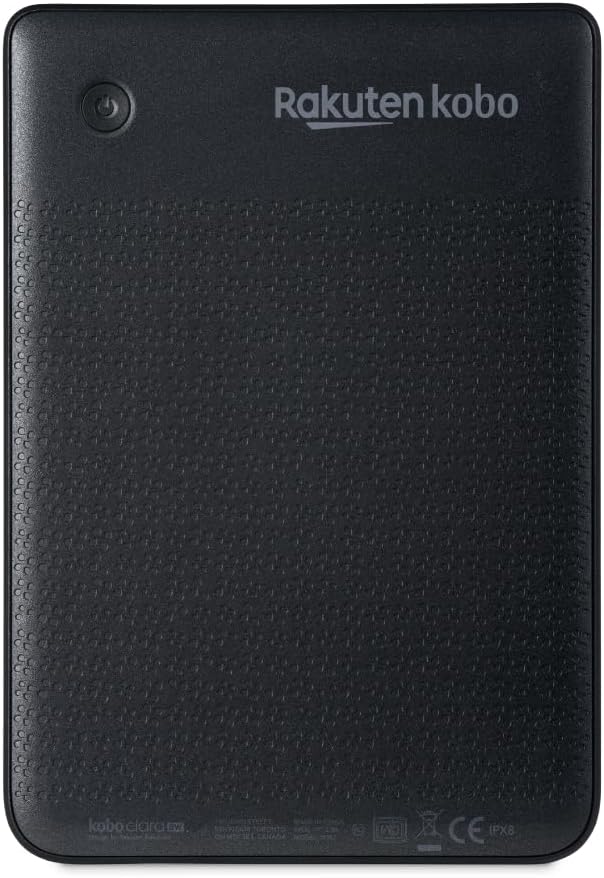
If you’re starting from scratch and want the best overall experience:
Kindle Paperwhite 2024 — $159.99. Best screen, best performance, best ecosystem if you buy from Amazon or already have Kindle books.
Kobo Libra Colour — $229.99. Best for library borrowers, epub readers, or people who want page-turn buttons and color covers.
Kobo Clara BW — $139.99. Best budget option that doesn’t feel like a compromise. Great screen, waterproof, repairable.
Skip the basic Kindle. Spend the extra $50 for the Paperwhite.
Skip color E-Ink unless you read comics/graphic novels. It adds cost and reduces screen quality for regular reading.
Skip Boox unless you know exactly why you need Android on an e-reader. They’re powerful but overly complicated for most people.
Here’s the thing about e-readers that took me 6 months to understand: they’re all pretty good now. The 2024/2025 generation of Kindle and Kobo devices have reached a point where there are no bad options in the $130-230 range. They all have sharp screens, weeks of battery life, and features like waterproofing that used to be premium-only.
The differences are in the ecosystems, not the hardware. Figure out where your books come from, and the right choice becomes obvious.
I’m sticking with my Kindle Paperwhite. It fits how I read — buying from Amazon, syncing across devices, and not overthinking it. Your right answer might be diffrent.