So here’s the embarassing thing — I spent almost a year blaming my monitor for the headaches I was getting every afternoon around 3pm. Bought blue light glasses. Tried f.lux. Changed my monitor’s brightness like twelve times. Even went to the eye doctor, who basically told me my eyes were fine and I should “take more breaks.” Thanks doc.
Turns out it was my lighting. Or more specifically, the complete lack of it.
I was working in a room with one overhead light — a basic ceiling fan light that was like 8 feet behind me — and nothing else. My monitor was basically the brightest thing in the room, and the contrast between the screen and the dark desk around it was murdering my eyes. Once I figured that out I went on a bit of a lamp-buying spree.
The short version: I tested four different desk lamps over about two months. The Quntis Architect Lamp at ~$50 was the best balance of price, coverage, and actual eye comfort. The BenQ e-Reading Lamp is technically better but costs four times as much and honestly the difference didn’t justify it for me.
The Problem Nobody Tells You About
Here’s what I learned after watching a bunch of YouTube videos about office lighting (shoutout to Ben Frain’s channel, he did a really solid overview of BenQ’s lineup): the issue isn’t usually your screen. It’s the contrast ratio between your screen and everything around it.
When your monitor is bright and your desk is dark, your pupils are constantly trying to adjust. That’s what causes the fatigue, the headaches, the dry eyes. A good desk lamp doesn’t just “light up your desk” — it reduces that contrast so your eyes can relax.
The Wirecutter recommends some pricey options but honestly, their top pick at $220+ felt overkill for most people. I wanted to find something under $100 that actually worked.
What I Tested
I tried these four over the course of about 8 weeks, using each one as my primary desk lamp for at least 10 days:
- BenQ e-Reading Desk Lamp (~$200) — the fancy one everyone recommends
- Quntis LED Architect Desk Lamp (~$50) — the clamp-on dark horse
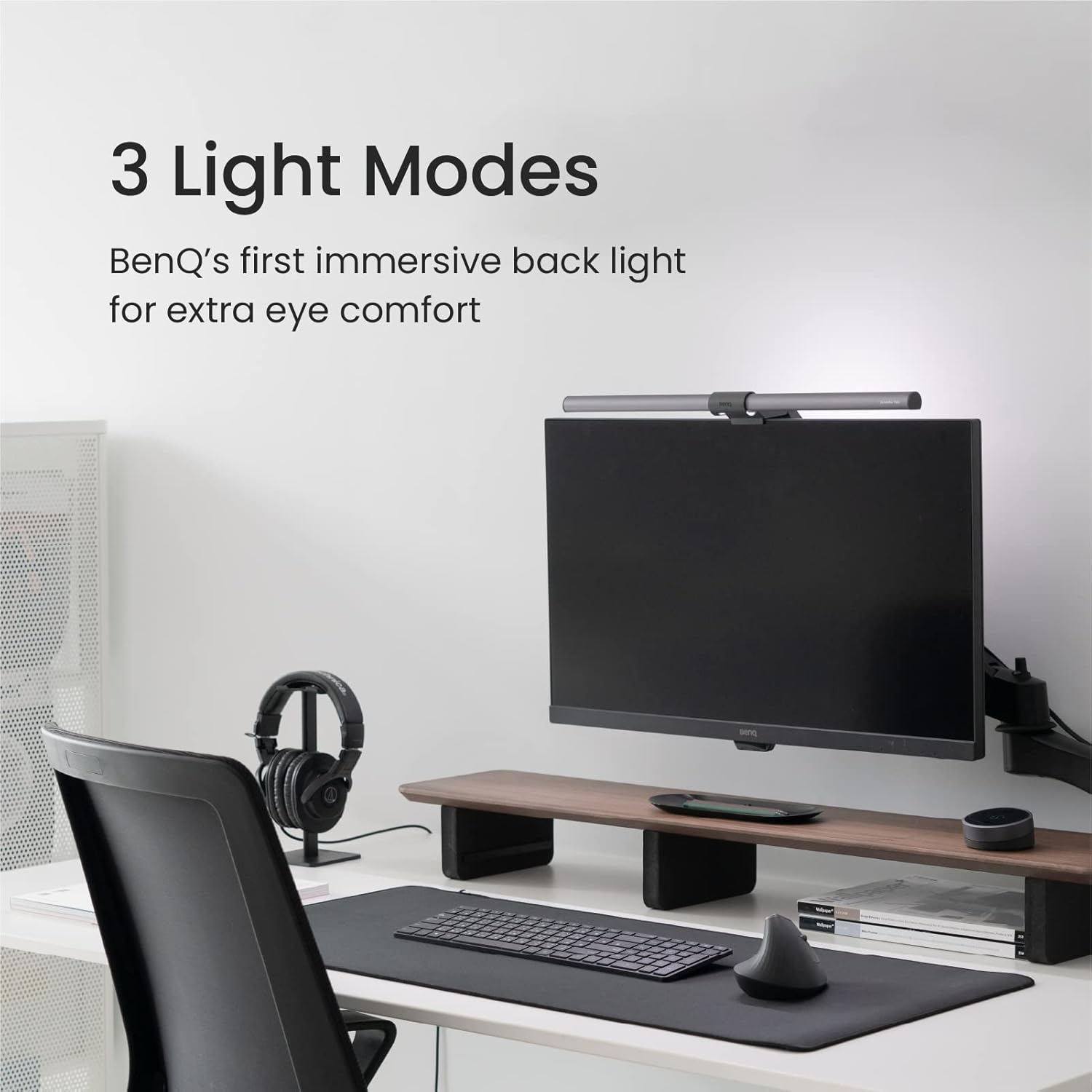
- BenQ ScreenBar Halo (~$180) — monitor-mounted light bar
- Quntis Monitor Light Bar (~$30) — budget monitor bar
Quntis LED Architect Desk Lamp — My Pick
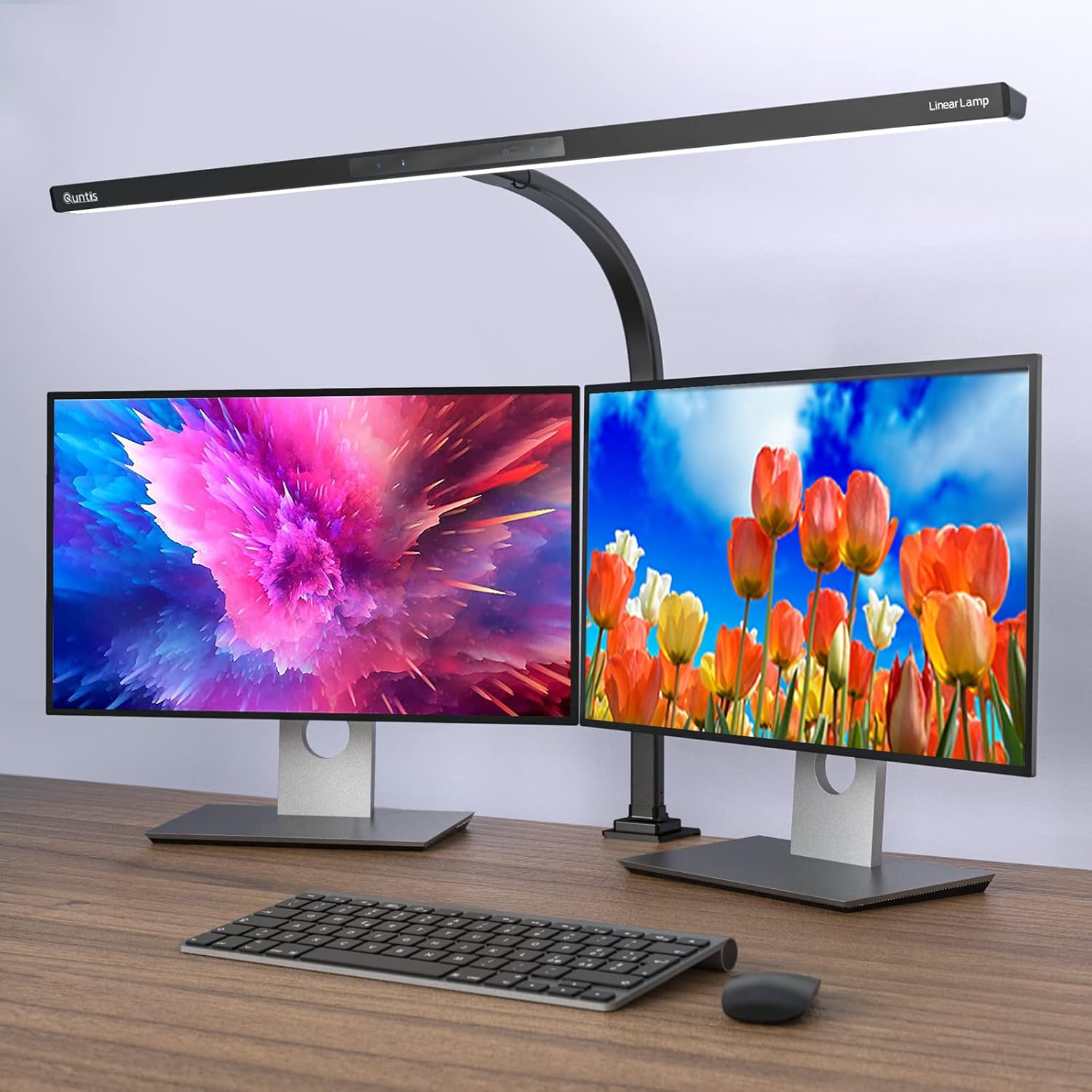
I almost didn’t buy this one. It looked kinda industrial in the Amazon photos and I wasn’t sure if a clamp lamp would feel cheap. But a YouTuber I follow (I think it was a productivity setup video from Matt D’Avella’s channel) had one in the background and I figured if it’s good enough for his desk setup it’s worth trying.
The Quntis architect lamp clamps to the back of your desk and has this 31.5 inch light bar that covers a massive area. Like, way more than a traditional desk lamp. First thing I noticed was how evenly it lit up my entire workspace — keyboard, notepad, coffee mug, everything. No harsh shadows.
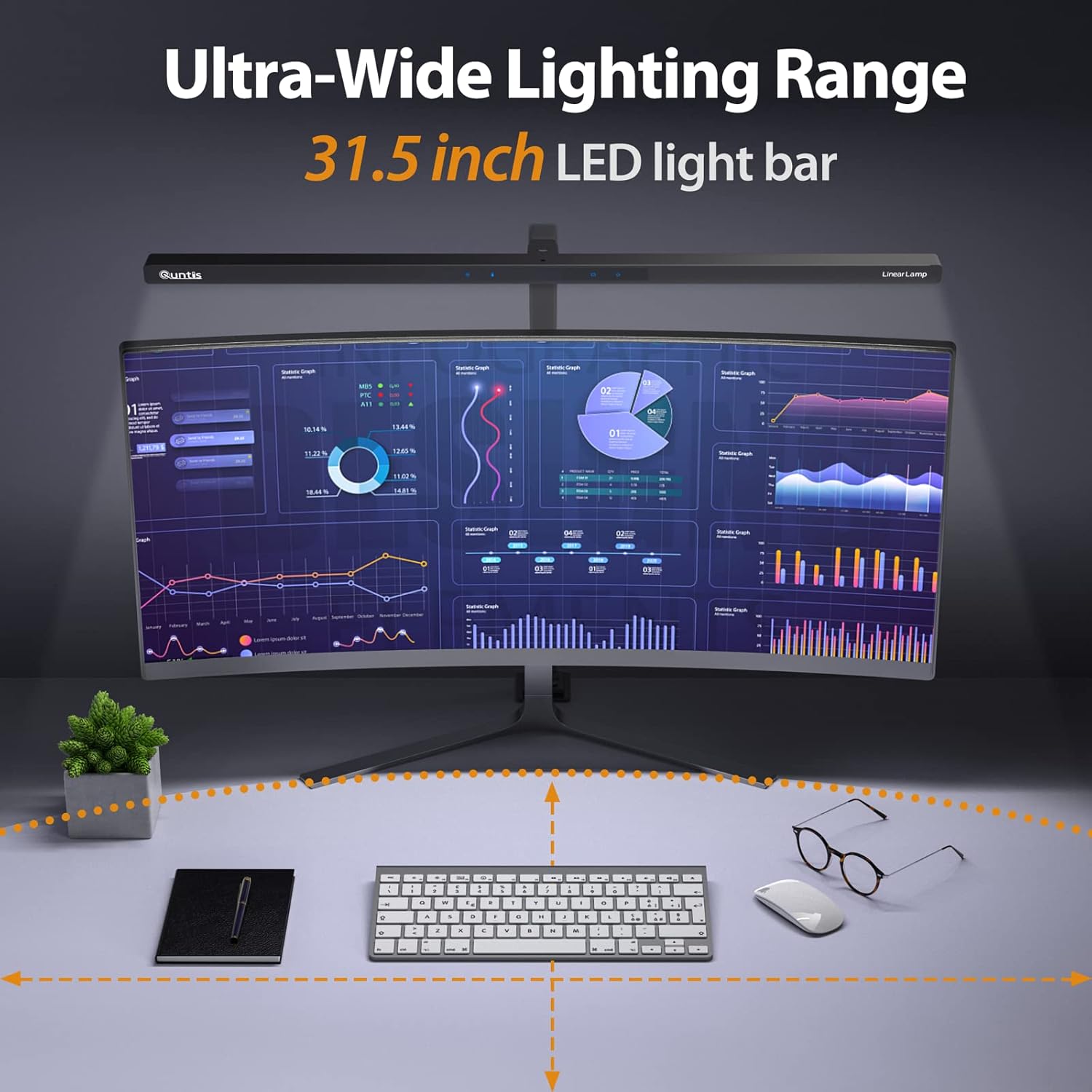
It has an auto-dimming sensor that adjusts brightness based on ambient light, which sounds gimmicky but actually works pretty well. During the day when sunlight comes through my office window it dials itself down. At night it cranks up. You can also set it manually with touch controls on the head — 4 color temperature modes and stepless dimming.
The eye strain test: After about a week with this as my main lamp, the afternoon headaches stopped. Not reduced — stopped. I’m not saying this lamp cured me or whatever, it’s just that having proper even lighting across my desk made a huge differance.
The downsides: It’s not pretty. It looks like something you’d see in an architects office (hence the name I guess). The clamp is sturdy but it does scratch your desk a little — I put a felt pad under mine. And the touch controls can be finicky when your hands are cold.
Price when I bought it: $46.99 on Amazon, January 2026.
BenQ e-Reading Desk Lamp — The Premium Option
Ok so the BenQ e-Reading Lamp is the one that every review site puts at the top of their list. Business Insider calls it their best overall. The Top Zone blog gave it best overall too. And I get it — the build quality is on another level compared to the Quntis.
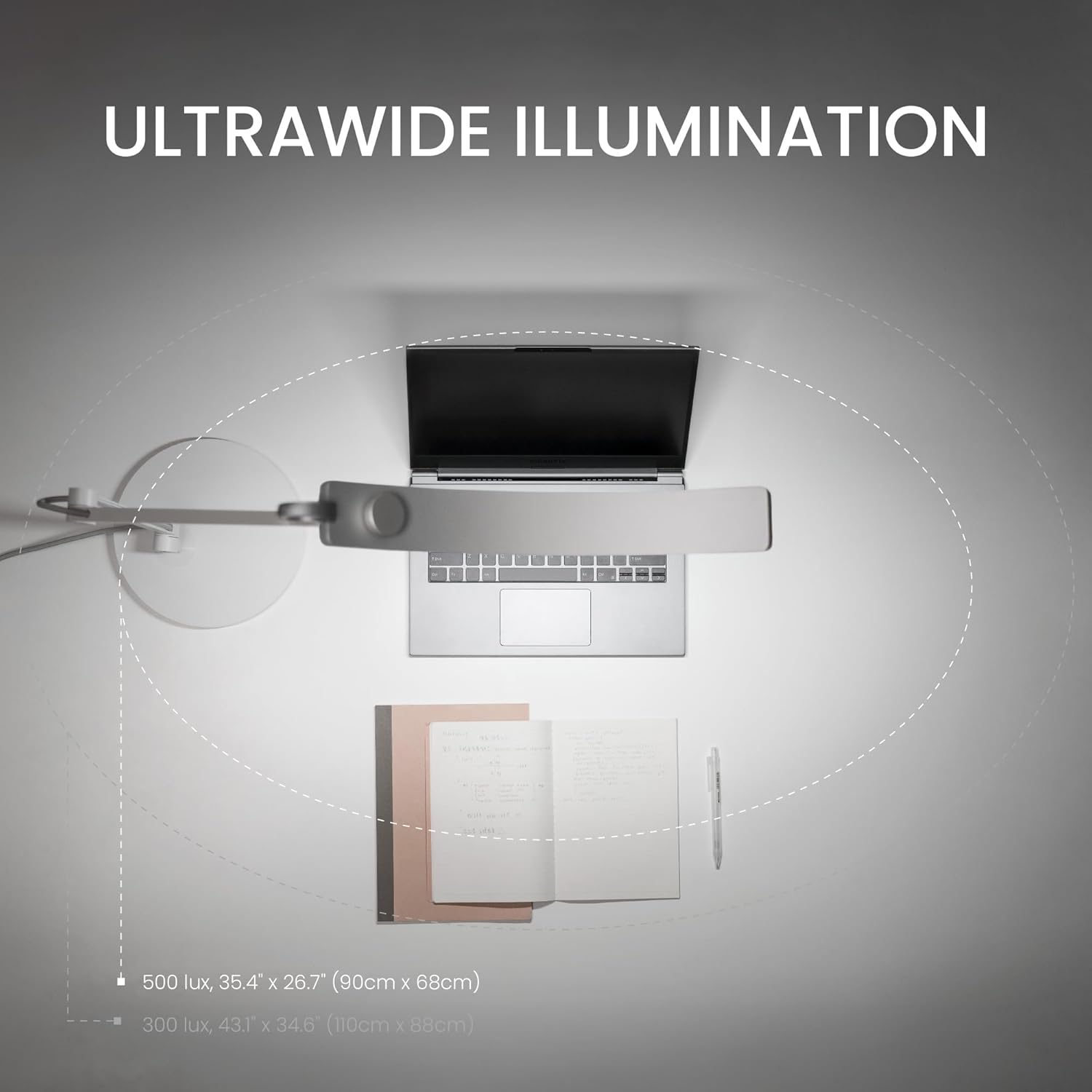
The OVAL-Light technology spreads 500+ lux across a 35 inch wide area, which is bonkers for a desk lamp. It has 13 color temperature settings and 22 brightness levels that you control with this little dial on top of the light head. Theres also an auto-dimming mode that reads the ambient light and adjusts automatically.
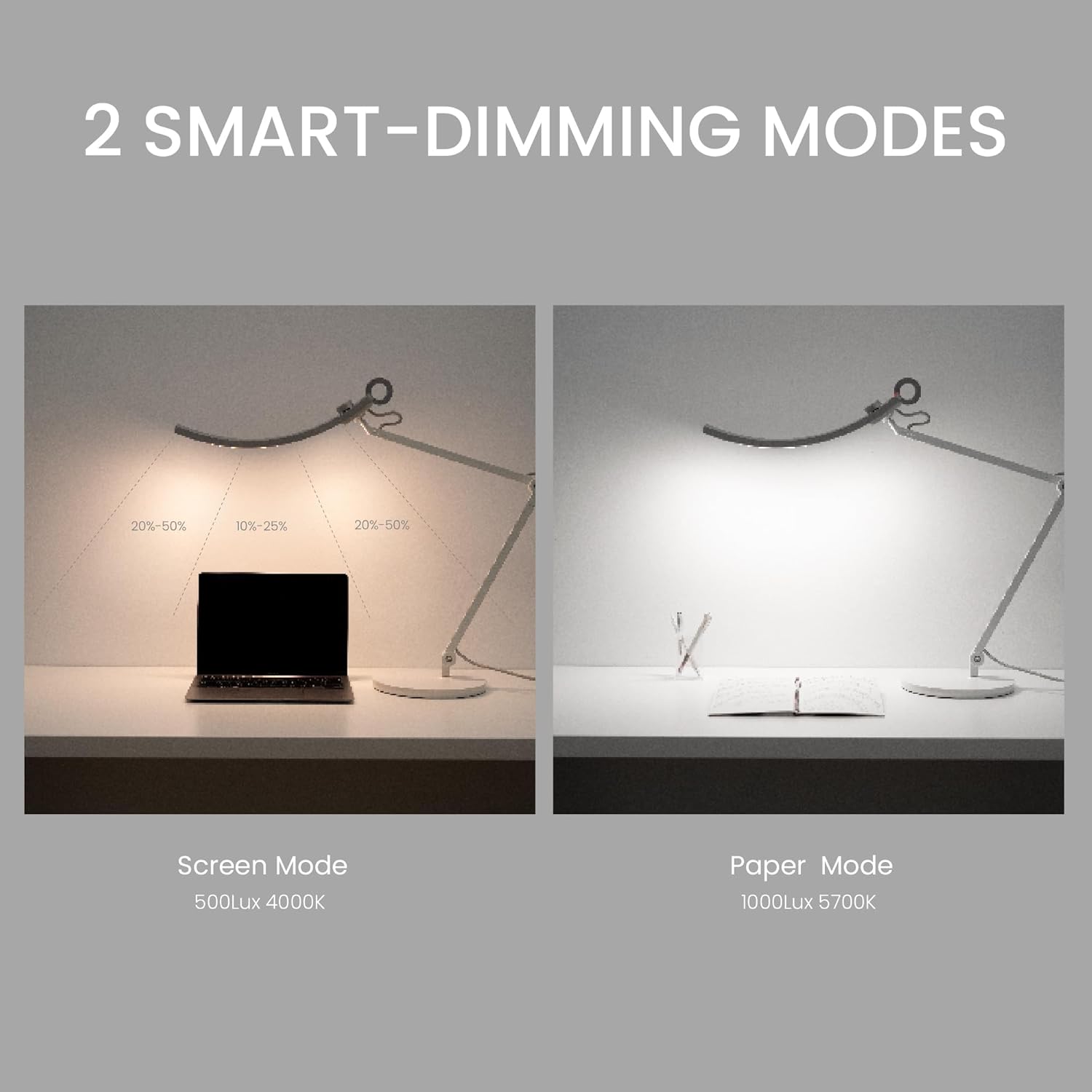
I used this for two weeks and my eyes felt great. The light quality is noticeably better than the Quntis — warmer, more natural, zero flicker. The arm adjusts smoothly and stays exactly where you put it. The weighted base means it won’t tip over even if you bump your desk.
But here’s my issue: it’s $200. For a desk lamp. And while the light quality IS better, it wasn’t “$150 better” than the Quntis in my daily use. If you’re a photographer or designer who needs accurate color rendering at your desk, sure, get the BenQ. For the rest of us doing emails and spreadsheets? The Quntis does 90% of the job at 25% of the price.
Who should buy it: People who spend 10+ hours at a desk, want the absolute best light quality, or need high CRI for color-sensitive work. Also if your desk is really wide (over 4 feet) the BenQ covers more area.
BenQ ScreenBar Halo — Different Category, Still Worth Mentioning
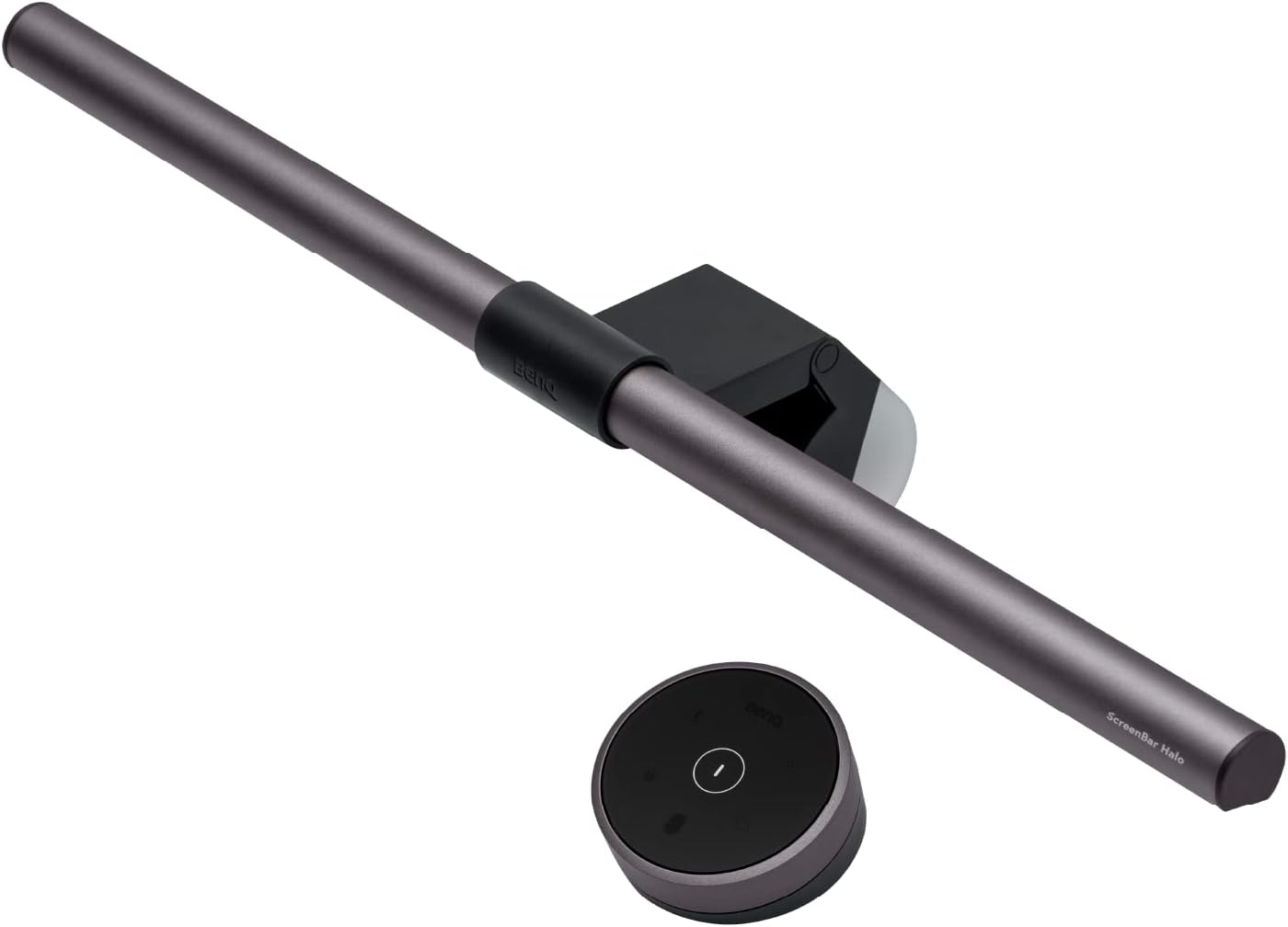
The ScreenBar Halo is a completely different approach — it sits on top of your monitor and lights your desk from above. No desk space used at all. It comes with this wireless puck controller that you just spin to adjust brightness and temperature.
I have mixed feelings. On one hand, it freed up my entire desk surface and the backlight feature (it lights the wall behind your monitor too) looked amazing. My setup looked like a YouTube thumbnail, honestly. The light quality is excellent and zero glare on screen.
On the other hand, it only lights the area directly below and in front of your monitor. If you need to read papers or work on stuff off to the side, you’re in the dark. It’s a monitor lamp, not a desk lamp, and those are different things that people keep conflating in reviews.
My take: Great if your work is 100% on-screen. Not great if you do anything physical at your desk — writing, sketching, soldering, whatever. At $180 its also hard to justify over a traditional lamp unless desk space is really critical for you.
Quntis Monitor Light Bar — The Budget Surprise
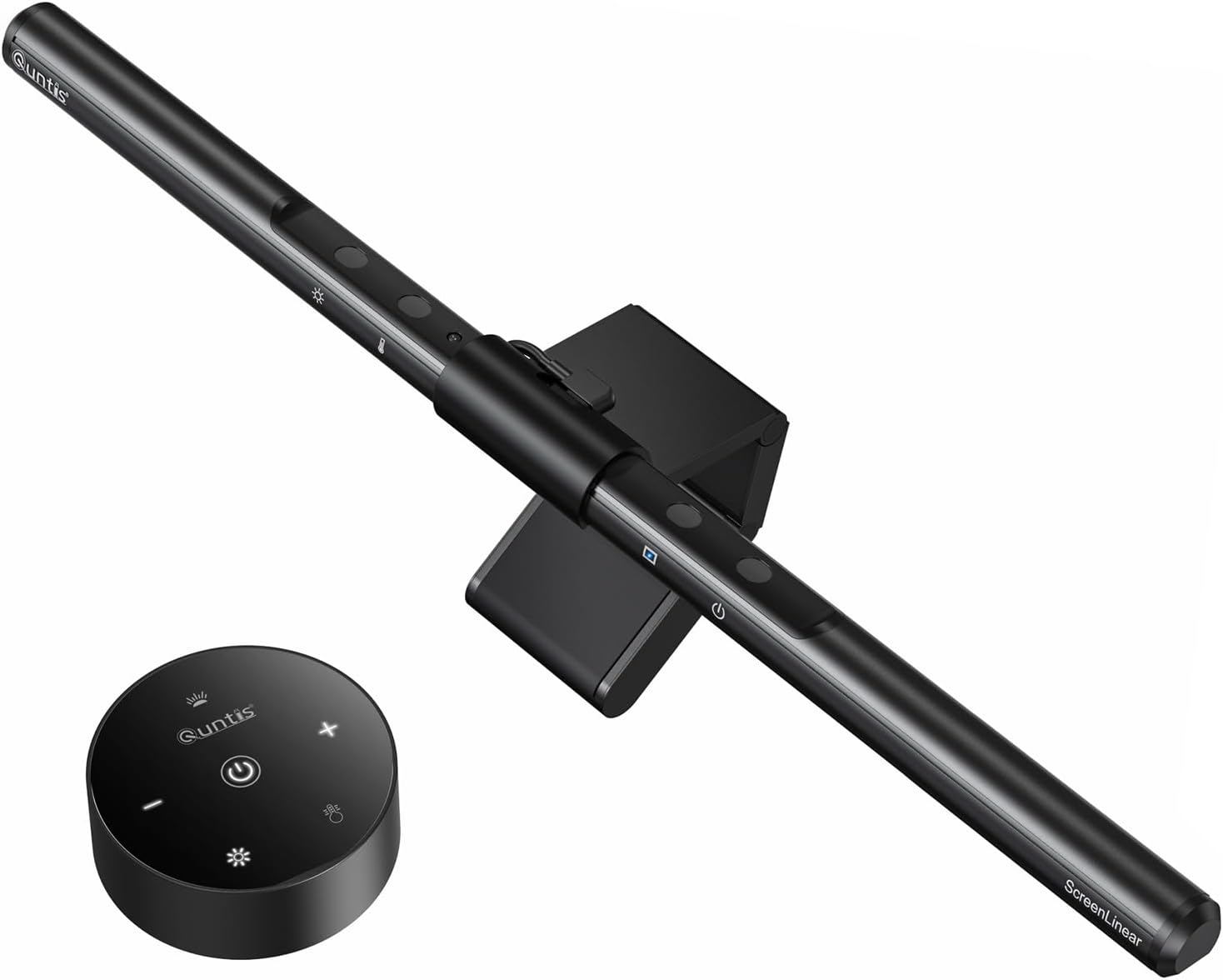
The Quntis Monitor Light Bar does like 80% of what the BenQ ScreenBar does for $30. I know, I know. The r/Workspaces subreddit already figured this out — multiple people over there say “save your money and get the Quntis.”
It clips onto your monitor, plugs in via USB, and has touch controls for brightness and color temp plus an auto-dimming sensor. The build quality is plastic-y compared to the BenQ’s aluminum but it works fine. Been on my secondary monitor for three weeks now and no complaints.
The auto-dimming isn’t as responsive as the BenQ’s and the light coverage is slightly narrower. But for thirty bucks? Come on.
So Which One Should You Get?
Here’s how I’d break it down based on who you actually are:
You work from home and get headaches → Quntis Architect Lamp ($50). This is the one. Wide coverage, even lighting, auto-dimming. It fixed my eye strain and it’ll probably fix yours. Check price on Amazon
You want the absolute best and don’t care about price → BenQ e-Reading Lamp ($200). No question the highest quality lamp I tested. Beautiful light, incredible build. See it on Amazon
Your desk is tiny and you need every inch → Quntis Monitor Light Bar ($30). Zero desk space. Decent light. Hard to beat at this price. Grab one here
You want premium monitor lighting → BenQ ScreenBar Halo ($180). The wireless controller is slick and the backlight feature is genuinely cool. But only if your work is screen-only. Current pricing
One Last Thing
If you’re dealing with eye strain and headaches, definitely check your overall lighting before blaming your screen. I wasted months and like $80 on blue light glasses that didn’t do anything. A $50 lamp fixed what $80 glasses couldn’t.
Also — and I learned this from r/Blind of all places — make sure whatever lamp you get doesnt have a bare bulb in your line of sight. Shade it, angle it away from your eyes, point it at your work surface. Sounds obvious but I see people with desk lamps pointed directly at their face and then wondering why their eyes hurt.
Good luck out there. Your eyes will thank you.